5 Approval

This topic provides systematic instructions about the Approval of the FI Credit Proposal Amendment.

In this stage, the higher officials such as the head of credit department in the bank must review the FI Credit Proposal Amendment application and make necessary decision such as Approve or Reject the application.

Only approval steps are provided in this chapter. Refer Credit Initiation chapter for field level explanation on all the data segments in this stage.

To approve the facility, perform the following steps:

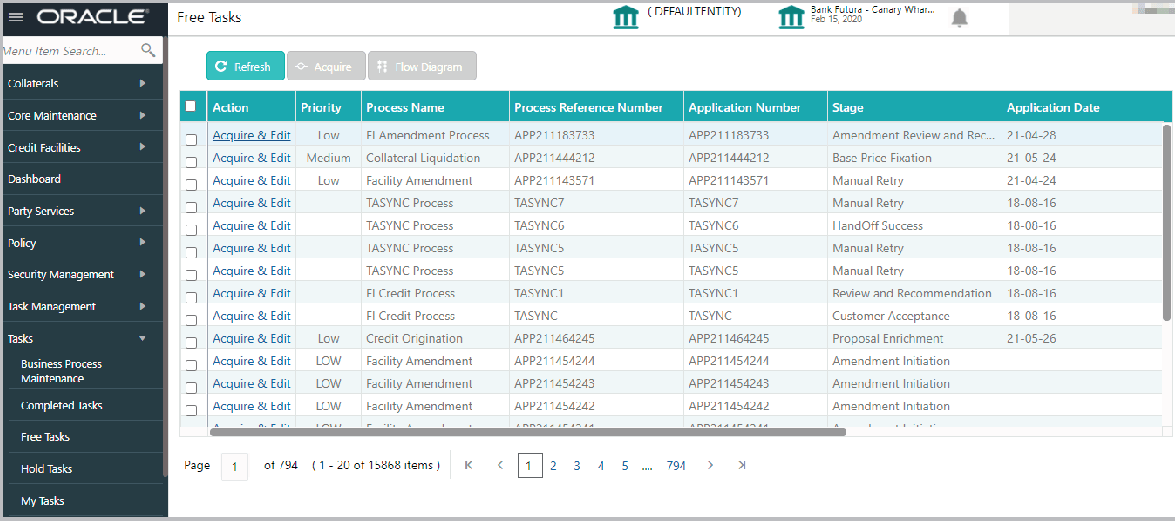
  1. From Home screen, click Tasks. Under Tasks, click Free Tasks.
    The Free Tasks screen is displayed.
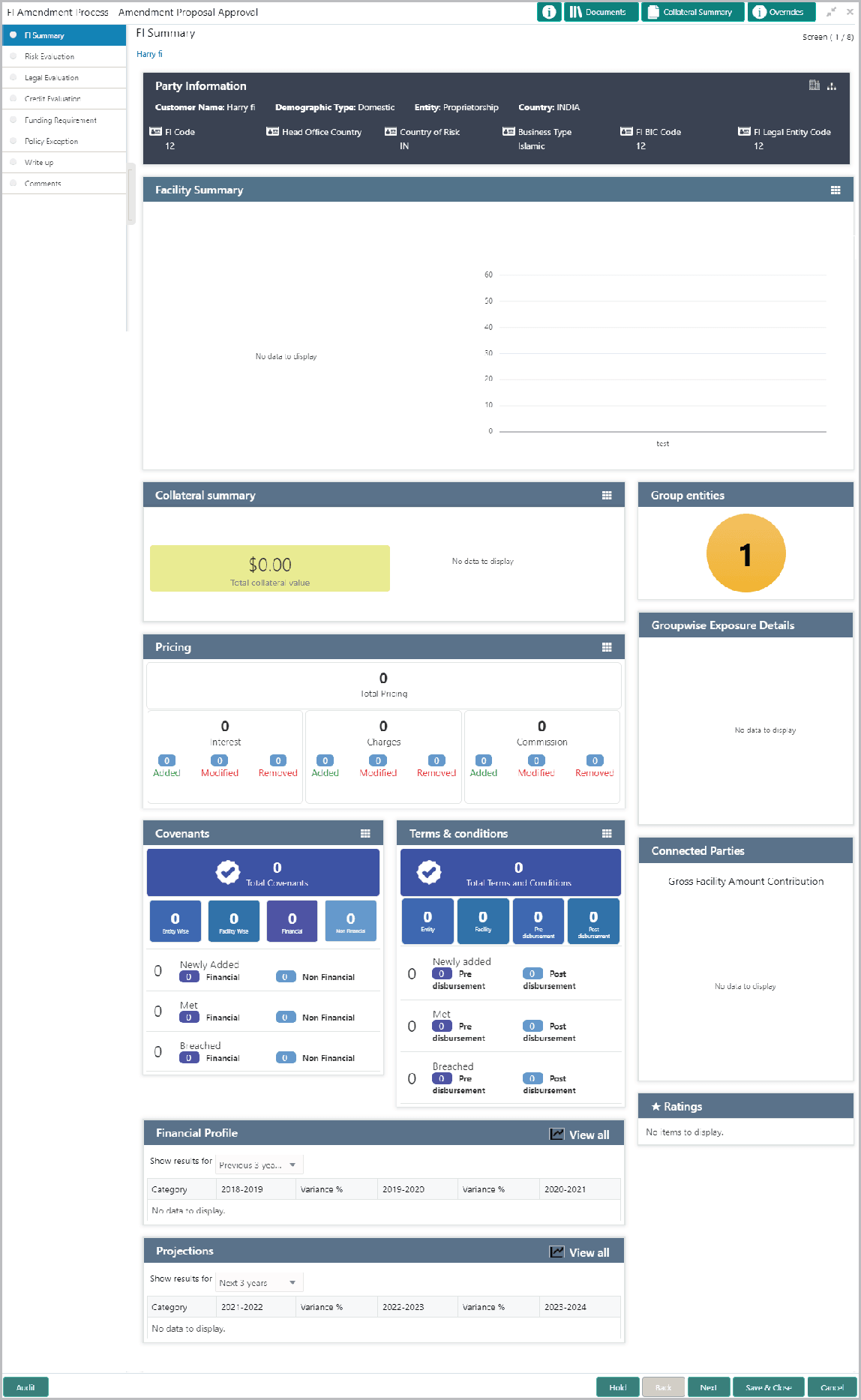
  2. Click Acquire & Edit the required Approval task. The Approval - FI Summary page is displayed.
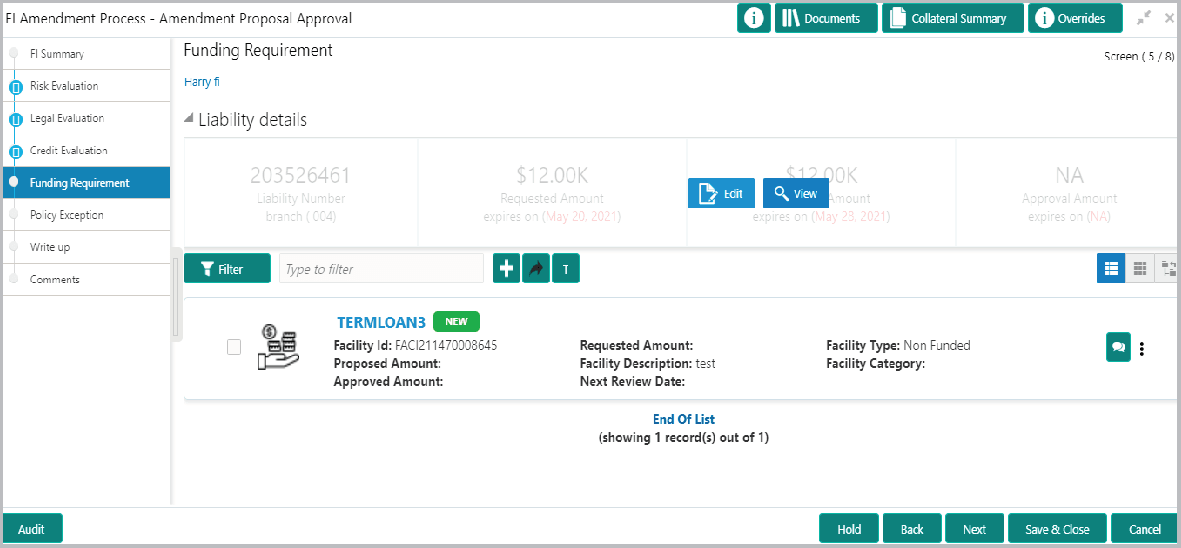
  3. Navigate to the Funding Requirement page by clicking Next.
    The Funding Requirement screen displays.
  4. Mouse hover on the Liability Details section and click the edit icon.
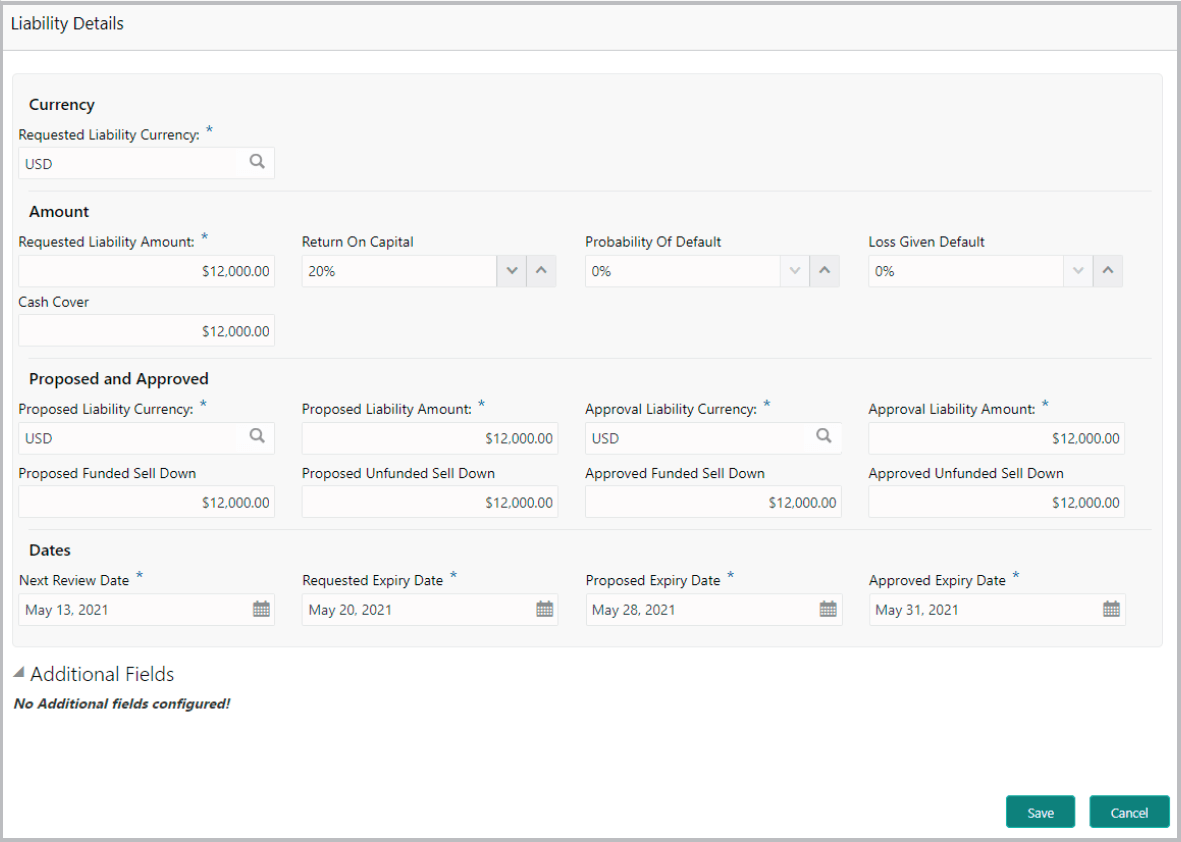
    The Liability Details screen is displayed.
  5. Specify the following amounts in Approval Liability Currency:
    • Approval Liability Amount
    • Approved Funded Sell Down
    • Approved Unfunded Sell Down

    For information on fields in the Liability Details Details screen, refer the below table.

    Table 5-1 Liability Details

    Fields Description
    Approval Liability Currency Specify the Approval Liability Currency.
    Approved Expiry Date Specify the Approved Expiry Date.

    Note: Approved Expiry Date can be before or after the Requested or Proposed Expiry Date.

    Save Click Save. The approval details are saved.
    Edit n the Funding Requirement page, click the hamburger icon in the required facility and select Edit. The Facility Details window appears.
    Approved Amount. In the Facility Details window, specify the Approved Amount.
    Save Click Save.
    Close To exit the Facility Details window, click Close.
    Next In the Funding Requirement page, click Next to go to the Comments page.
    Post Post comments, if required.
    Submit Click Submit. The Policy Exception window appears.
    Checklist Click the Checklist data segment and select the Outcome as Approve.
    Submit Click Submit. The proposal is sent to the Draft Generation stage.

    To reject the facility, select the Outcome as Reject and click Submit.