8 Handoff - Manual Retry
This topic provides systematic instructions about the Handoff - Manual Retry of the FI Credit Proposal Amendement.
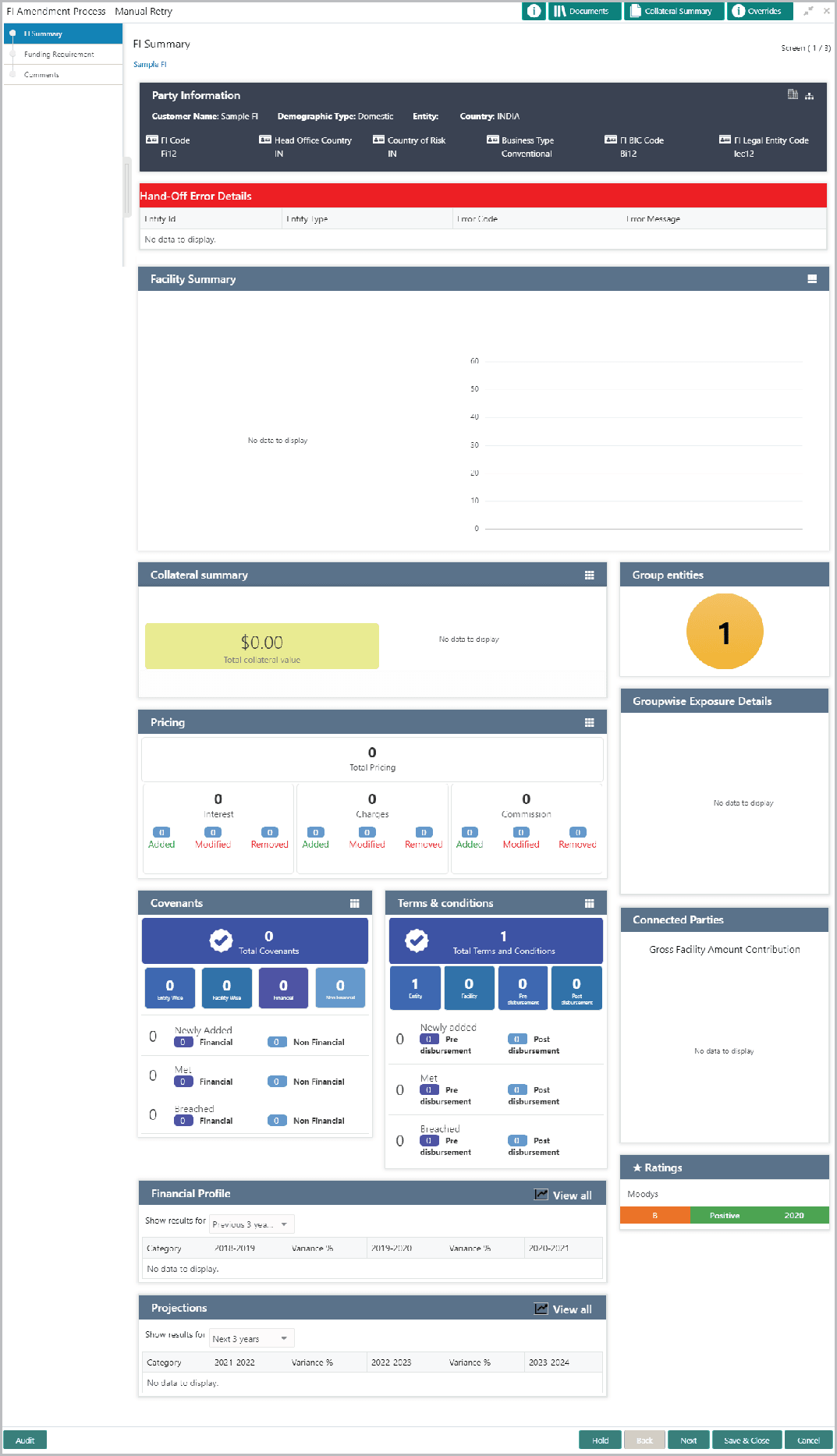
The system creates a manual retry task, if the automatic handoff fails due to errors in the application. You can view the error details displayed in the Summary page, make necessary changes, and then manually retry the handoff task.
To manually Handoff the proposal to the Back Office System, perform the following steps:
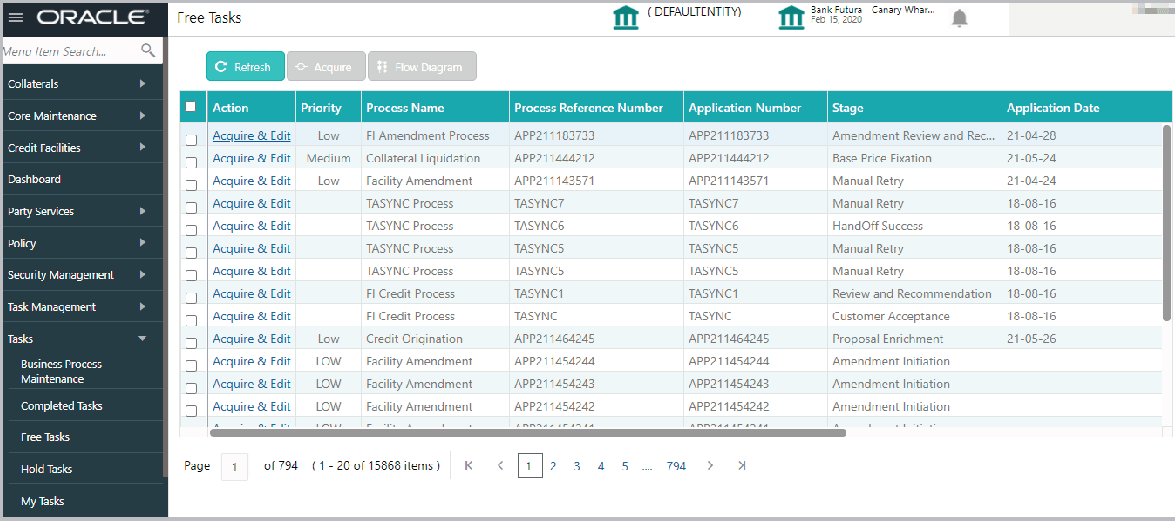
- From Home screen, click Tasks.
Under Tasks, click Free Tasks.The Free Task screen is displayed.
- Click Acquire & Edit the required Manual Retry task. The Manual Retry - FI Summary screen is displayed.
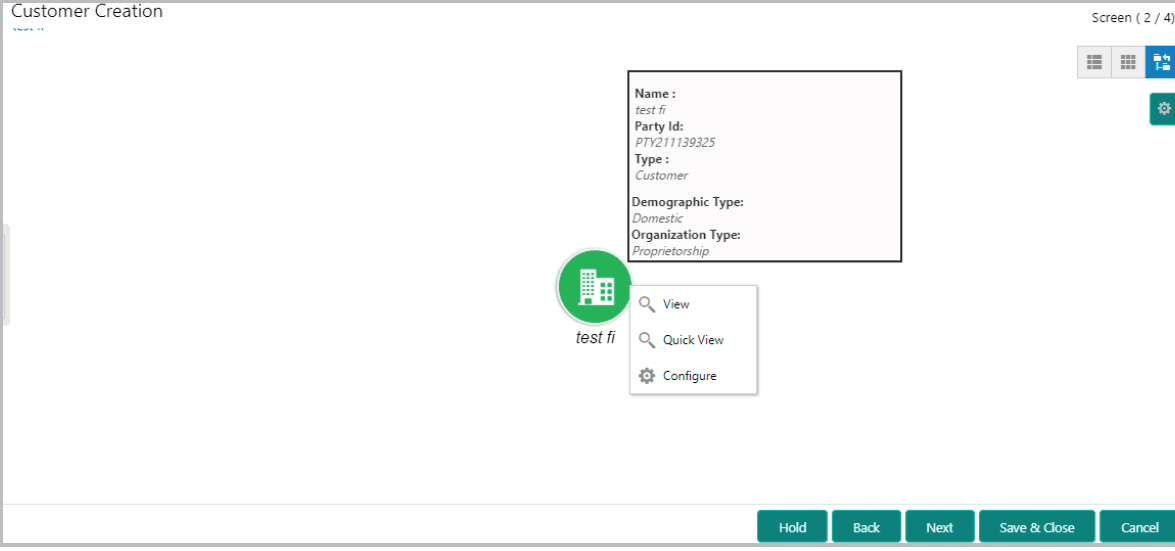
- Click Next.The Customer Creation screen is displayed.
Fix the errors in this page, if any.
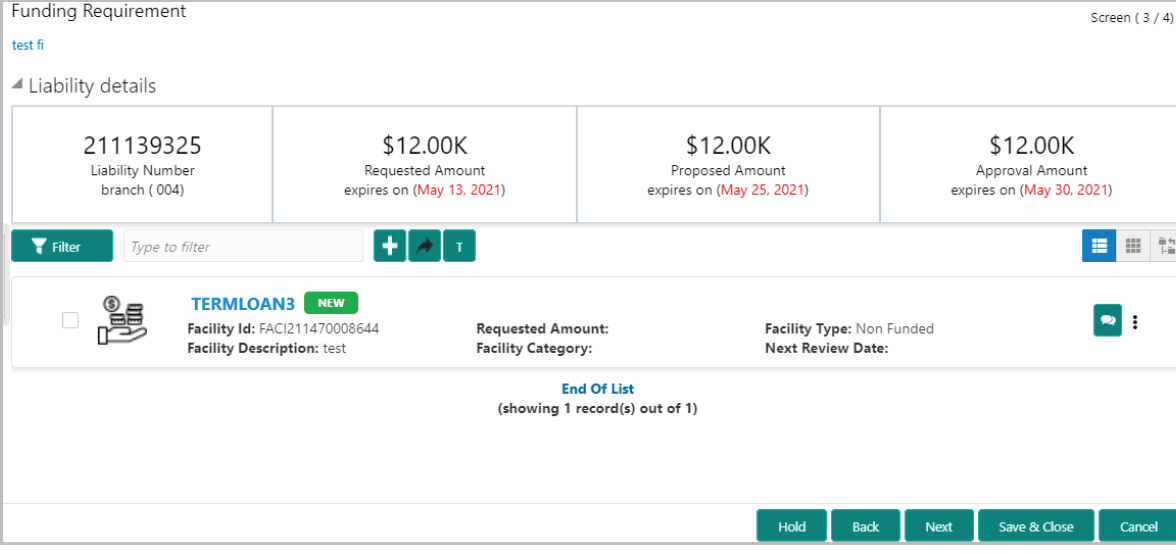
- Click Next. The Funding Requirement screen is displayed.
Fix the errors in this page, if any.
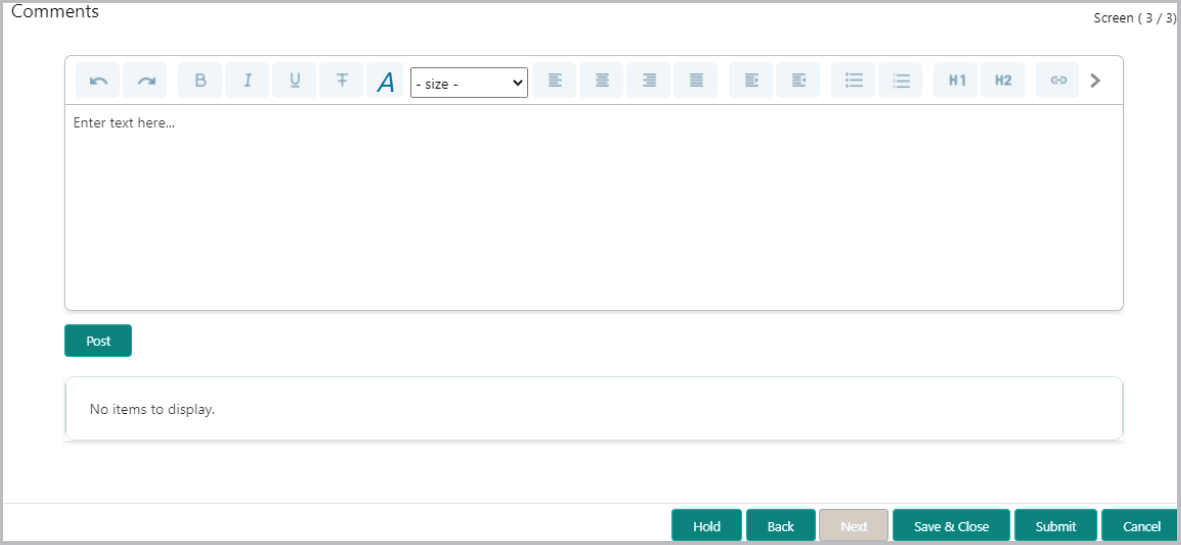
- Click Next. The Comments screen is displayed.
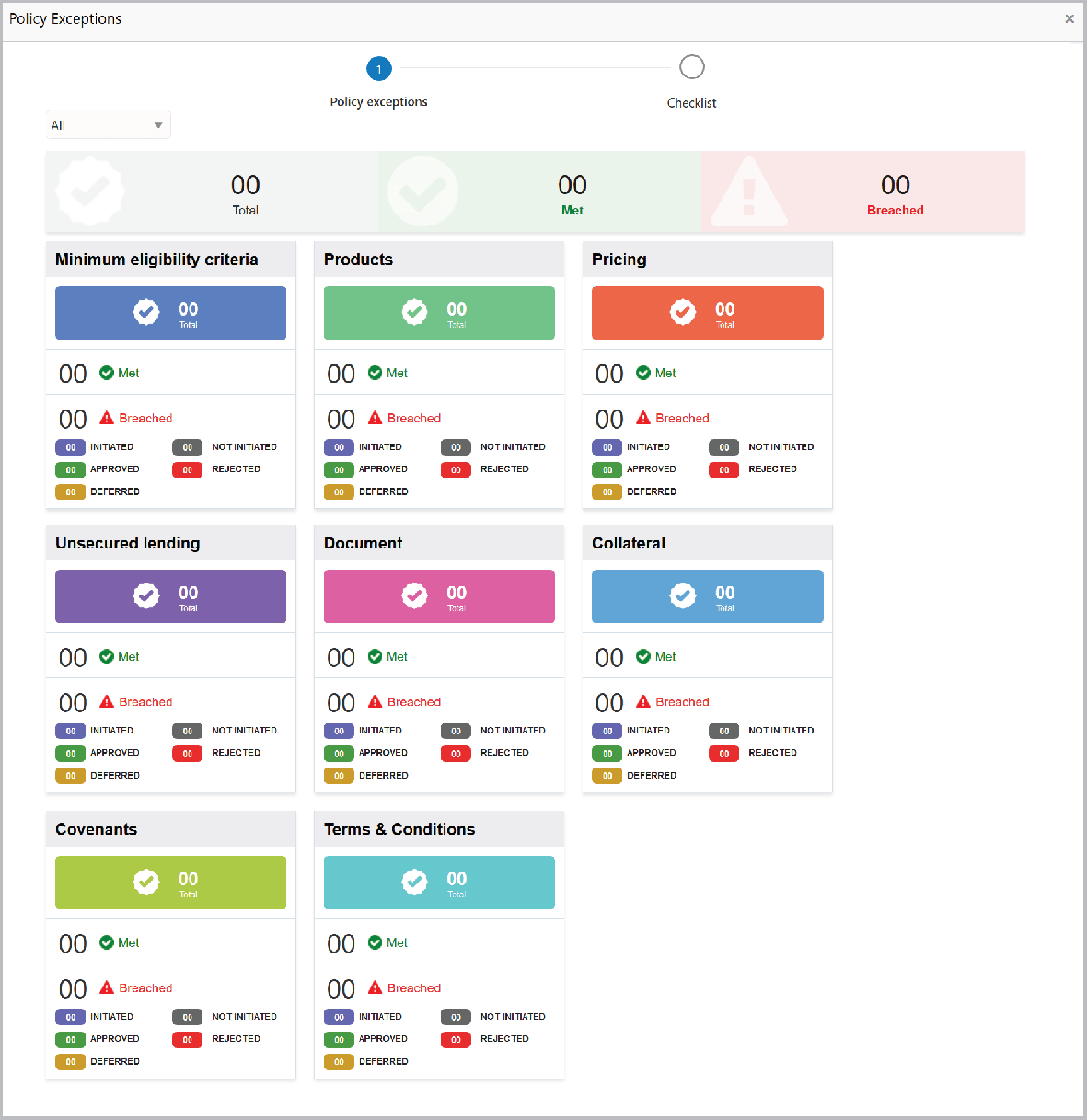
- Click Submit. The Policy exceptions screen is displayed.
By default, policy exceptions are displayed for both the party and its child party.
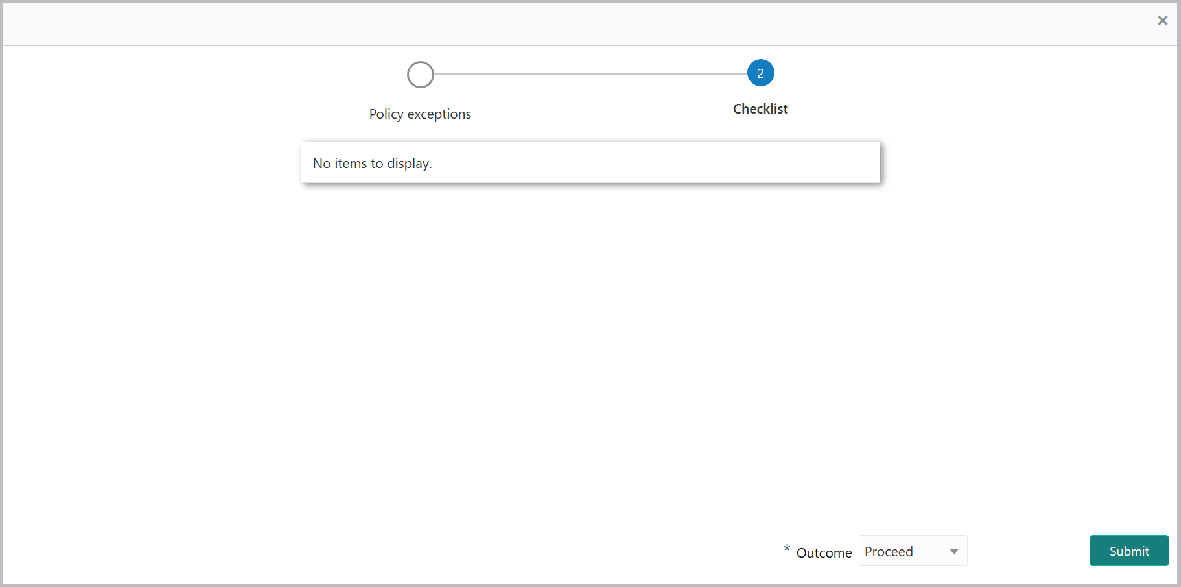
- Click the Checklist data segment.
For information on fields in the Checklist Details screen, refer the below table.
Table 8-1 Checklist
Fields Description Outcome Select the Outcome as PROCEED, if additional information is not required. Otherwise select the Outcome as Additional Info. Submit Click Submit. The proposal is moved to the Back Office System.