7 Document Upload and Checklist
This topic provides systematic instrucions about the Document Upload and Checklist of the Group Concentration Limit Proposal.
In Oracle Banking Credit Facilities Process Management, supporting documents such as balance sheets and collateral documents can be uploaded in any stage of Group Concentration Limit proposal process. Supporting documents help the senior officers in bank to accurately evaluate the credit worthiness of the organization and approve the proposal. Documents added for the proposal can be removed whenever the document becomes invalid.
- Click
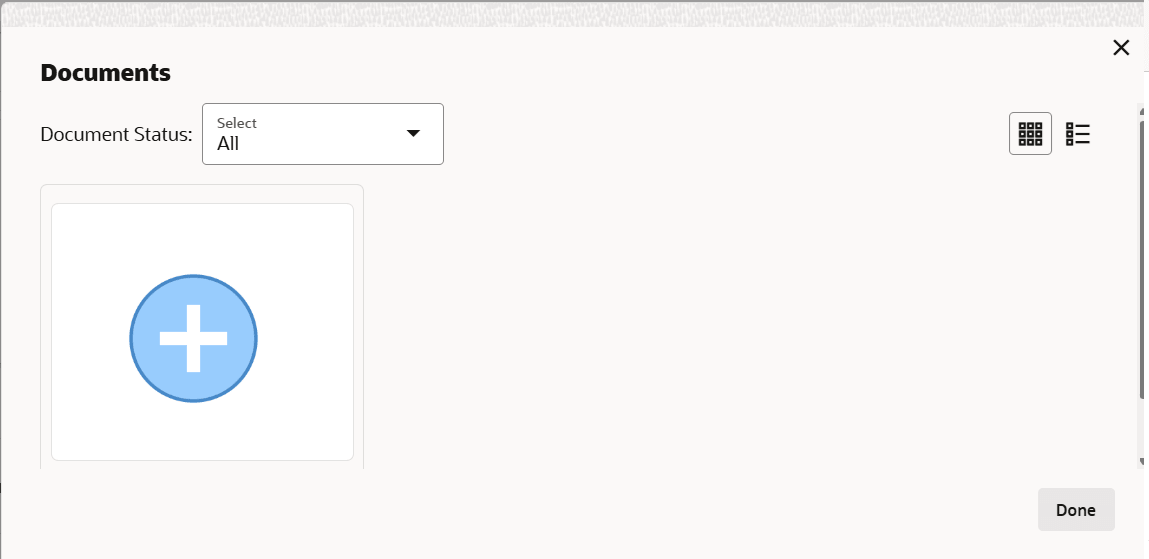
 at the top right corner of any page. The Documents window is
displayed.
at the top right corner of any page. The Documents window is
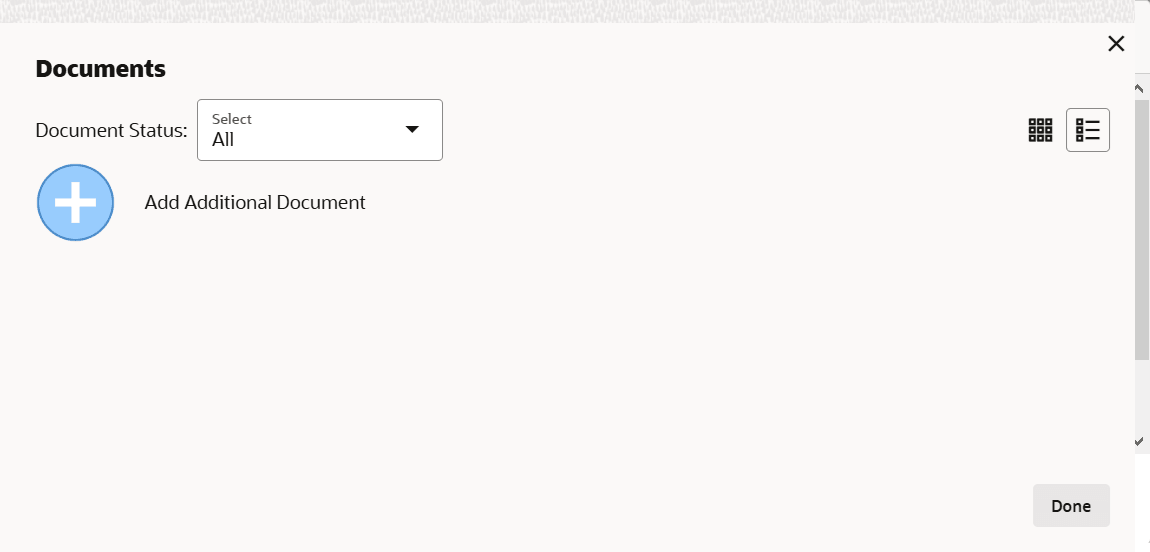
displayed. - To change the table view to the list view, click the list icon at the
top right corner. The Documents window is displayed as shown below.
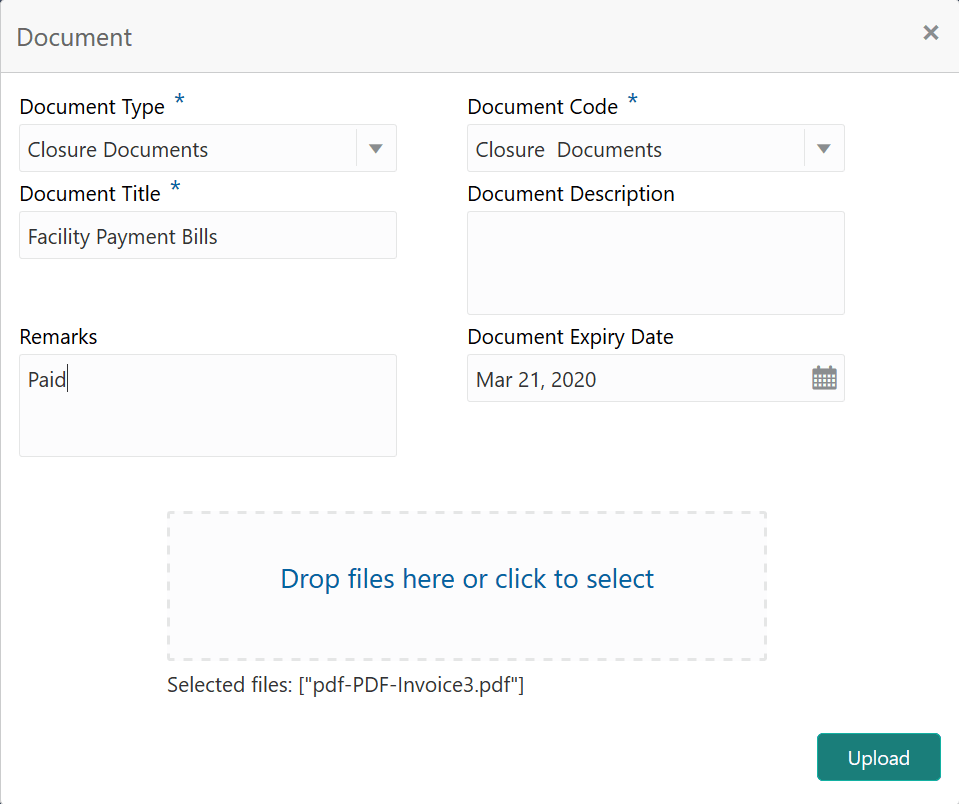
- Click the add icon. The Document Details window is displayed.
For information on fields in the Document screen, refer the below table.
Table 7-1 Document
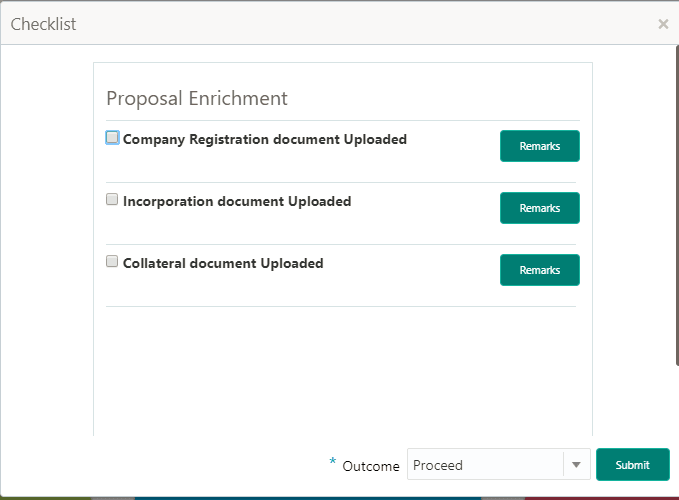
Fields Description Document Type and Document Code Select the Document Type and Document Code from the drop down list. The options available are: Amendment Documents, Proposal Documents and Closure Documents. Document Title Type the Document Title. Document Description Type the Document Description that best describes the document. Remarks Type the Remarks based on your need. Document Expiry Date Click the calendar icon and select the Document Expiry Date. Drop files here or click to select In Drop files here or click to select area, drag and drop the documents or click and select the documents. Selected files are displayed at the bottom. Note:
To upload multiple supporting documents at the same time, drag and drop or click and select all the documents. - Click Upload. The Checklist window is displayed.