6 Proposal Structuring
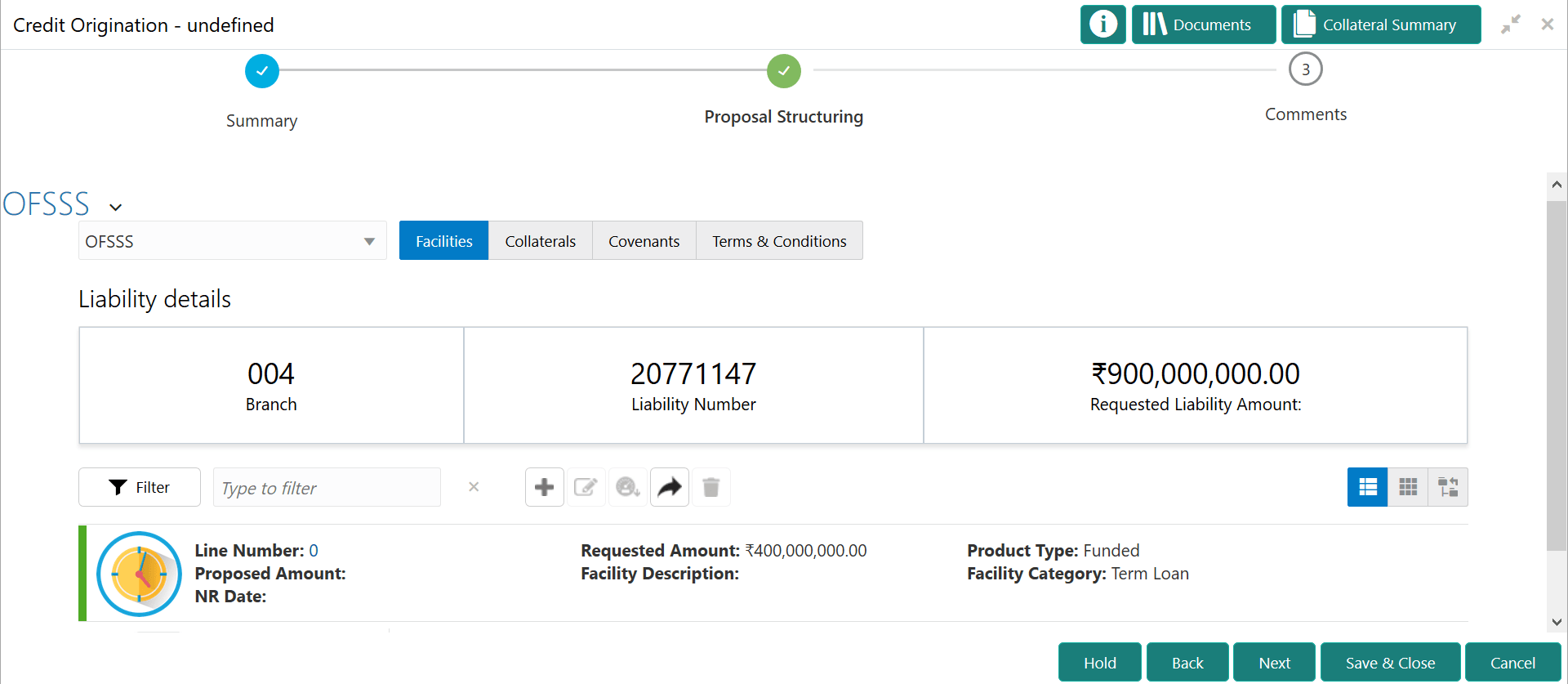
This topic provides systematic instructions about the Proposal Structuring Stage in Simplified Credit Proposal Evaluation Restructuring process.
In this stage, the banker can propose an amount to the organization based on the scores obtained for each evaluation. Additionally, already added information about the collaterals, covenants, and terms & conditions can be viewed, modified and deleted or new collaterals, covenants, and terms & conditions can be added in this stage.
Steps to structure credit proposal
To structure the credit proposal, perform the following steps:
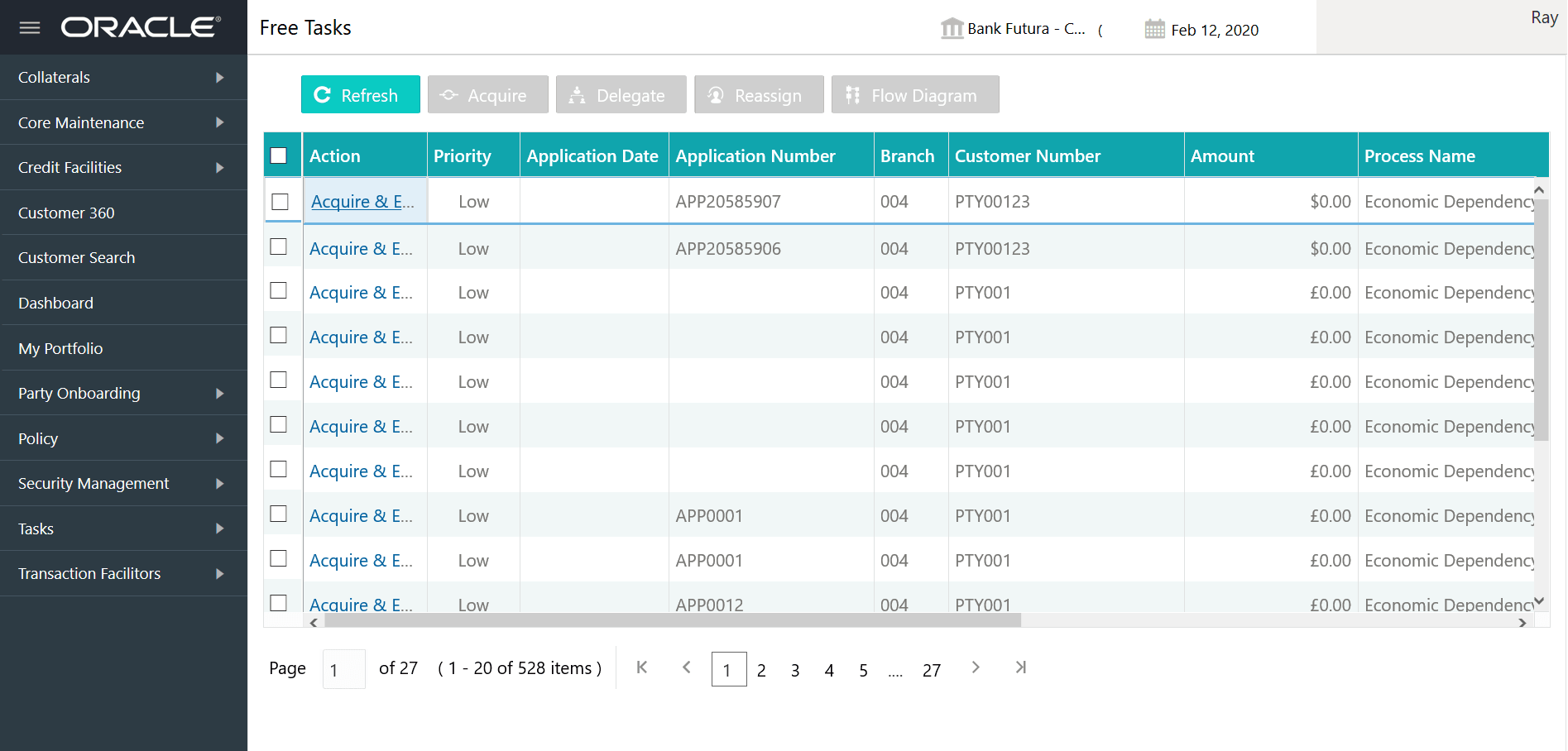
- From Home screen, select Tasks.
Under Tasks, select Free Task.The Free Tasks page is displayed.
- Select the required application and click Edit.
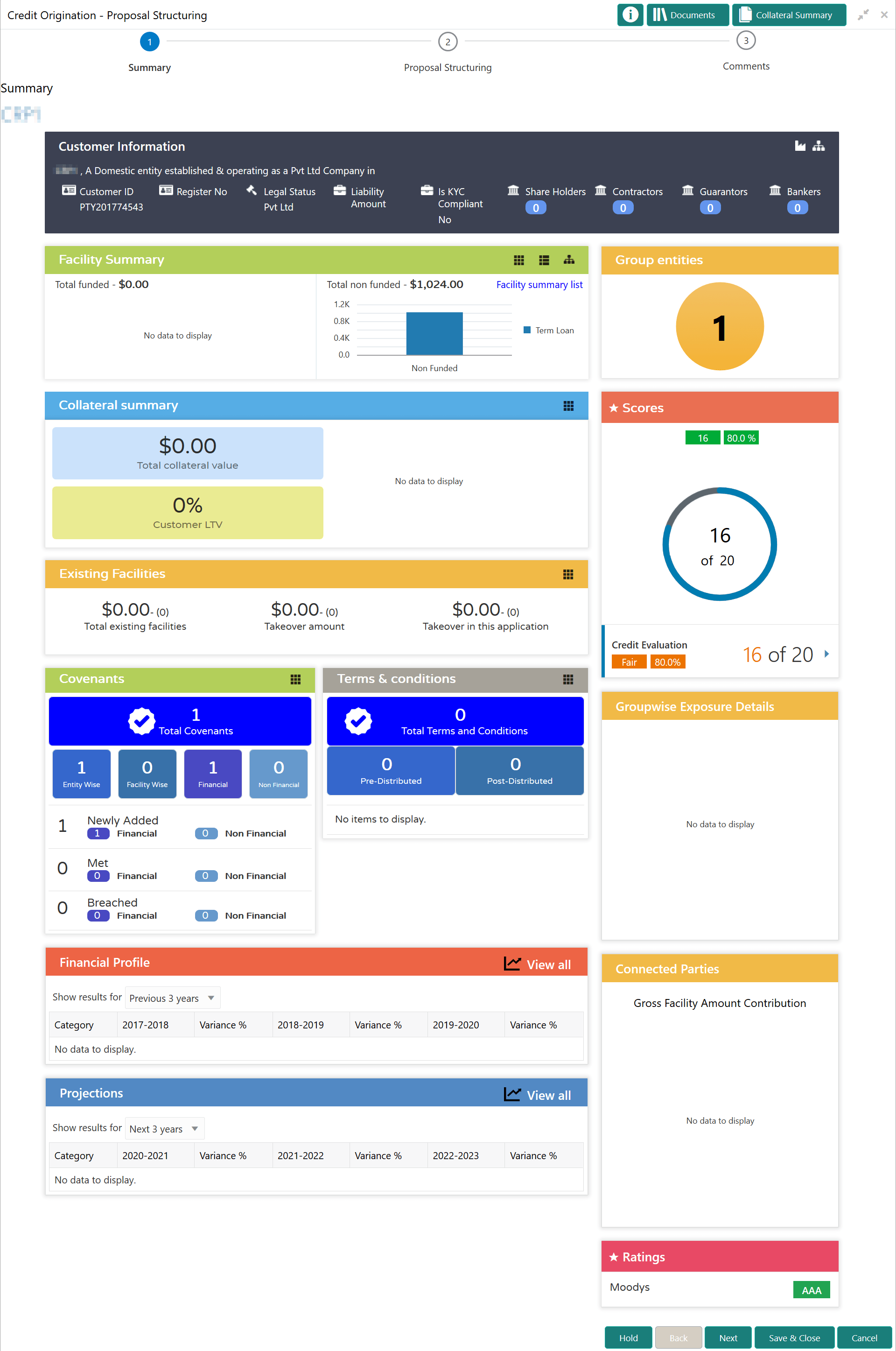
The Credit page summarizing the proposal is displayed.
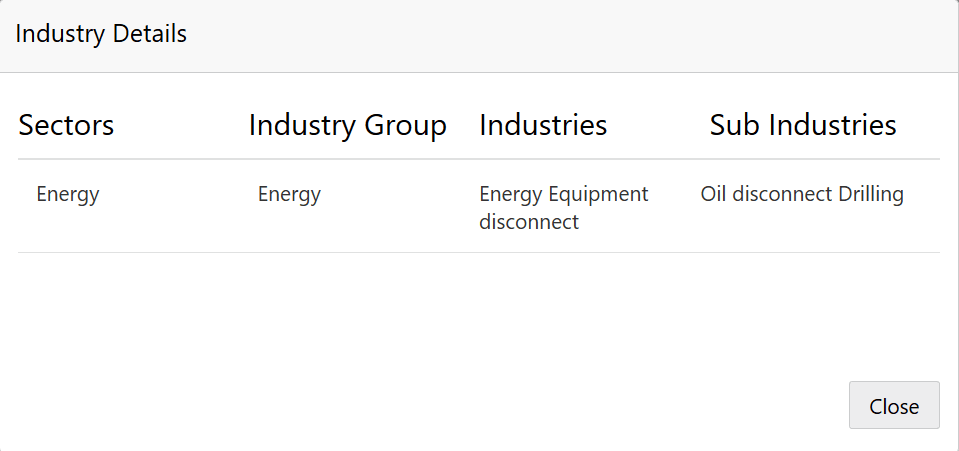
- To view the sector and industry information, click the industry icon in
customer information section.The Industry Details screen is displayed. Click Close to exit the Industry Details window.
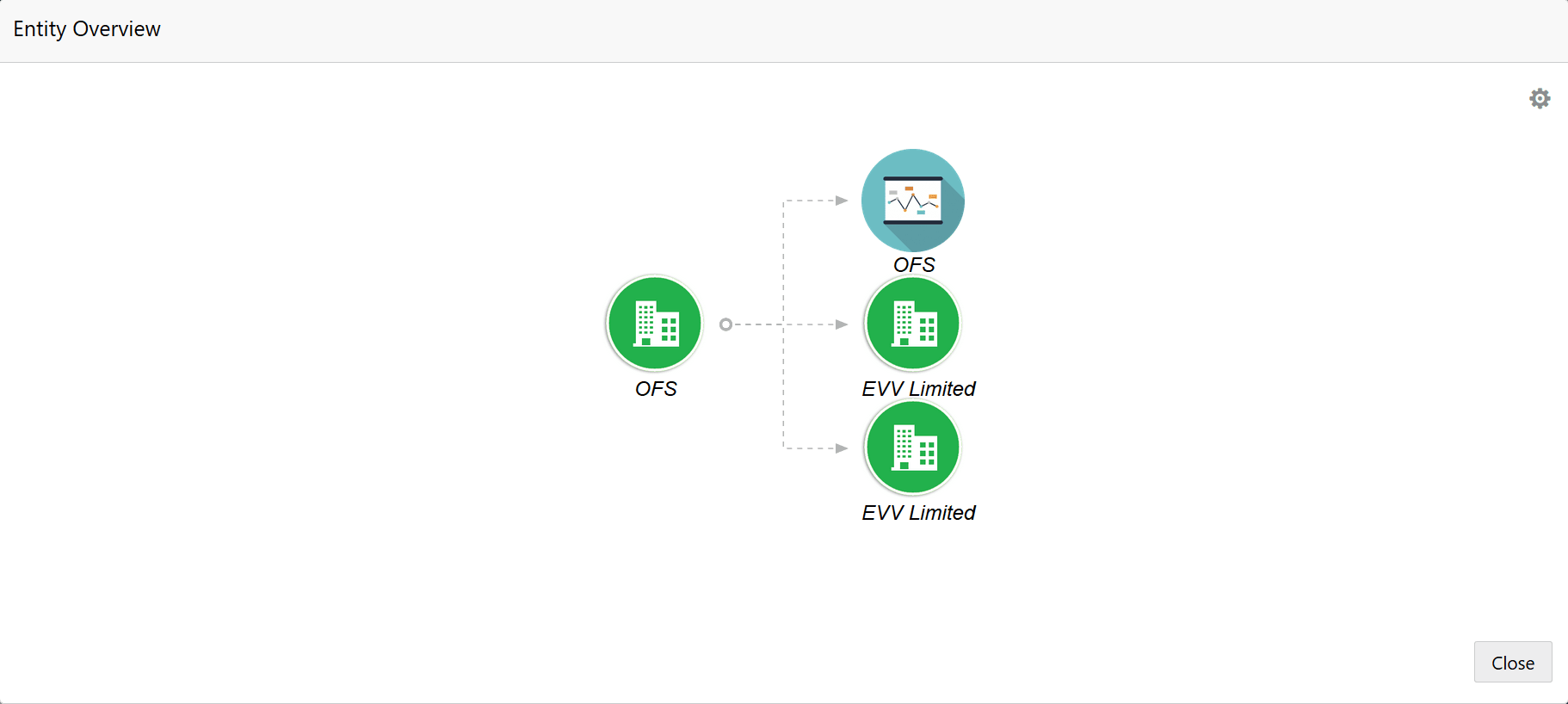
- To view the overview of the organization, click the entity overview icon in
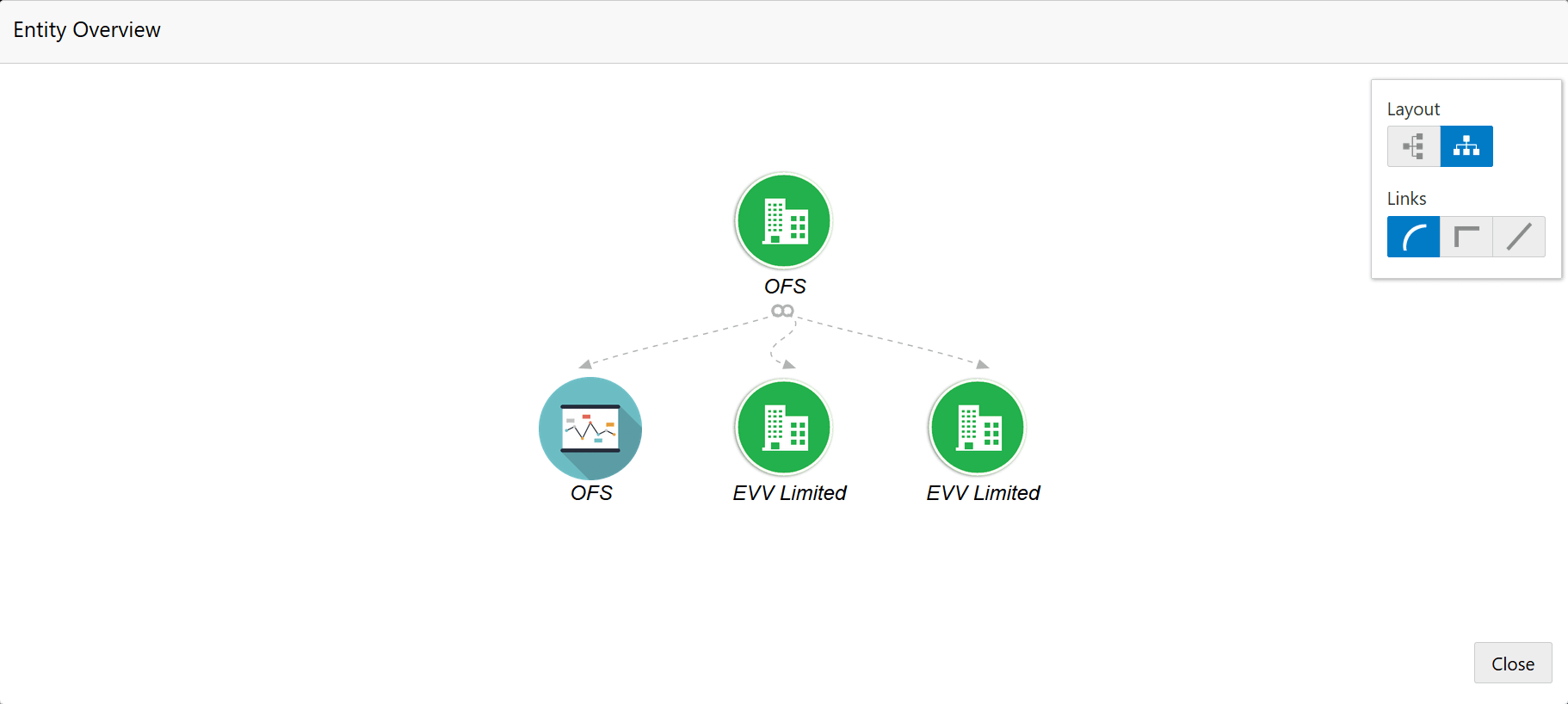
Customer Information section.The Entity Overview window appears.
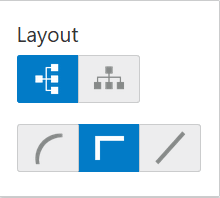
- To change the layout of the entity overview, click the configuration icon at the top right corner.
- Select the required layout. Entity Overview is changed to the selected layout
as shown below.
For field level information on Entity Overview screen refer the below table.
Table 6-1 Entity Overview
Fields Description Close To exit the Entity Overview window, click Close. In Customer Information section, the count of Share Holders, Contractors, Guarantors, and Bankers is displayed.
count numbers To view the detailed information about the Share Holders, Contractors, Guarantors, and Bankers, click the respective count numbers. layout icon To change the layout of the Facility Summary, Collateral Summary, Existing Facilities held with Other Bank, Pricing, Covenants, and Terms & Conditions in Summary page, click the layout icon and select the required layout. By default, Financial Profile of the organization and financial Projections for the organization are listed for 3 years.
Financial Profile To view the Financial Profile and Projections for five years, select Previous 5 years option from the Show results for drop down list. Projection To view detailed information about the Financial Profile and Projection, click View all in the respective sections. - After reviewing the Summary, click Next.The Proposal Structuring screen is displayed.
Note:
For information about filter, add, edit, delete, and layout options, refer Funding Requirement section in Restructuring Initiation Chapter.