2 Docket Generation
This topic provides the systematic instructions about Docket Generation.
This stage acts as the initiation stage for the Post Sanction process where the Document Officer must upload the necessary customer documents for evaluation and mark the facility for release with the Credit Proposal application details as gold copy.
The following table provides a high level overview about the Docket Generation stage in post sanction process.
Table 2-1 Docket Generation Information and Activities
| Information available for user | Activities that can be performed by user |
|---|---|
|
|
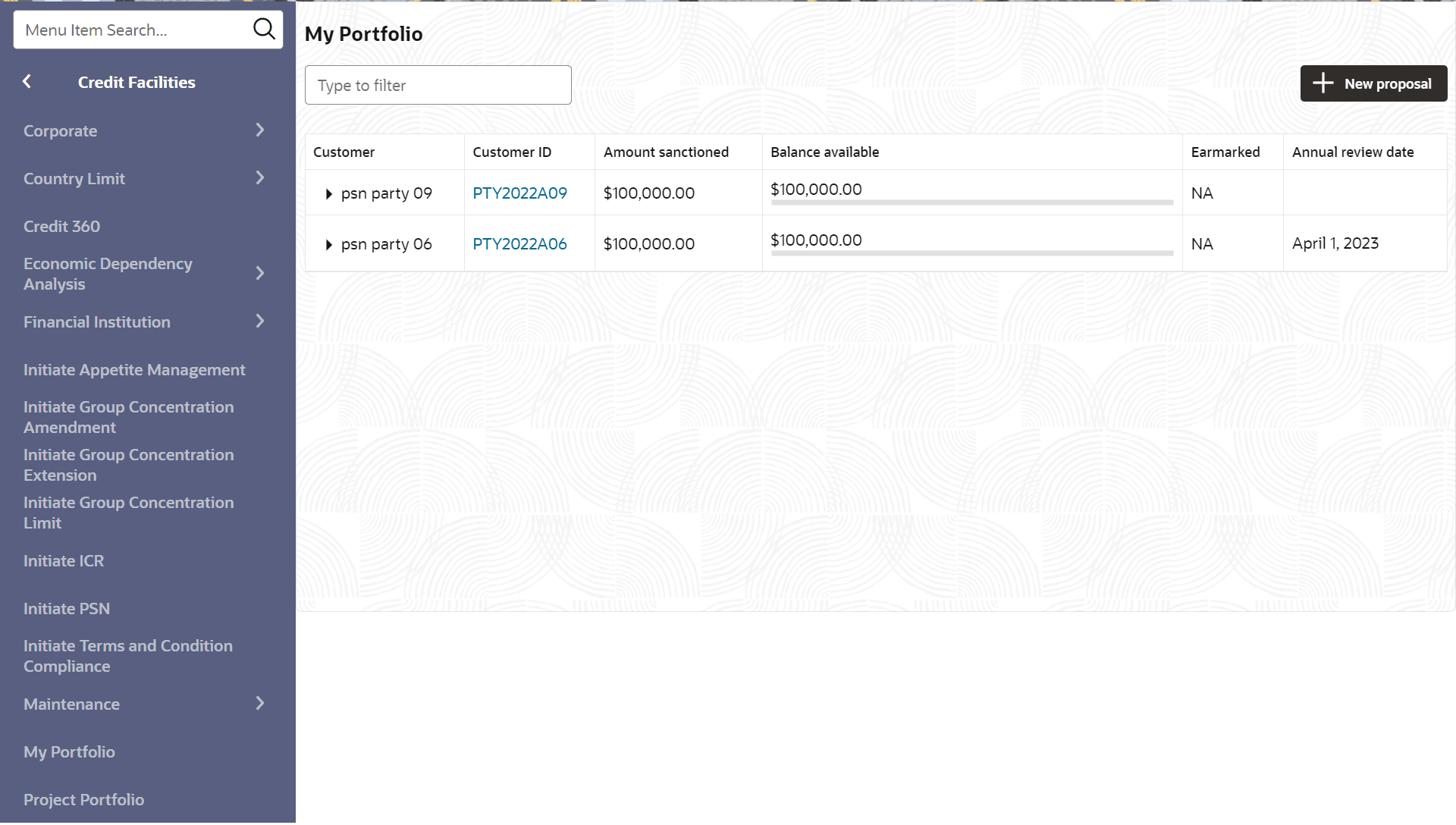
- On Home screen, click Credit Facilities. Under credit facilities, click
My Portfolio.The My Portfolio screen is displayed.
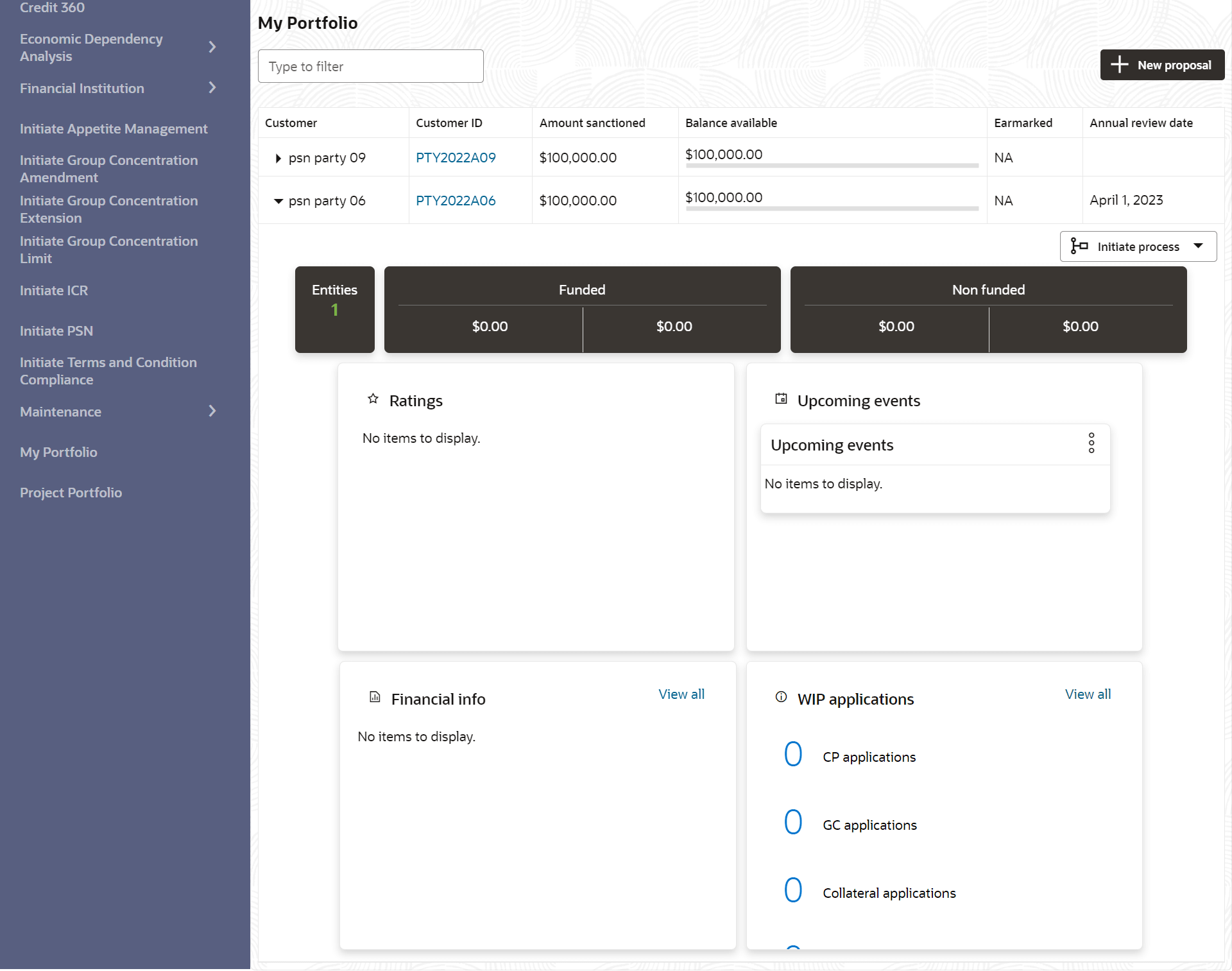
- Click Triangle icon and expand the required customer.
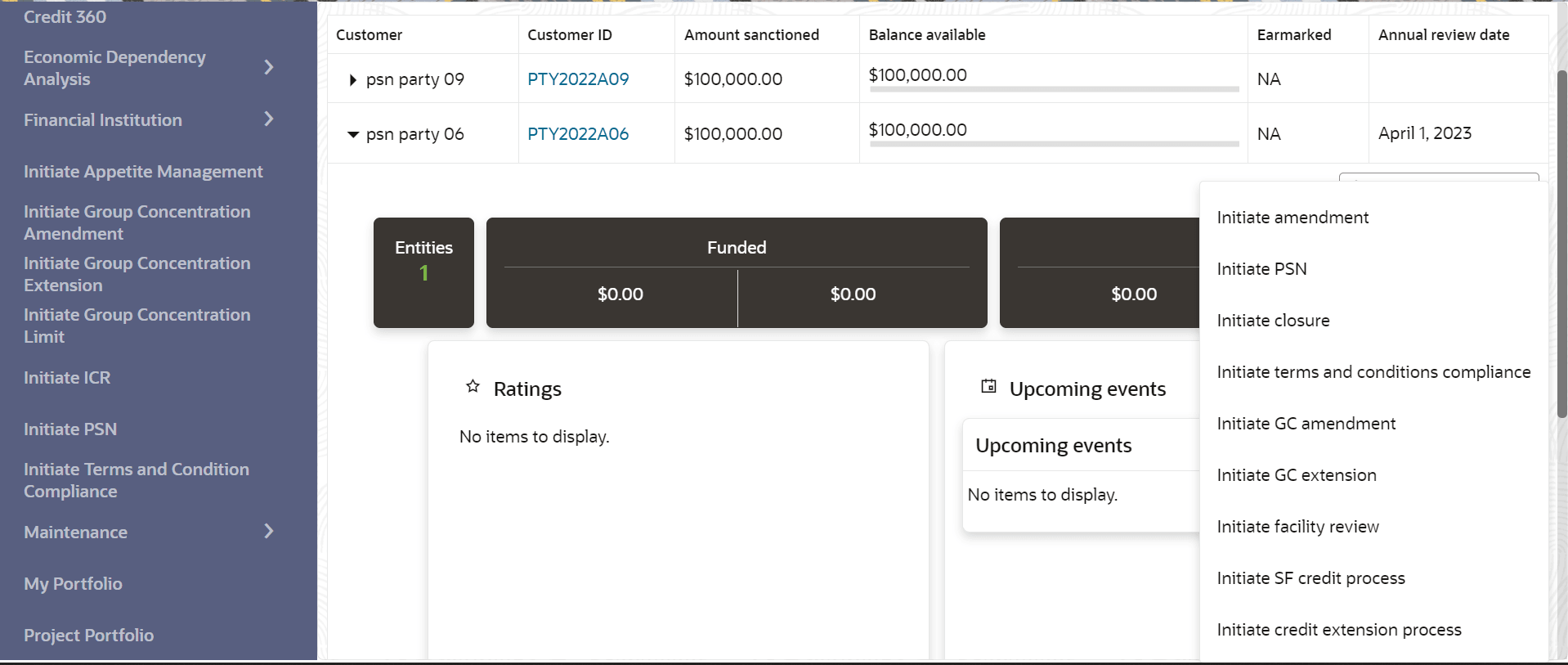
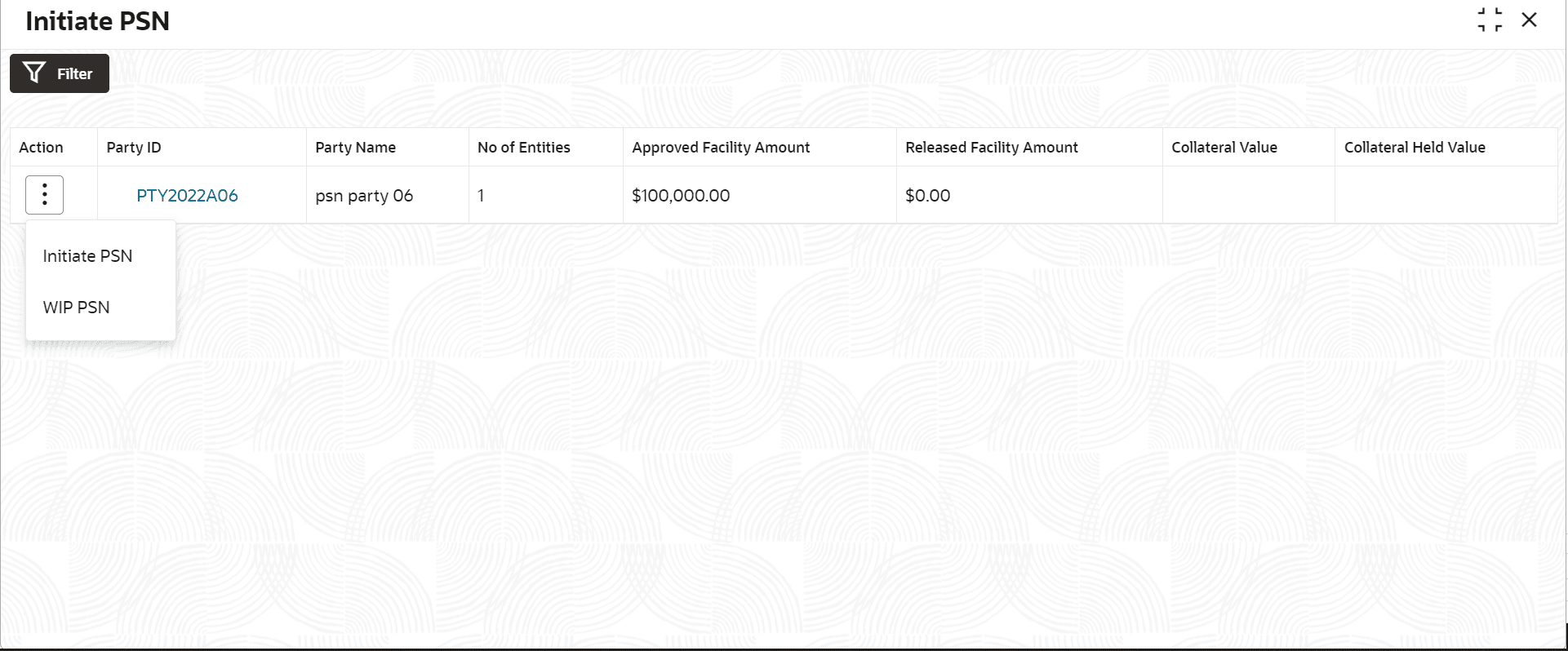
- Click on Initiate PSN to Initiate the PSN task and the Docket
Generation - Summary screen is directly displayed.The Party Selection screen displays.
- Summary
This topic provide systematic instructions about the summary in docket genegartion. - Write Up
This topic provides systematic instructions about the write up in docket genegartion. - Limit Configuration
This topic provides systematic instructions about Limit Configuration. - Comments
This topic provides systematic instructions about comments.