7.2 Property
This topic provides systematic instructions about the Property data segment in the Approval stage.
The Property data segment appears in the Approval stage in case the type of
collateral selected for release is Property. If the selected collateral is of different
type like Vehicle, Vehicle data segment appears instead of Property.
Click
Next in the Approval - Release Approval screen,
the Collateral Type data segment is displayed.
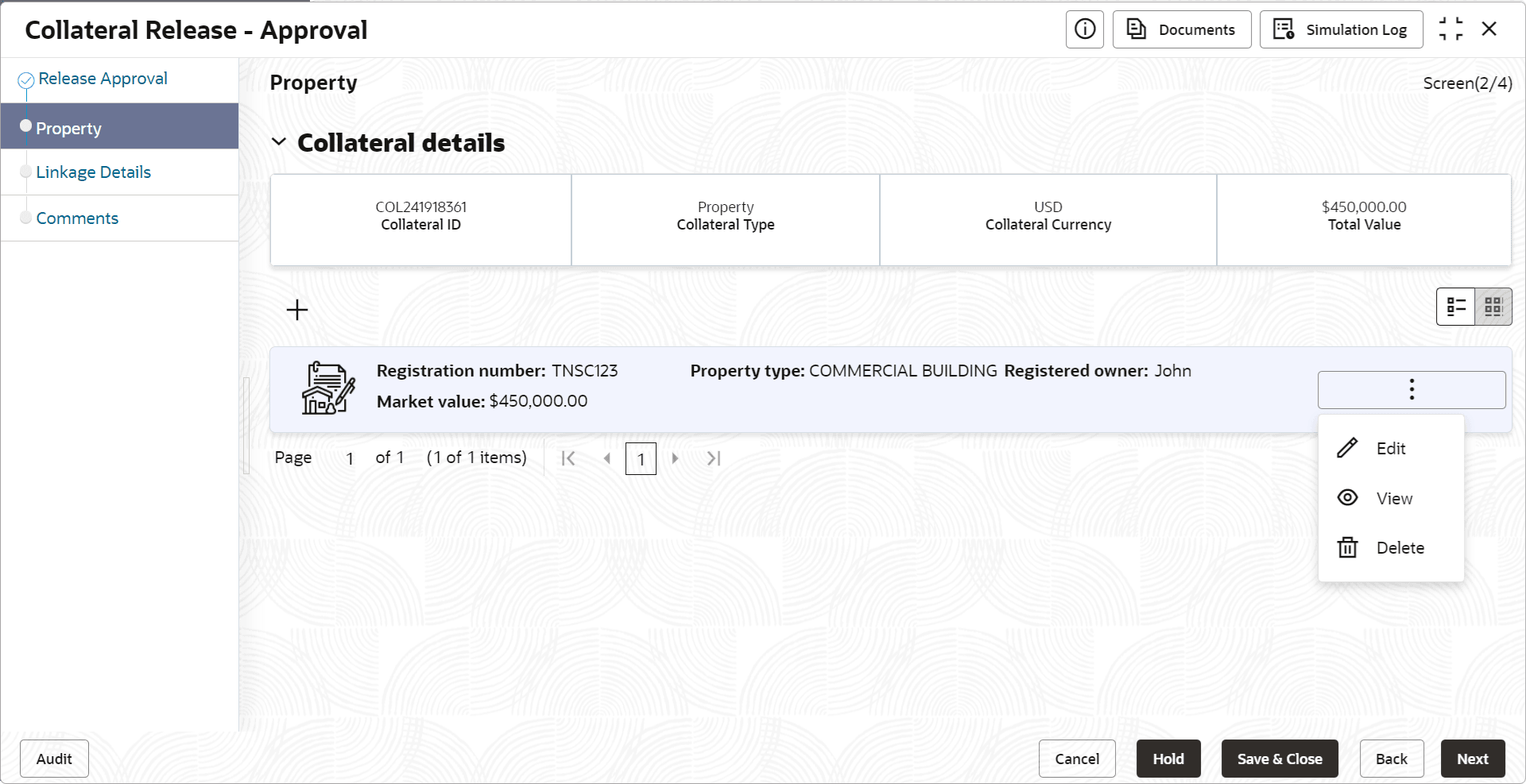
User can Edit, View, and Delete the collateral details before approving or rejecting the collateral release application, if required.
- Click the action icon in the collateral record and select the required
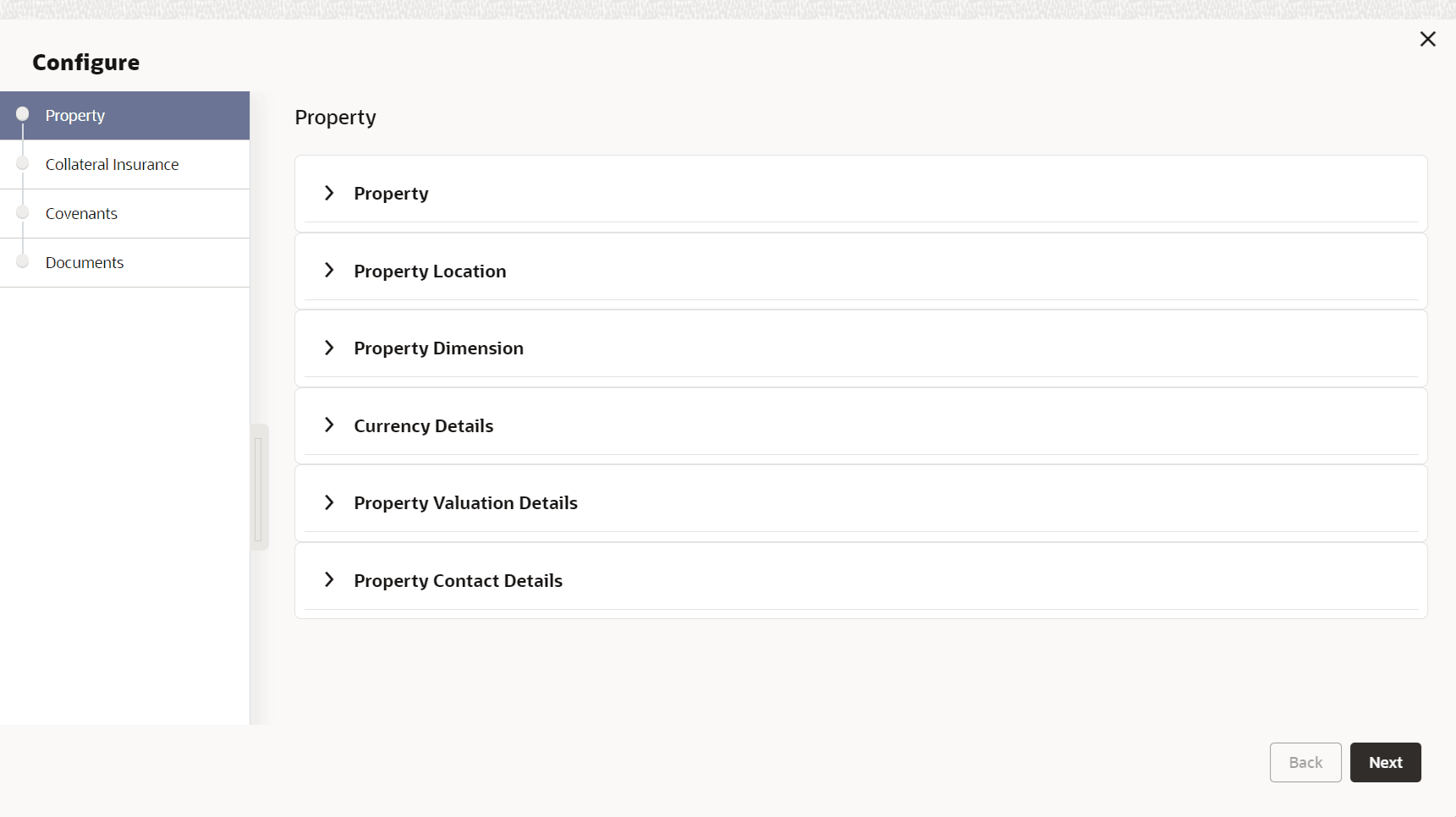
option.Click Edit or View, the Approval - Configure - Collateral Type screen is displayed in Edit or View only mode, respectively.
Figure 7-4 Approval - Configure - Property
Note:
For information on modifying collateral details, refer Collateral Evaluation User Guide.