3.13 Connected Parties
Information on Connected Parties tile in Credit 360 interface.
The Connected Parties tile displays information about the customer’s
connected parties.
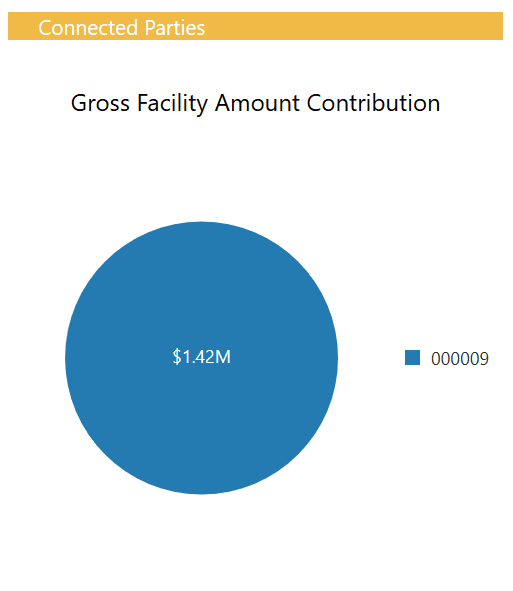
- Click on the pie chart to view the facility details.
Figure 3-38 Connected Parties - Facility Details
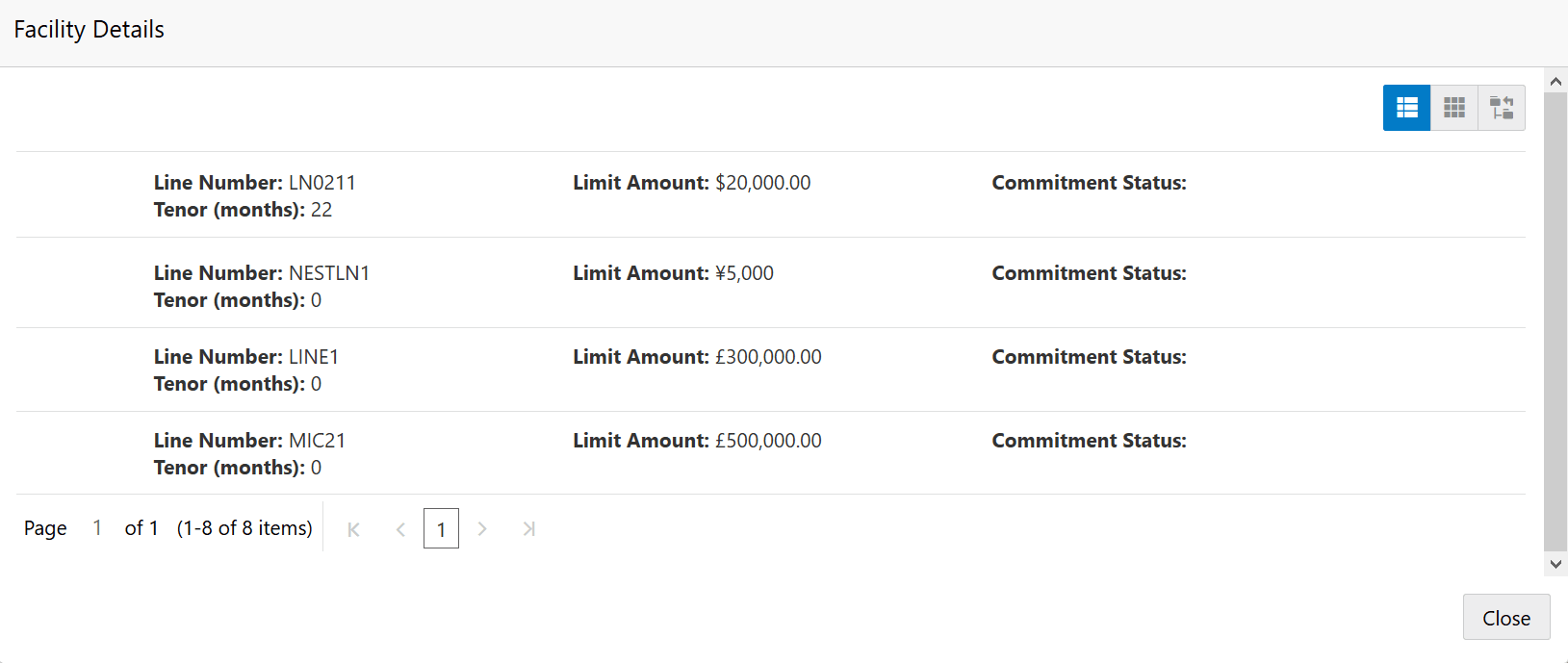
Description of "Figure 3-38 Connected Parties - Facility Details"