3.11 Scores
Information on Scores tile in Credit 360 interface.
The Scores tile displays the scores generated for the customer by
performing risk, legal, and credit evaluations.
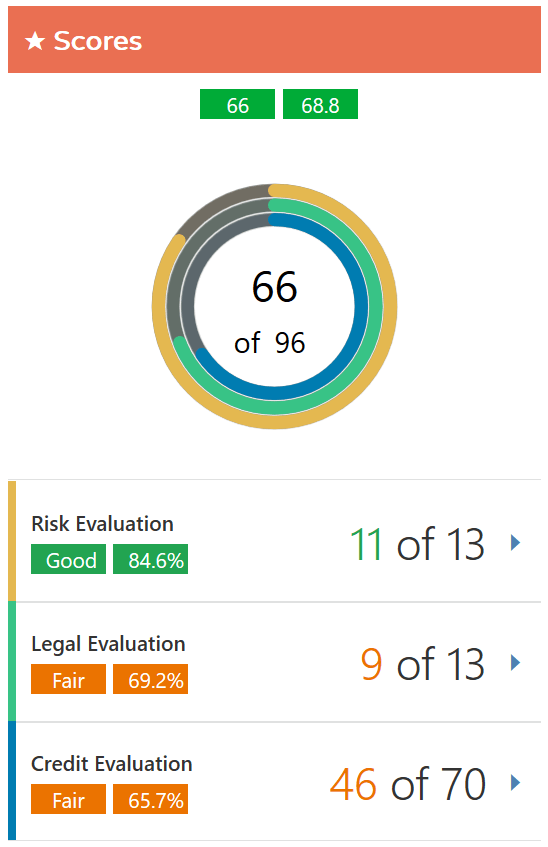
- To view the detailed scores of Risk Evaluation, Legal Evaluation,
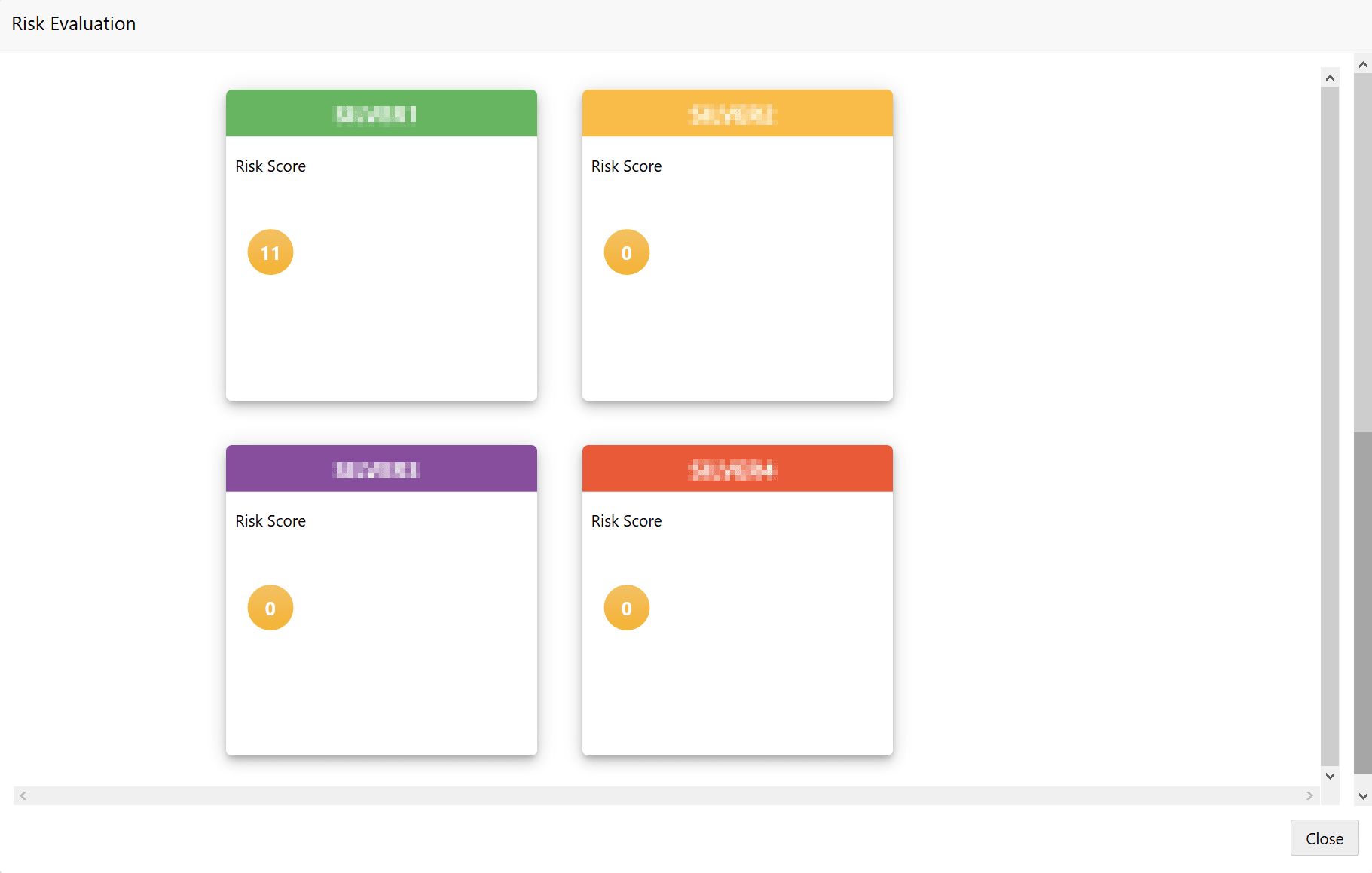
and Credit Evaluation, click on the corresponding section. The Evaluation window appears as shown below.