6.5 Approve Financial Document Template
This topic provides systematic instructions about the procedure to approve a financial document template record.
All the maintenance activities of financial document templates created for the
sector, industry and sub-industry combination must be approved by the authorized person.
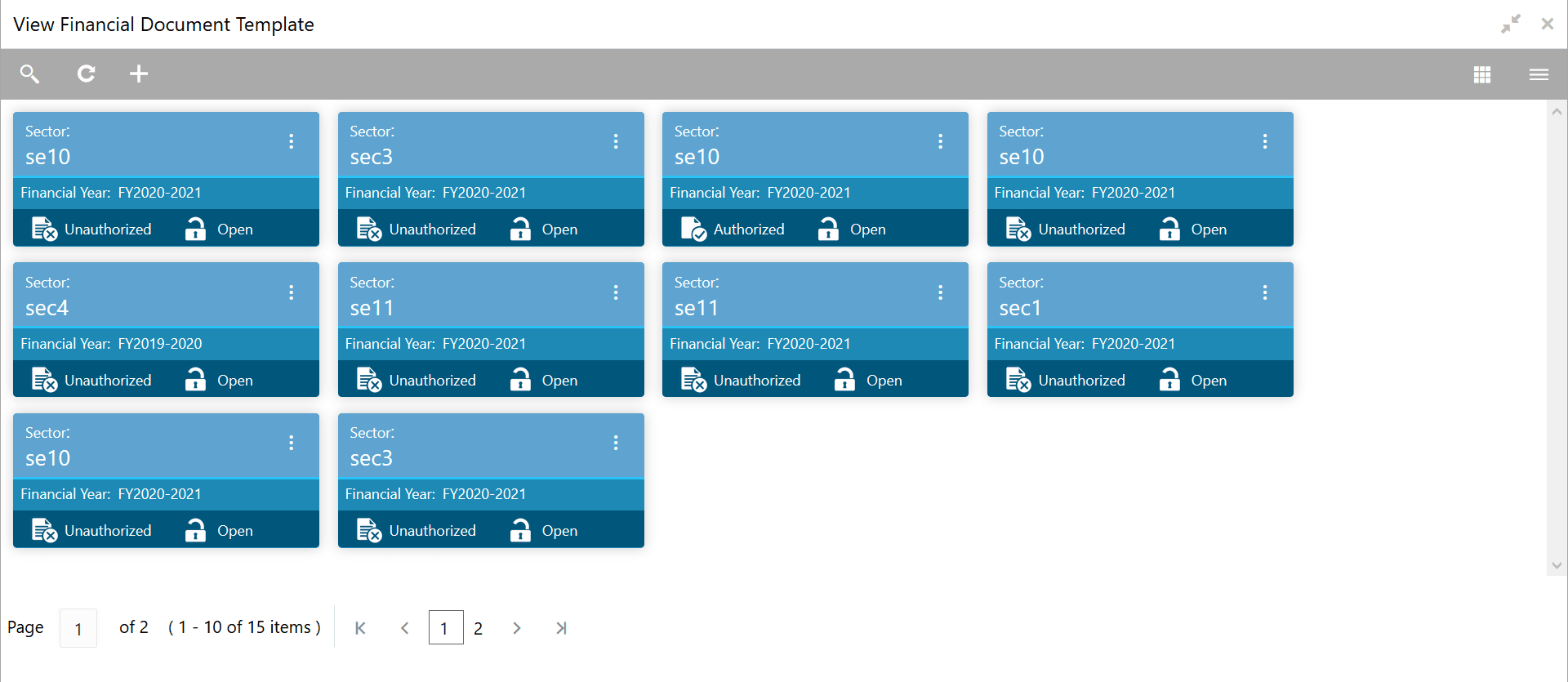
In the View Financial Document Template screen:
Figure 6-7 View Financial Document Template
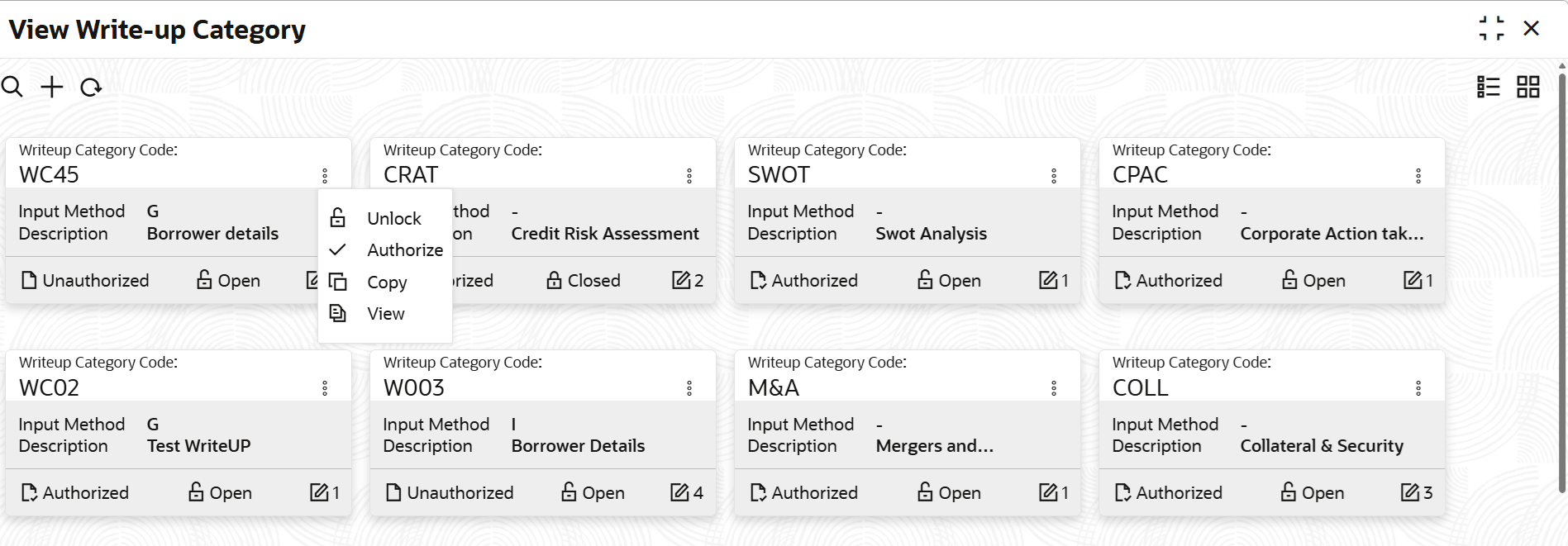
- Click the action icon in the record that needs to be authorized and then select
Authorize.The following screen is displayed.
Figure 6-8 Approve Financial Document Template
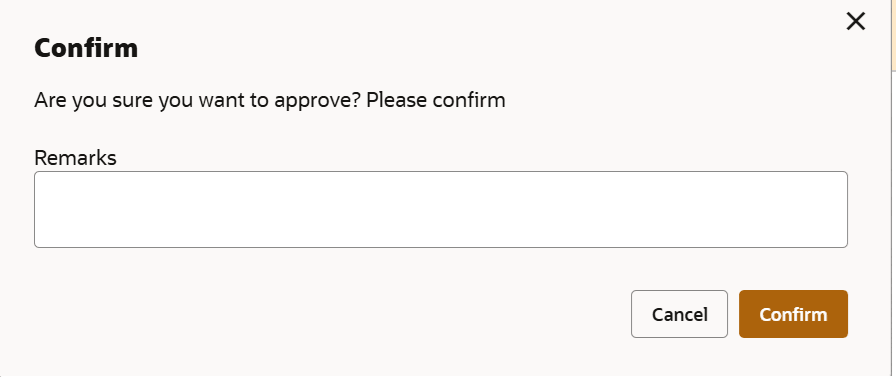
- Click Confirm.The confirmation dialogue box is displayed.
Figure 6-9 Confirm Financial Document Template Approval
Parent topic: Financial Document Template