13.5 Approve Mask Management Record
This topic provides systematic instructions about the procedure to approve a mask management record.
All the maintenance activities of mask management must be approved by the
authorized person. Mask code formats maintained in the unauthorized record will not be
used for automatic entity ID generation.
In the View Mask Mangement screen:
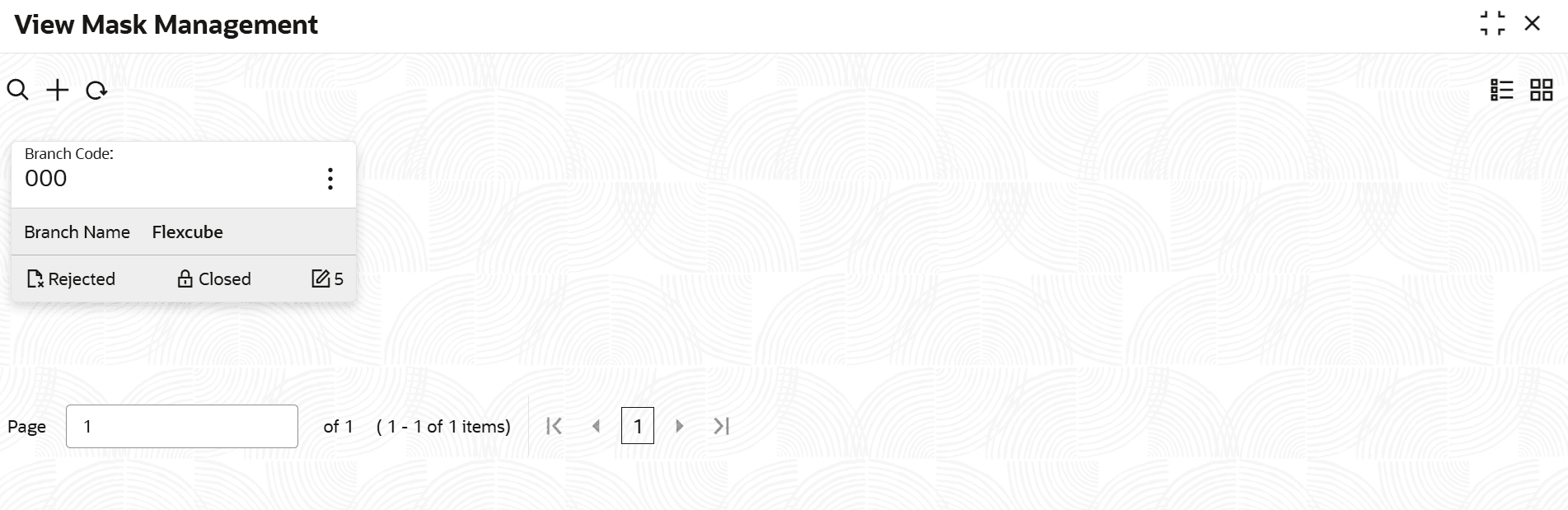
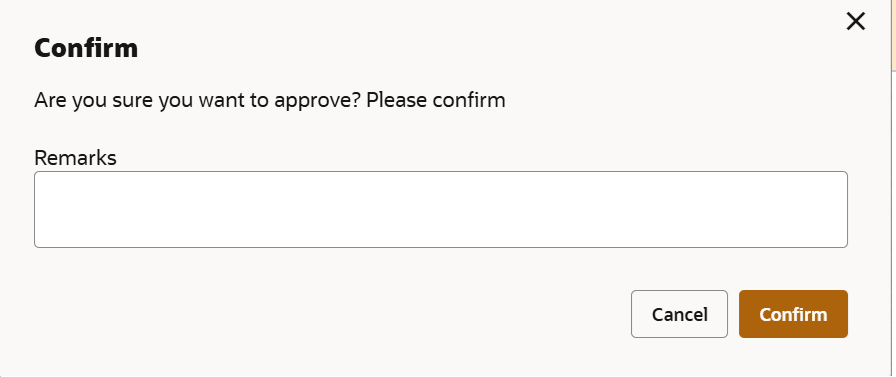
- Click Confirm.The confirmation dialogue box is displayed.
Parent topic: Mask Management