4.1 Create Financial Category

This topic provides systematic instructions about the procedure to create financial category.

The Create Financial Category screen provides an option to define financial categories available in the financial documents.
  1. From Home menu, select Credit Facilities. Under Credit Facilities, select Maintenance.
  2. Under Maintenance, select Financial Category. Under Financial Category, select Create Financial Category.
    The Create Financial Category screen is displayed.
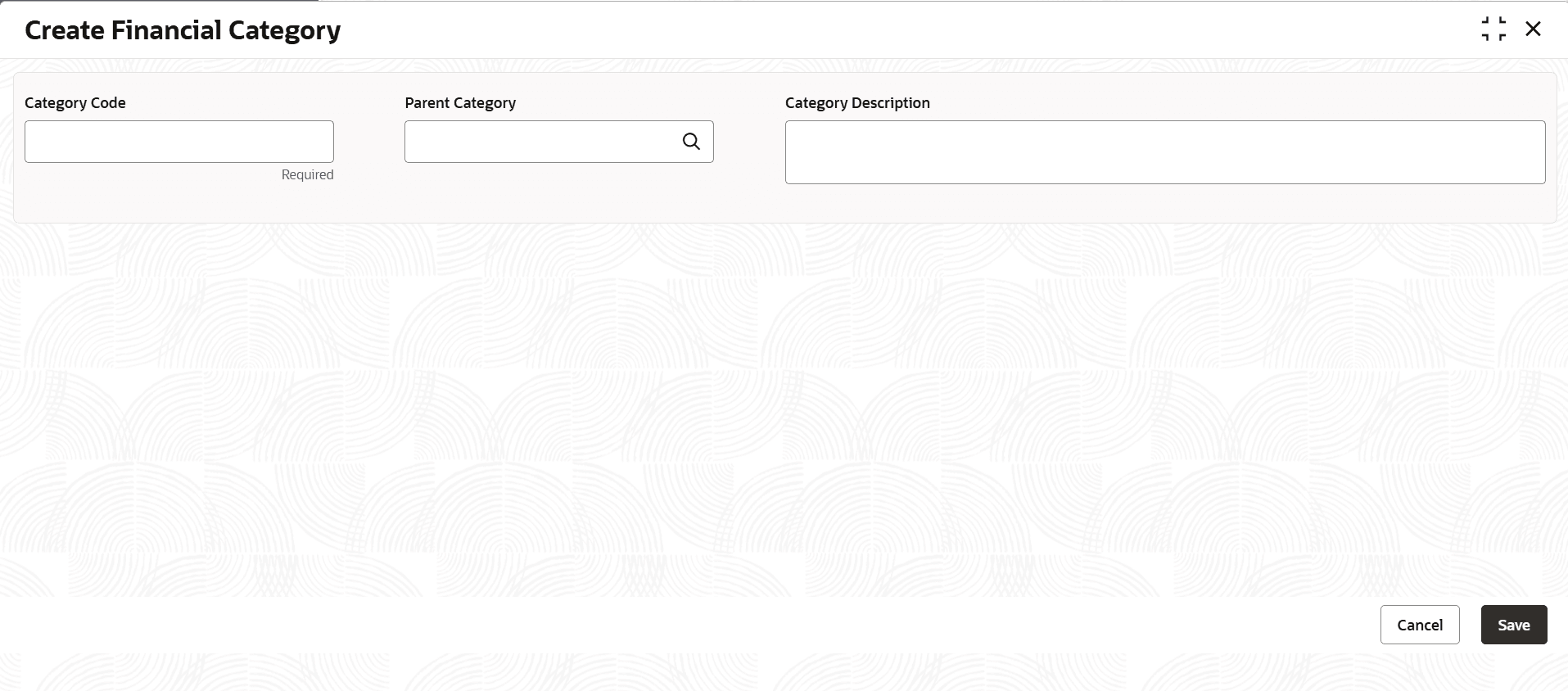
    Figure 4-1 Create Financial Category


  3. Provide the financial category details based on description in the following table.

    Table 4-1 Create Financial Category - Field Description

    Field Description
    Category Code Type a unique code for the financial category to be defined.
    Category Description Type a brief description for the financial category to be defined.
    Parent Category Search and select the Parent Category for the financial category to be defined.
  4. Click Save.