8.1 Create Questionnaire Details
This topic provides systematic instructions about the procedure to create questionnaire details record.
The Create Questionnaire Details screen provides an option to add new
questions for evaluation (for example, Risk Evaluation) or analysis (for example, Peer
Analysis) in business process.
- From Home screen, select Credit Facilities. Under Credit Facilities, select Maintenance.
- Under Maintenance, select Questionnaire Details. Under
Questionnaire Details, select Create Questionnaire
Details.The Create Questionnaire Details page is displayed.
- Provide or select the questionnaire details based on description in the
following table.
Table 8-1 Create Questionnaire Details - Field Description
Field Description Questionnaire Code Specify a unique code for the questionnaire to be created. Category Code Select the Category Code from the drop down list. Description Type a brief description for the questionnaire to be created. - Click Add Question in the Question Details
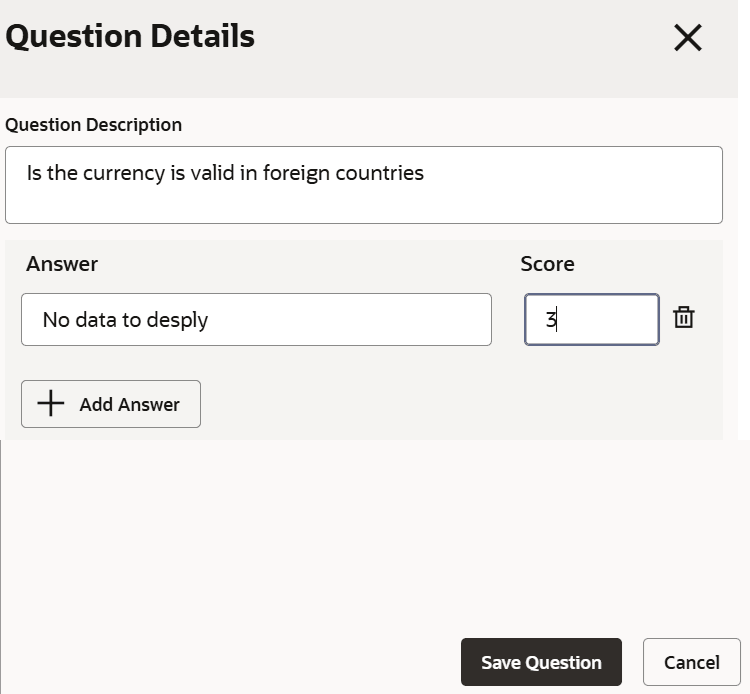
section.The Question Details window is displayed.
- Provide or select the question details based on description in following
table.
Table 8-2 Question Details - Field Description
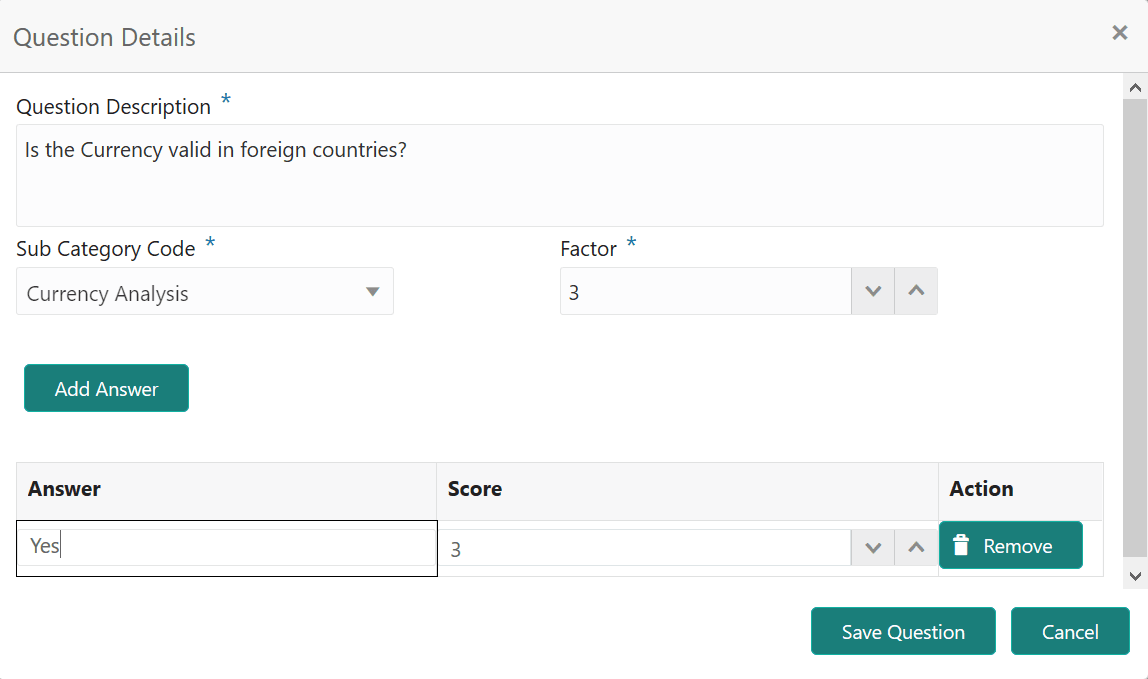
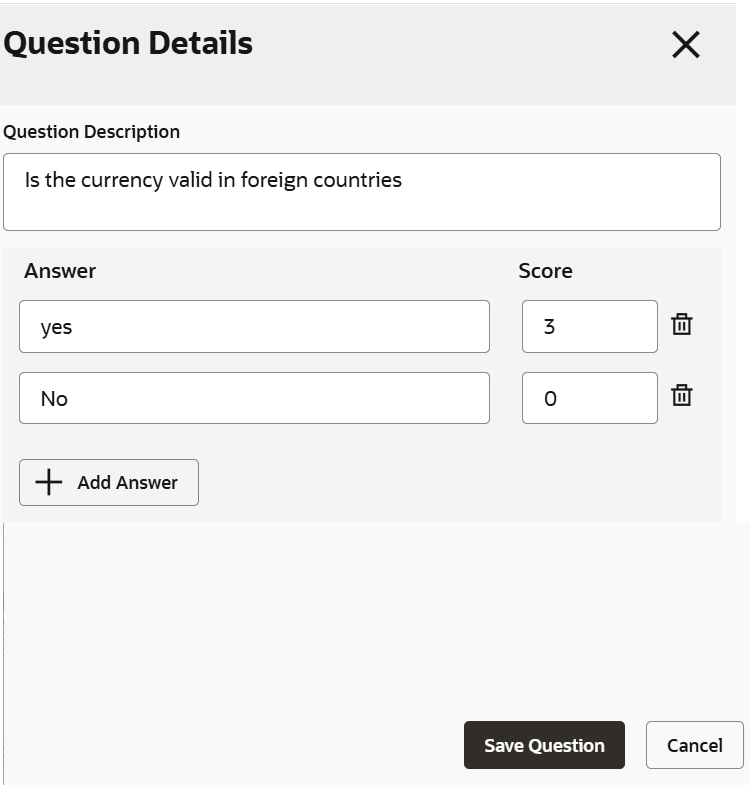
Field Description Question Description Type the question for evaluation / analysis. Sub Category Code Select the Sub Category Code from the drop down list. Factor Specify the maximum score for the question. - Click Add Answer.New row for entering the answer is created as shown below.
- Provide the answer details based on description in following table.
Table 8-3 Quetsion Details - Add Answer - Field Description
Field Description Answer Type the answer option for the evaluation question. To add multiple answer options for the question, click Add Answer and add required number of rows for answer options. Score Specify the Score for the answer. - To remove the answer, click Remove in the Action column.
- To save the question details, click Save Question.The question details are added in the Create Questionnaire Details screen as shown below.
Figure 8-4 Create Questionnaire Details - Question and Answer
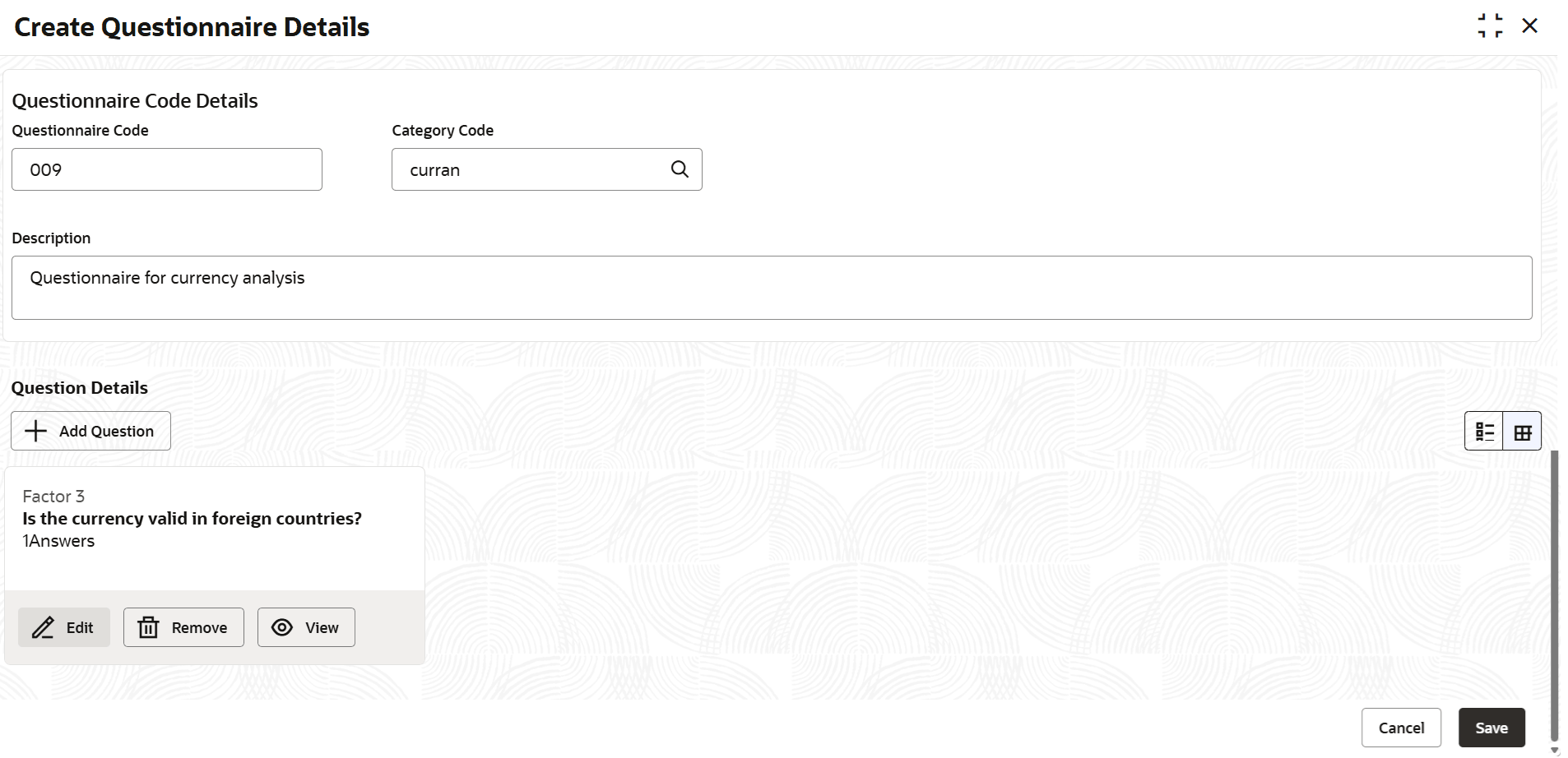
- To Edit or Remove the question detail, click the corresponding icon in Action column.
- Click Save.Questionnaire will be created upon authorization.
Parent topic: Questionnaire Details