4.1 Substitution Review
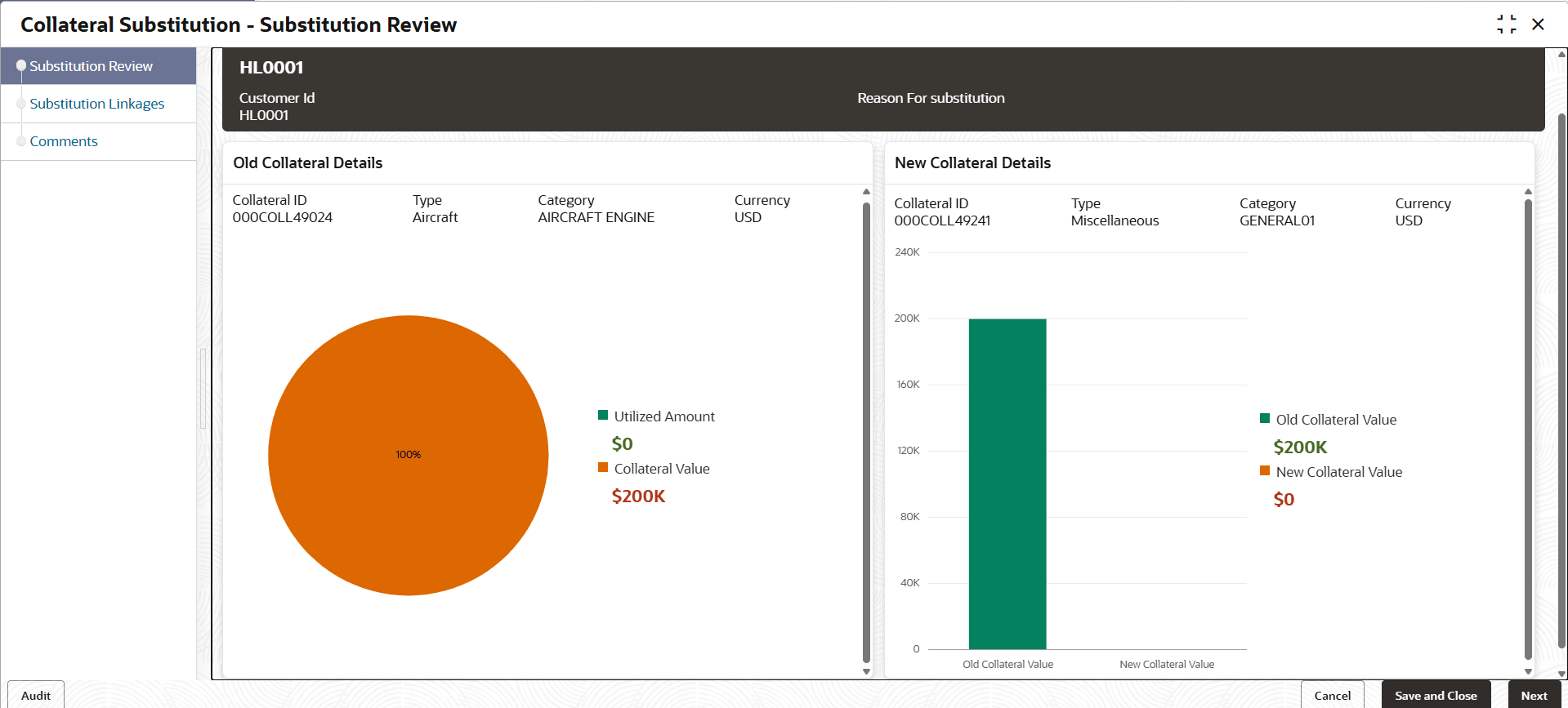
This topic provides information on substitution review in collateral substitution process.
- To launch the substitution review screen, navigate to
Tasks under Tasks, click
Free Tasks from the left menu.The Free Tasks screen is displays.
- Click Acquire & Edit.The Substitution Review screen is displays.

Parent topic: Collateral Substitution Review