3 Collateral Liquidation Initiation
This topic describes the information about the Collateral Liquidation Initiation stage in Collateral Liquidation process.
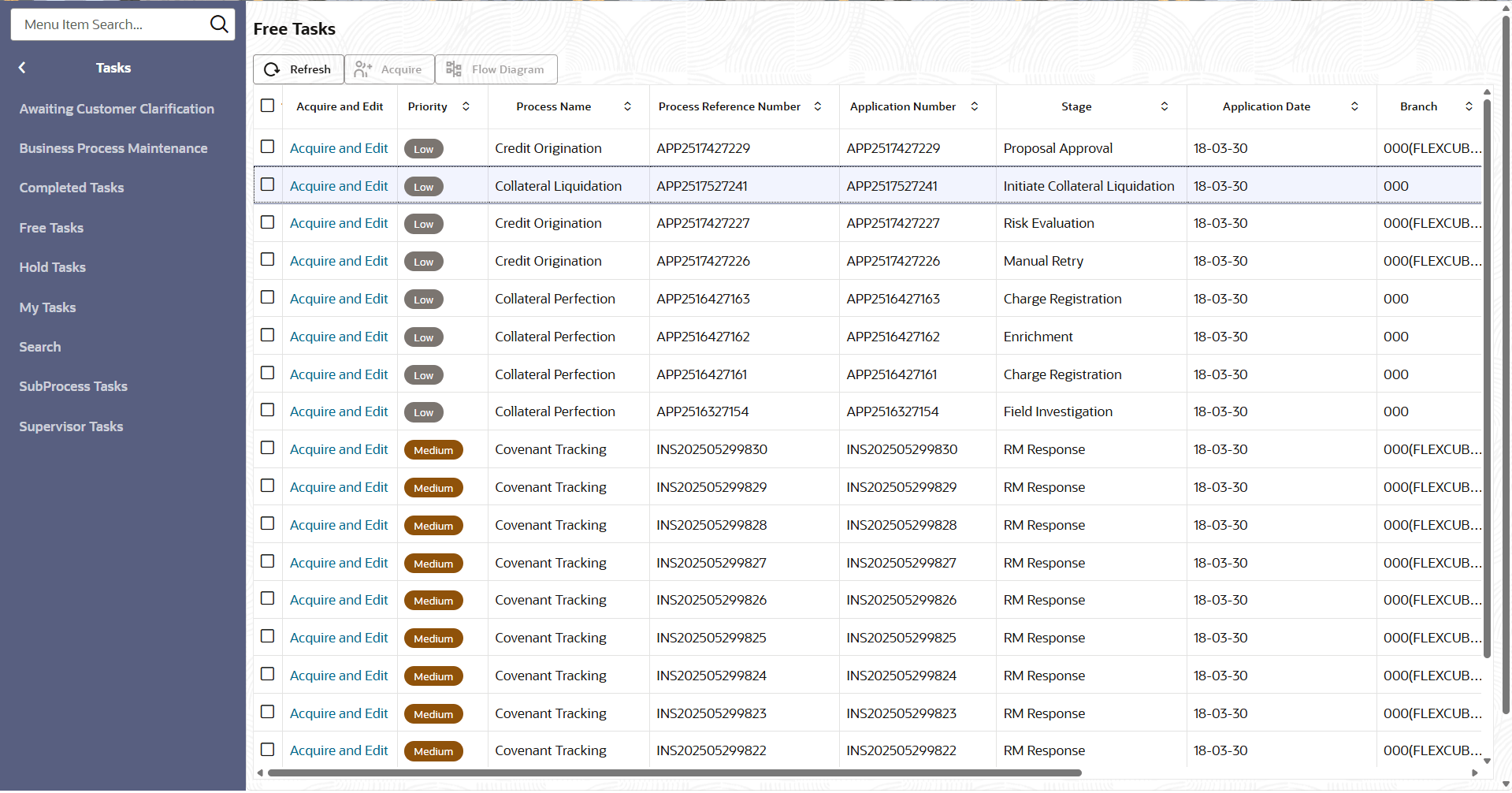
Collateral Liquidation process can be triggered from both the mid-office and back-office systems based on the performance of the account to which the collateral is linked. In case of back-office system, the system lists the task in the free task queue once the collateral liquidation task is initiated. The user must acquire and edit the task from the Free Tasks menu.
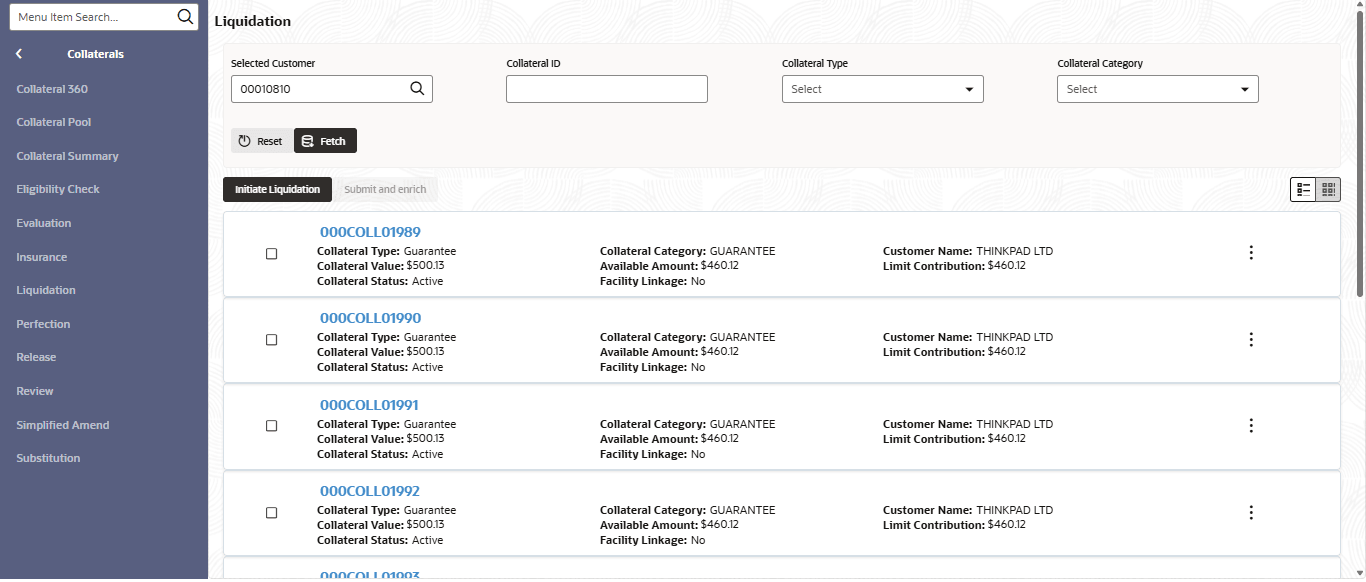
To initiate Liquidation Process in OBCFPM:
- From Home menu, click
Collaterals. Under Collaterals, click
Liquidation.The Liquidation Initiation screen displays..
- From Tasks, click Free
Tasks.The Free Tasks screen displays.
- Collateral Details
This topic provides the systematic instructions about the Collateral Details data segment in Collateral Liquidation Initiation stage. - Property
This topic provides information about the property data segment in Collateral Liquidation Initiation stage. - Seniority
This topic provides information about the Seniority data segment in Collateral Liquidation Initiation stage. The Seniority data segment displays the collateral's seniority of charge details. If the bank's charge on collateral is second or third charge, all the pervious charge details is also displayed. - Linked Transaction
This topic provides information about the Linked Transaction data segment in Collateral Liquidation Initiation stage. - Liquidation Details
This topic provides systematic instructions about the Liquidation Details data segment in Collateral Liquidation Initiation stage. The Liquidation Details data segment allows user to capture all the attributes pertaining to the Collateral Liquidation - Comments
This topic provides systematic instructions about the Comments data segment in Collateral Liquidation Initiation stage.Comments data segment allows user to capture overall comments for the Collateral Liquidation Initiation stage. Capturing comments helps the user of next stage to better understand the application.