1.4 KYC Documents Upload
This feature allows the associated party corporate who is not a customer of the bank, to uploadits KYC documents. The bank then can complete the KYC validity of the corporate using the documents.
The Associated Party who is non-customer, receives a link on its email id. The associated party then needs to access the link which will redirect the corporate to the browser where it will direct or guide the associated party to upload the documents. On submitting the documents, the same are stored in the document management system and the content id is conveyed to the Bank who can then access these documents using the content id.
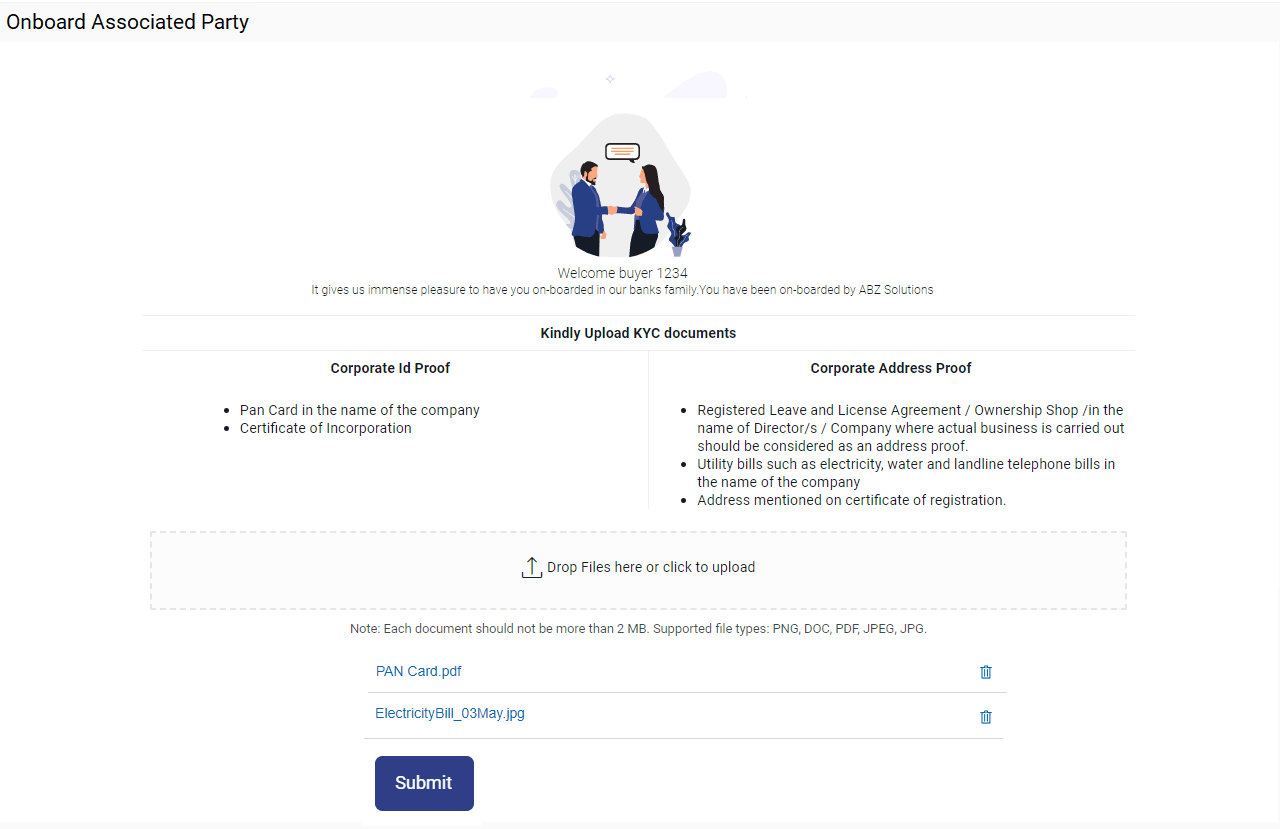
- Click the link in the email. The screen to upload KYC documents appears.
Figure 1-5 Onboard Associated Party- Upload KYC Documents
Table 1-3 Field Description
Field Name Description Onboarded Associated Party This section displays the Onboarded Associated Party details. Drop Files here or click to upload Click
 to browse and upload the ID proof or address proof documents or drag-and-drop the files to be uploaded.
Note: File size should not be more than 2MB. Supported file types: .PNG, DOC, PDF, JPG, JPEG. Multiple documents can be uploaded at a time.
- Once you upload the document, its name appears as a hyperlink. You can click this hyperlink to open the document. Or, to delete the uploaded document, click
 against it.
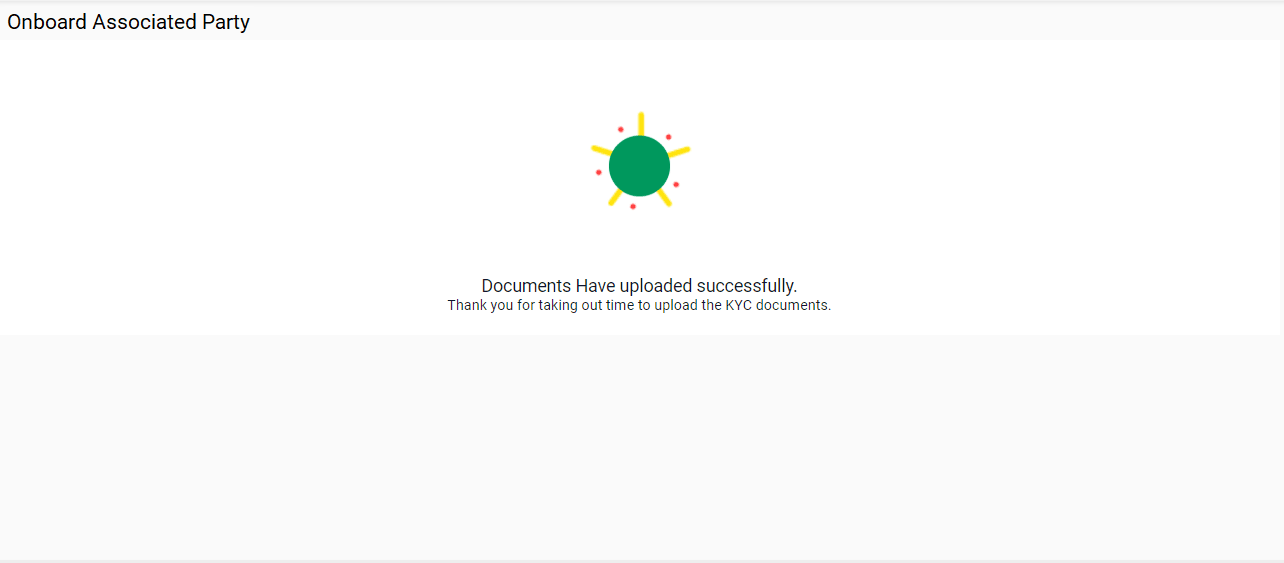
 - Click Submit to complete the uploading process. A Confirmation message regarding the uploading appears.
Figure 1-6 Onboard Associated Party- Success screen
Parent topic: Associated Party Management