9 Mobile Touchpoints
This topic describes about the mobile touch points.
This functionality allows a corporate user to perform and view Oracle Banking Digital
Experience – Supply Chain Finance transactions on the mobile screen.
Note:
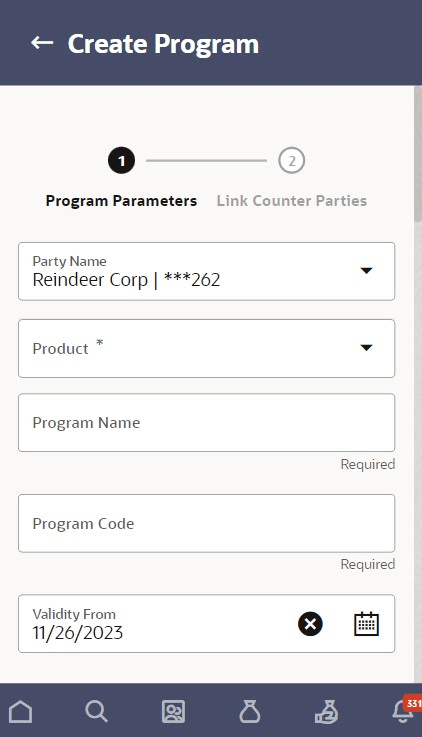
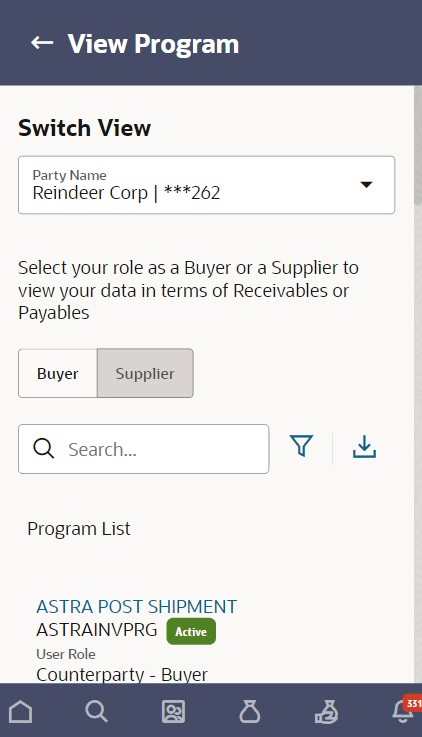
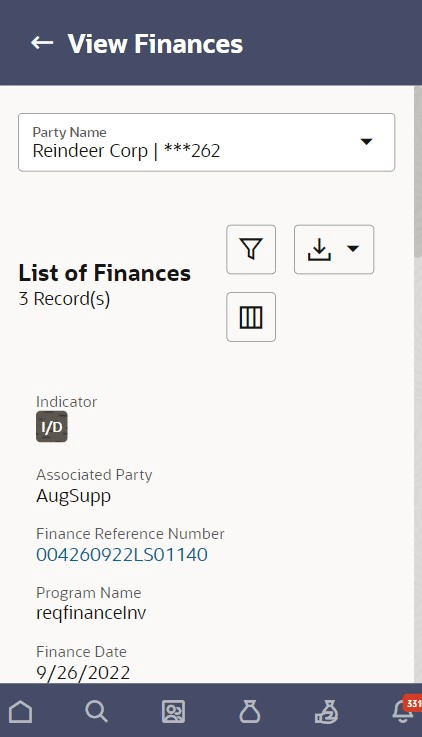
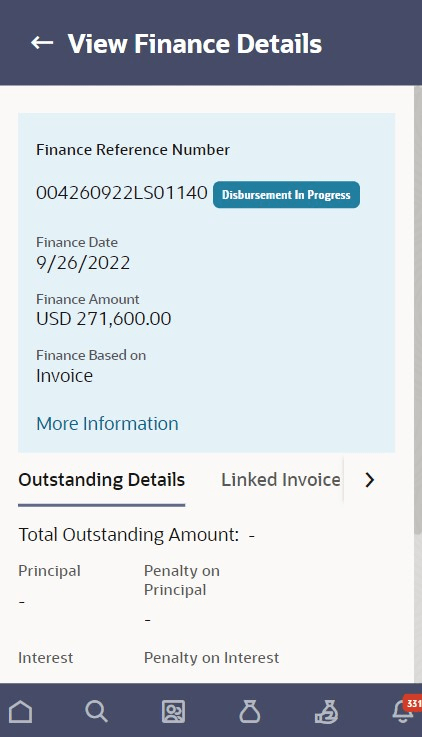
Functionality and Information displayed in each widget (columns, links, Graphs, charts, and so on) depends on the access to real accounts user has. All features available on a web browser on desktop computers, such as, hyperlinks, search filters, download option, and so on, are also available on the mobile device. The details displayed on each program card are also the same as that on the web browser.The below screens gives an idea how the data in widget will be shown on mobile screen:
The below list of transactions is enabled on mobile application:
Table 9-1 Field Description
| Screen Name | Transaction Type |
|---|---|
| Dashboard |
|
| Transaction screens |
|
| Transaction screens | View Limits
Note: The transactions is not supported on mobile application. |