1.3.1.1 Initial Funding Details
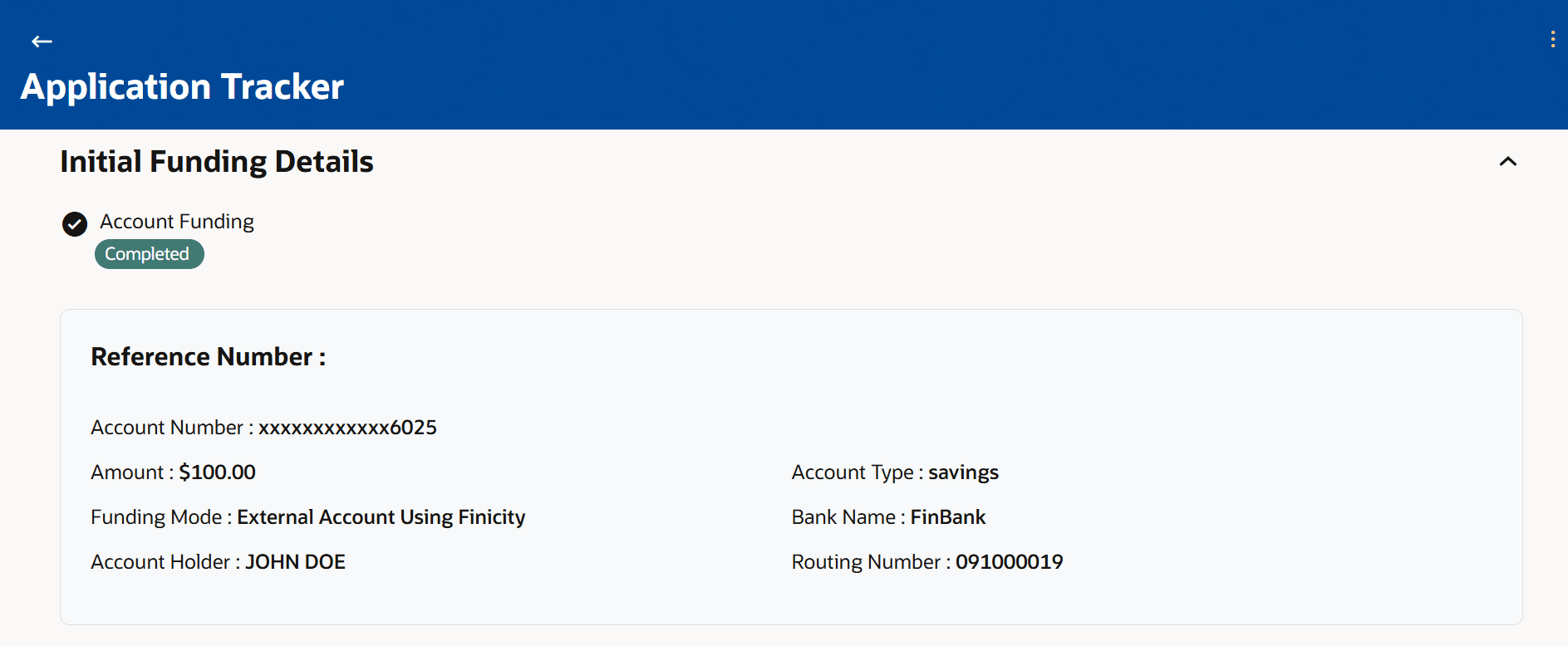
Figure 1-8 Initial Funding Details – When Fund Later was selected
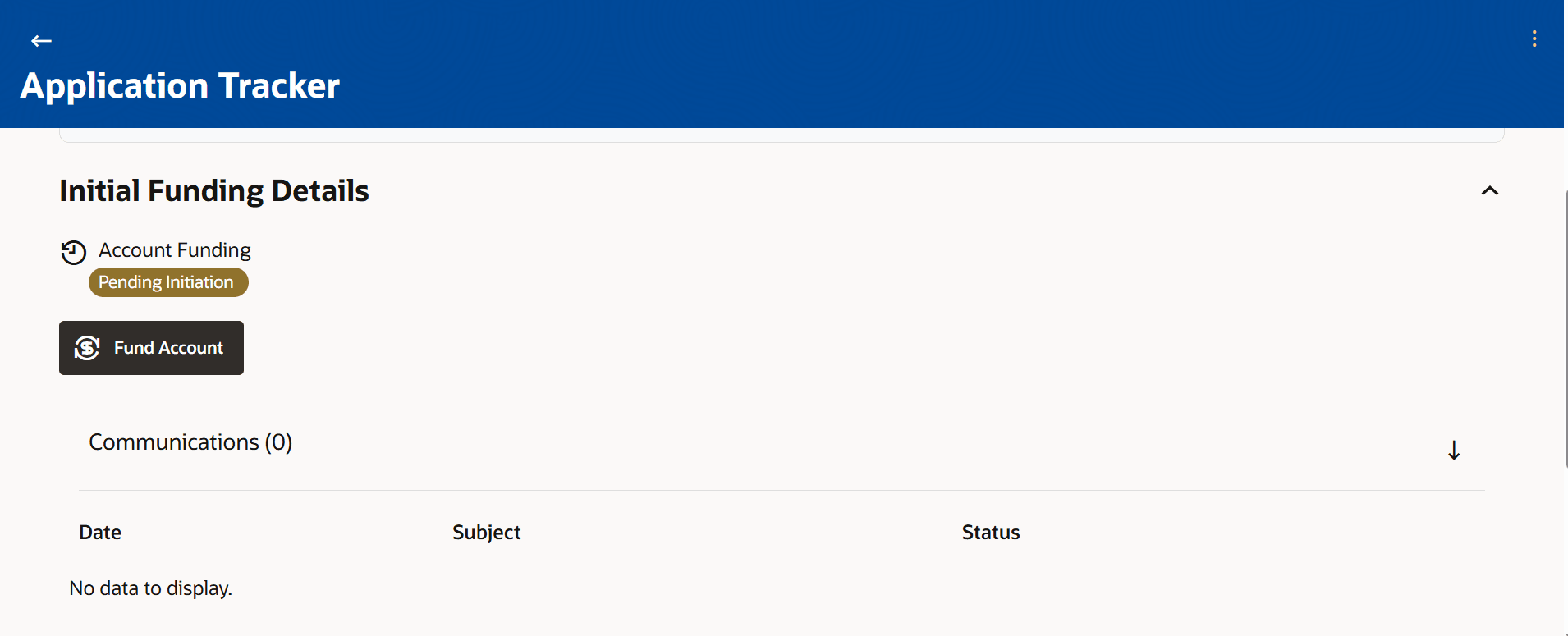
Table 1-7 Initial Funding Details - Field Description
| Field Name | Description |
|---|---|
| Funding Status | Displays the current status of the initial account funding.
The possible statuses are:
The following four statuses are applicable only if account funding was done using the Fund using Finicity option.
The following four statuses are applicable only if account funding was done through Own Internal Transfer.
|
| Reference Number | The transaction reference number will be displayed. |
| Account Number | The account number that was used to fund the account will be displayed in standard account masking format. |
| Amount | The amount that was funded will be displayed. |
| Funding Mode | The mode of funding selected by the applicant will be displayed.
The
funding modes can be:
|
| Account Holder | The name of the account holder of the account that was used to fund the
account will be displayed.
This field is applicable only in case of funding mode External Account using Finicity. |
| Account Type | The type of account that was used to fund the account will be displayed.
The values can be:
|
| Bank Name | The name of the bank in which the account used to fund the account, is held,
will be displayed.
This field is applicable only in case of funding mode External Account using Finicity. |
| Routing Number | The routing number of the bank in which the account that was used to fund the
account will be displayed.
This field is applicable only in case of funding mode External Account using Finicity. |
| Date of Transfer | The date on which the amount was transferred to the new account, will be
displayed.
This field is applicable only in case of funding mode Own Internal Transfer. |