1.17.1 Fund Using Finicity
This topic describes the process through which you can select as external account to fund the new account.
This process is applicable if you have selected the Fund Using Finicity option on the Fund Your Account screen that is accessible only once your account has been opened.
Once you have selected this option and clicked the Make Payment button, the Finicity modal window will appear.
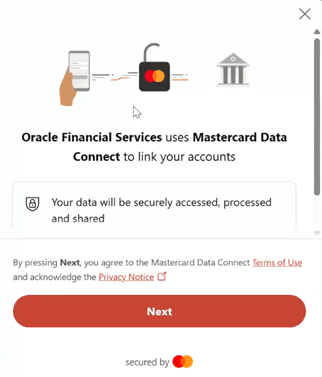
Perform the following action:
- Click Next to proceed with the guided flow. The Find your bank page appears.
- Select a bank from the cards provided or search for your bank if you cannot see
it on this page.
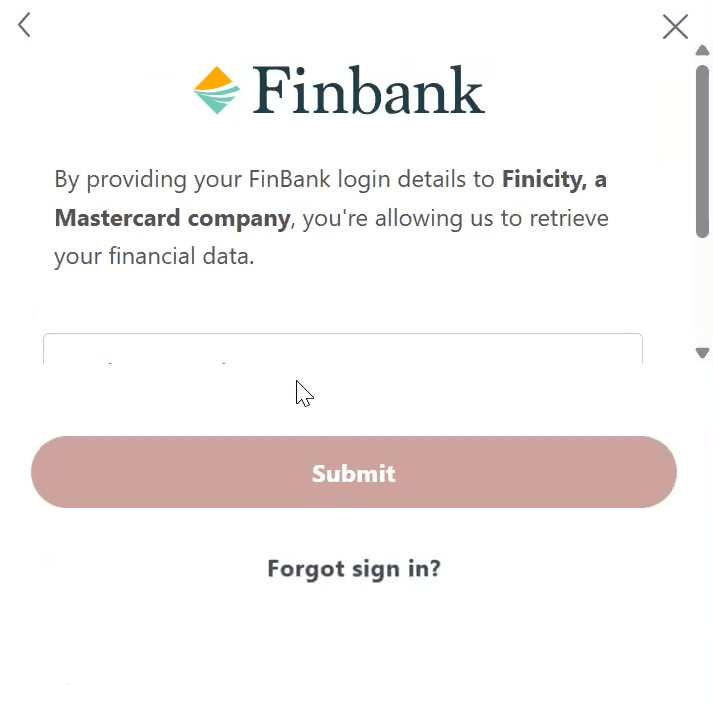
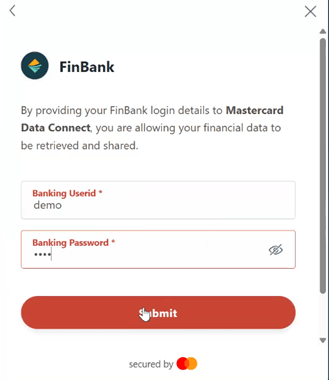
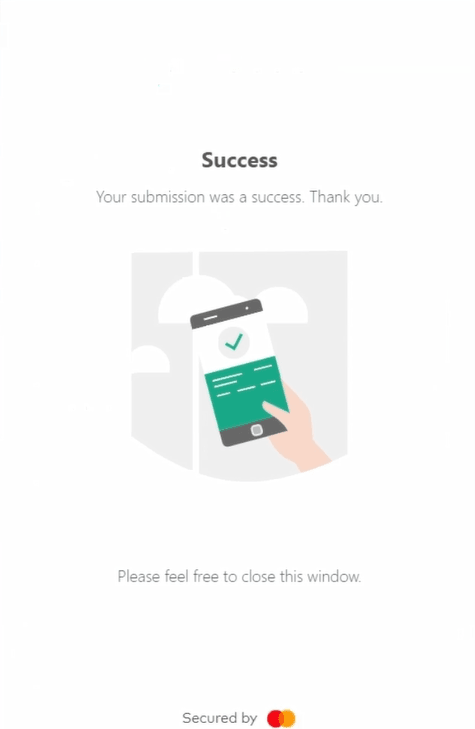
- Click Submit to proceed.
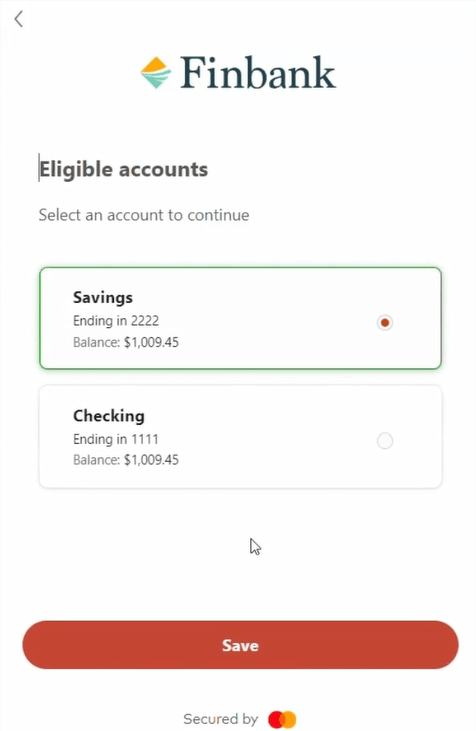
- Click Submit. The page displaying the account/s you hold with the bank appears.
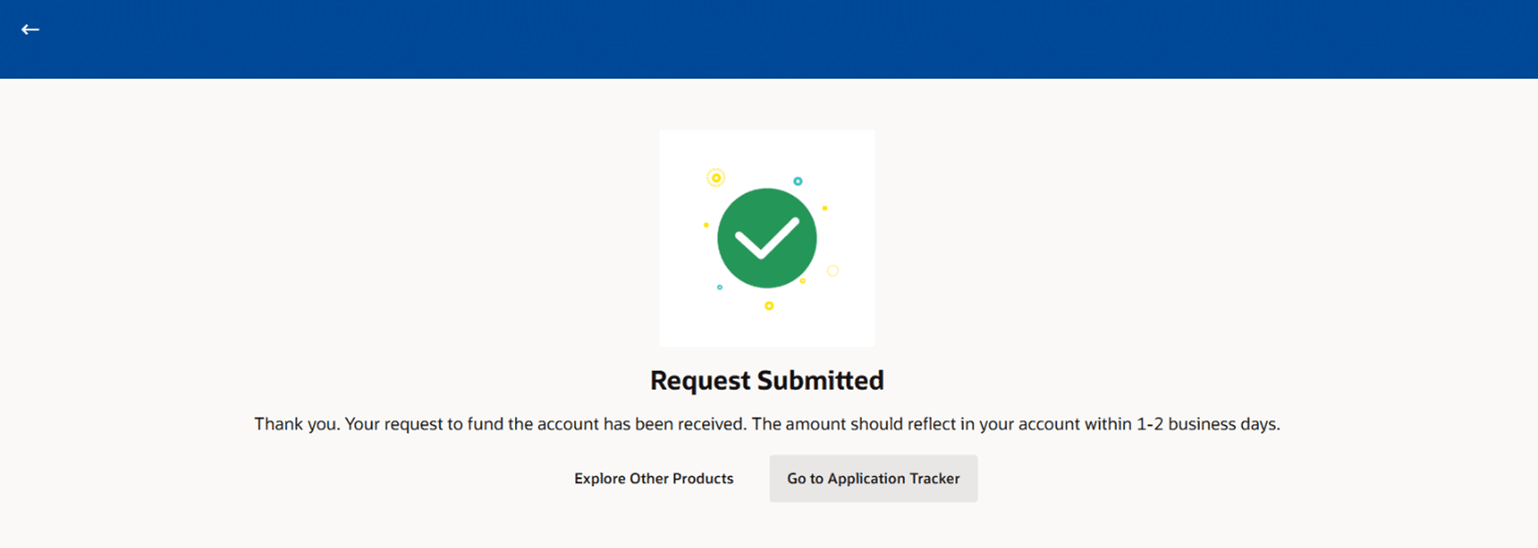
- Click Save.

Parent topic: Fund Your Account (Post Account Opening)