1.16 Submitted Application - Confirmation
This topic describes the confirmation page that appears after application submission.
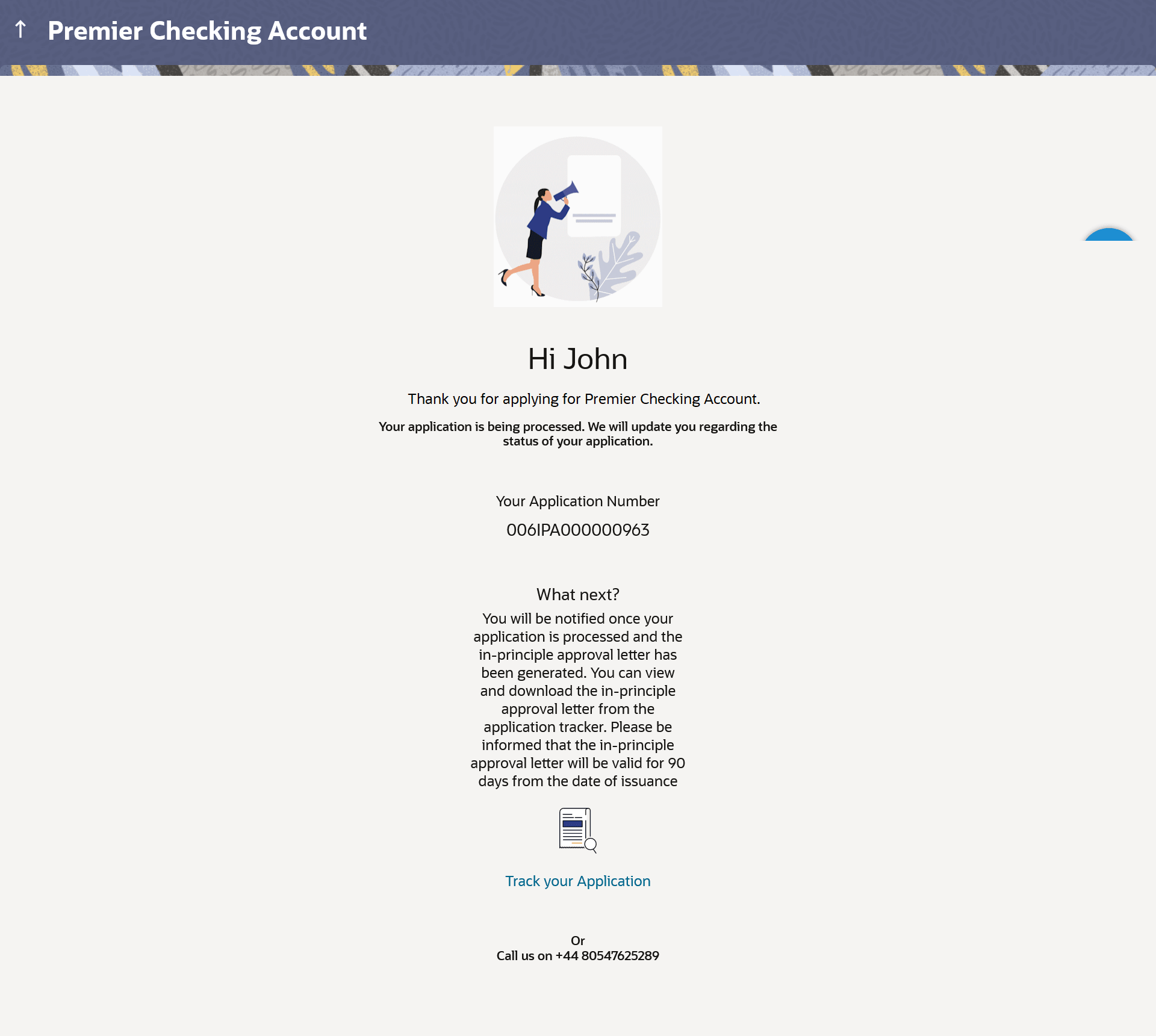
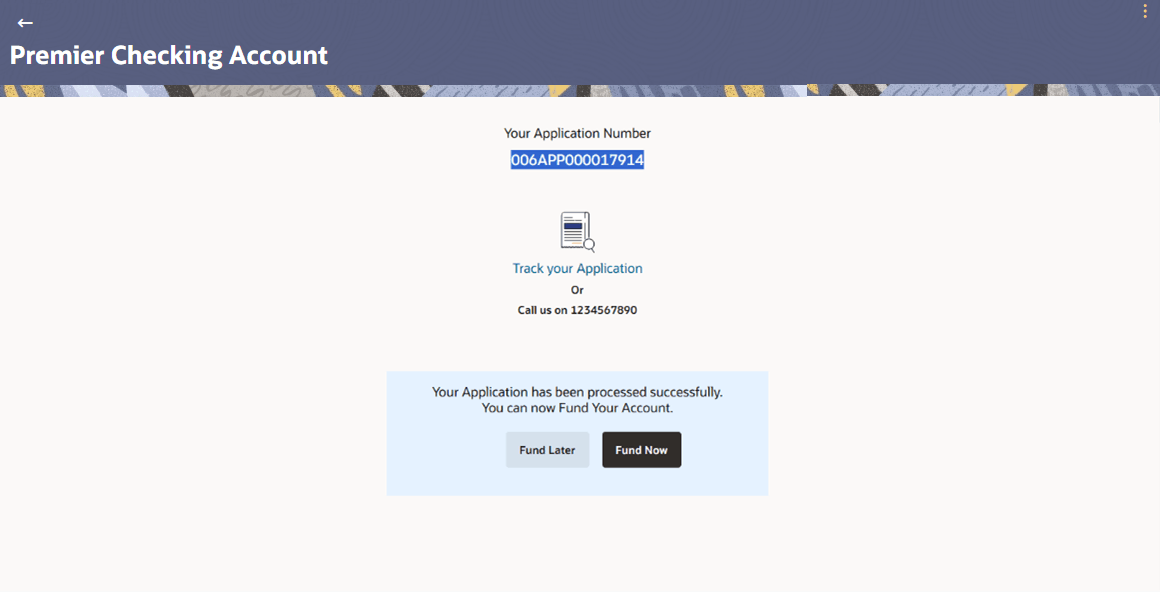
The confirmation page appears once you have submitted your application. This page displays the name of the product that you have applied for along with the application reference number. It also provides a link by means of which you can track your application.
Note:
For Insta Savings and Checking Accounts, Oracle Banking Digital Experience also supports post-account funding.
Figure 1-26 Success Message (Applicable for
applications that will be manually processed) Figure 1-27 Success Message (Applicable for Insta-checking Account Applicants i.e. those
applications that are processed through STP mode)
Parent topic: Checking Account Application