3.1.8 Migration
This topic provides information on file upload.
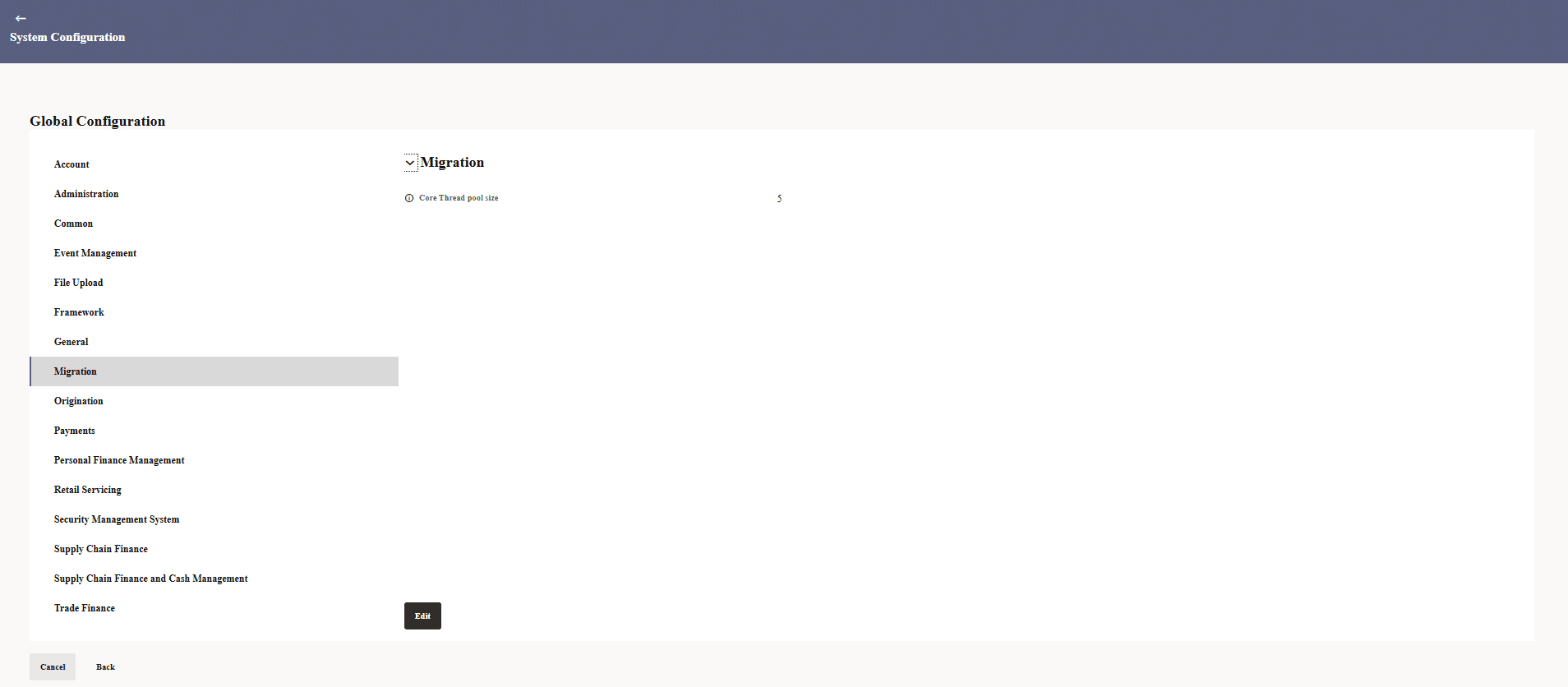
- In the Global Configuration screen, click
Migration.The Migration screen is displayed.
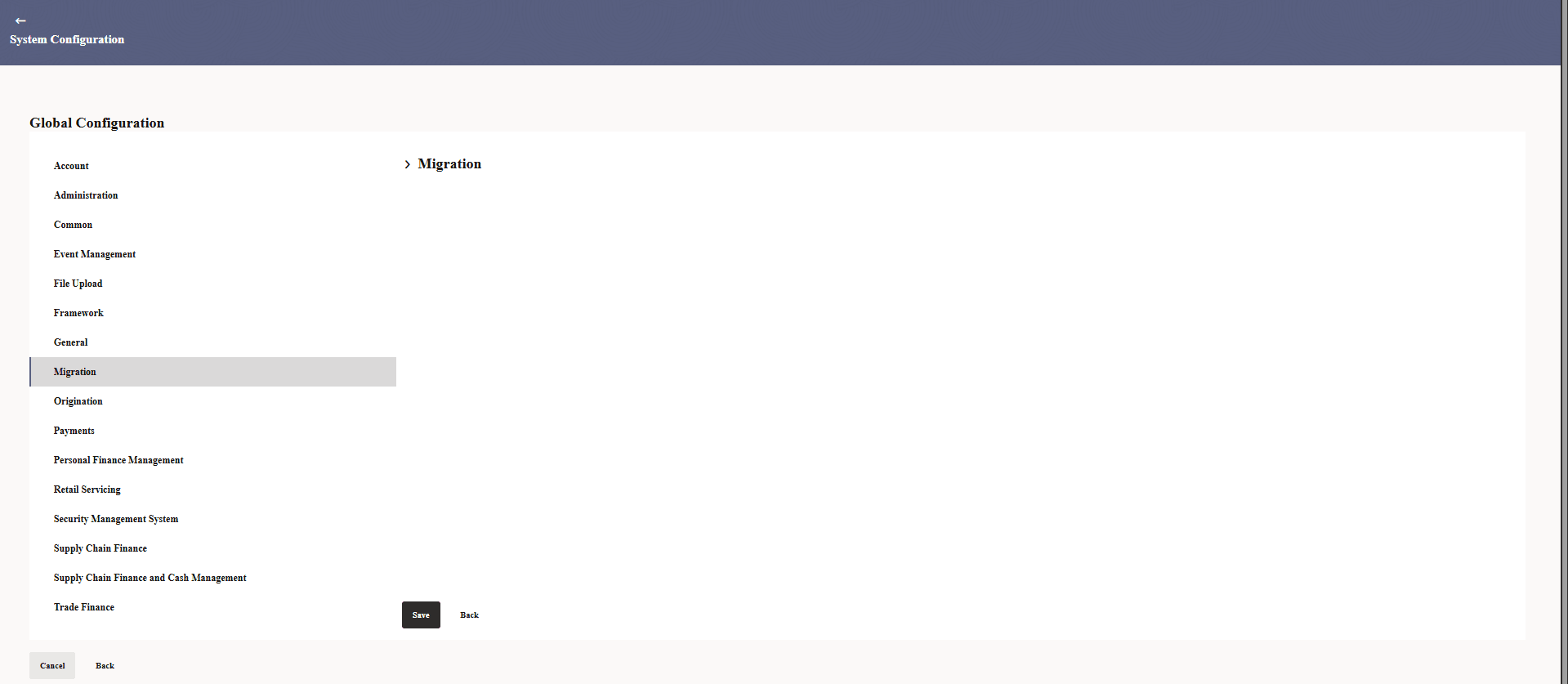
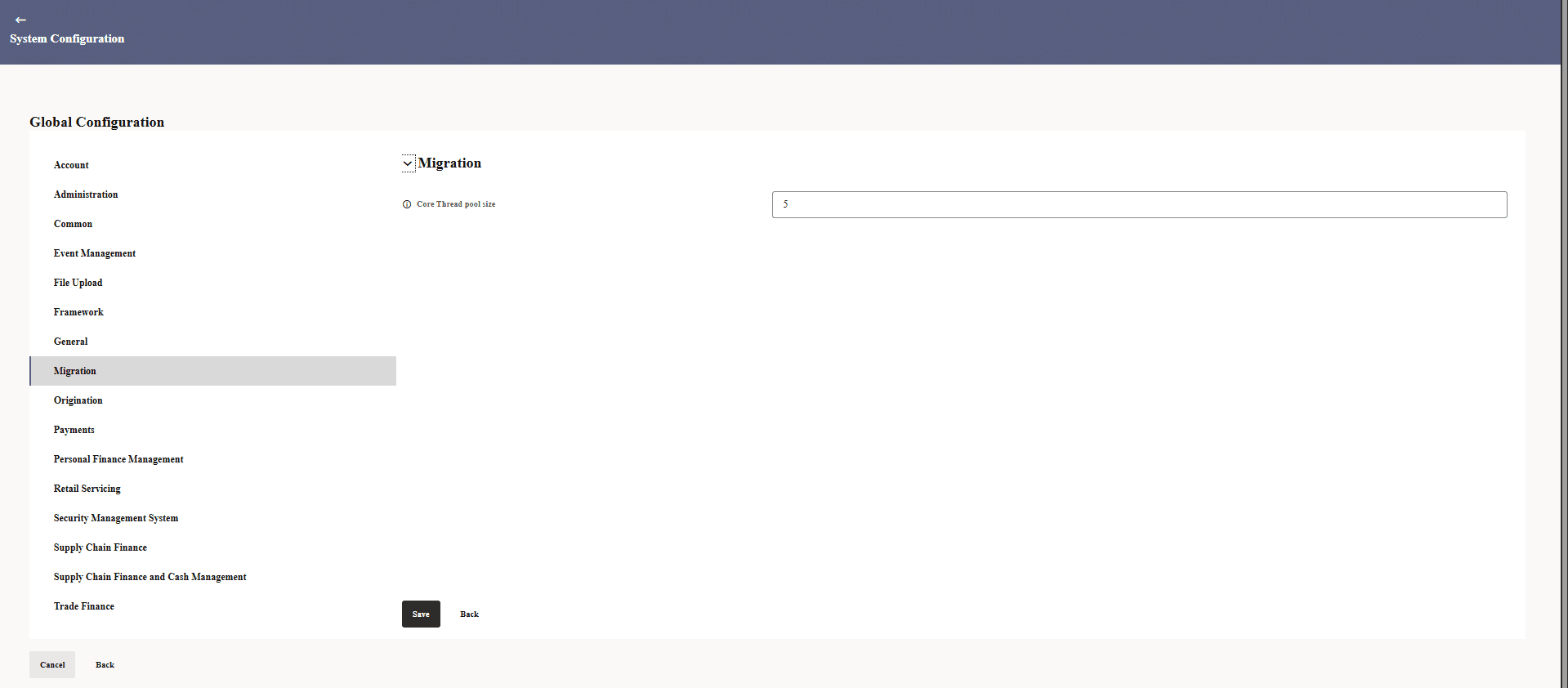
- Click Edit to specify the details under account.The Migration - Edit screen is displayed.
- Click expand and specify the details.
For more information on fields, refer to the field description table.
Table 3-27 Migration - Field Description
Field Name Description Core Thread pool size Specifies the number of core threads maintained in the thread pool to handle concurrent tasks and optimize application performance.
Parent topic: Global Settings