1.2 Pre-requisite Software Installation and OS Configuration for OBDX Installer
This topic describes the systematic instruction to Pre-requisite Software Installation and OS Configuration for OBDX Installer option.
Below steps assume Python 3.11.x is installed and available on server. User can verify the Python version by executing the command as shown below:

Note:
Below steps require root login on server where OBDX software pre-requisite are performed (i.e. Server which host Oracle Weblogic).SQLCL Installation
Download the sqlcl version 25.1.1.113.2054 zip file from Oracle site.
Follow the documentation available at the site for the installation.
Gradle Installation
Download the gradle zip file from the gradle site.
Unzip the downloaded zip file into the desire path.
Example :
cd /home/obdxuser
unzip gradle-8.3-bin.zip
        GRADLE_HOME=/home/obdxuser/gradle-8.3
cx_Oracle (Software Installation)
- Oracle Instant Client.
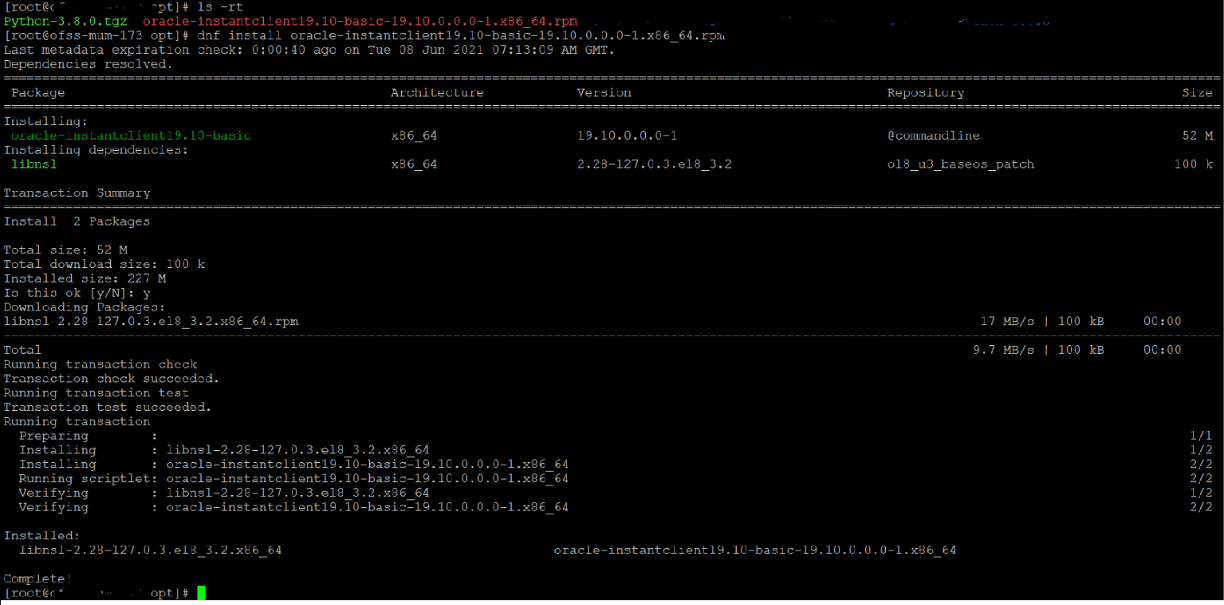
Download oracle-instantclient19.10-basic-19.10.0.0.0-1.x86_64.rpm from site

Run the below command.
dnf install oracle-instantclient19.10-basic-19.10.0.0.0-1.x86_64.rpm - Install cx_Oracle.
- Download cx_Oracle from cx_Oracle (or cx-oracle org) website.
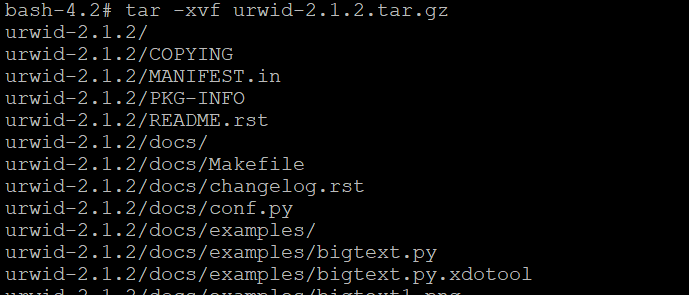
- Extract the tar file as shown below:
- Browse into the extracted directory and run below
command.
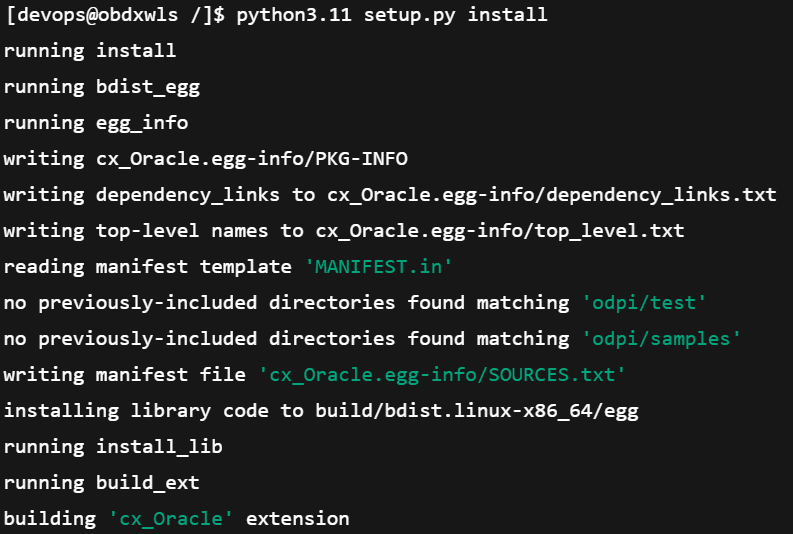
python3.11 setup.py build_py - Execute below command to perform Urwid
installation.
python3.11 setup.py installNote:
Or user can install cx_oracle from step mention in section Python 3.11.0 installation on Linux Operating System below step 2.

Urwid (Software Installation)
- Download Urwid from Urwid (or urwid.org) website.
Note:
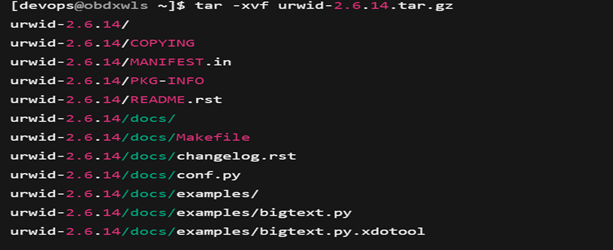
Support version for Urwid is 2.6.14 (urwid-2.6.14.tar.gz). - Extract the tar file as shown below:
- Browse into the extracted directory and run below
command.
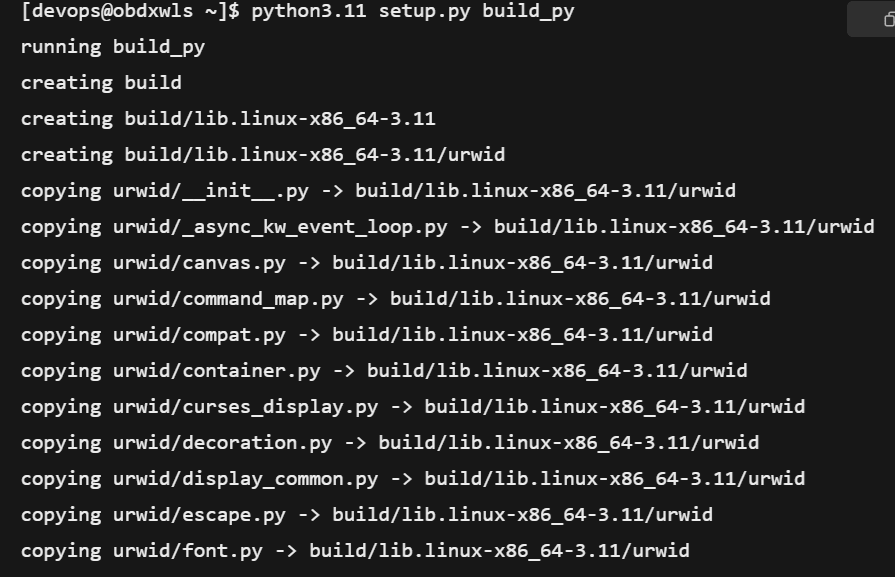
# python3.11 setup.py build_pyNote:
Ensure Python 3.11.0 version should be available in PATH variable. Above execution should be done using Python 3.11.0. - Execute below command to perform Urwid
installation.
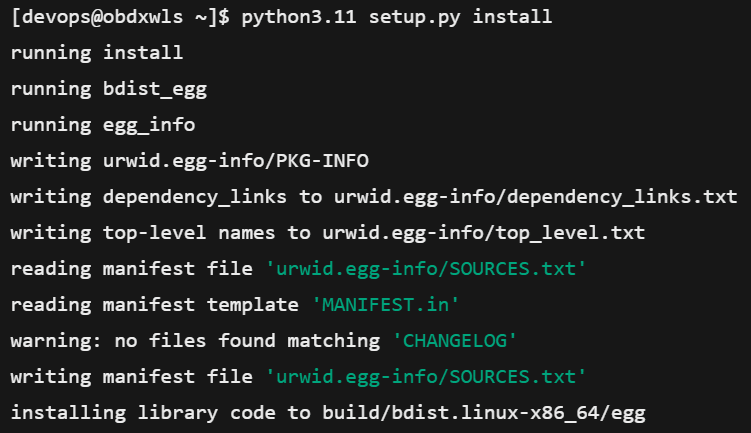
# python3.11 setup.py installNote:
Or user can install urwid from section Python 3.11.0 installation on Linux Operating System below step 2 Ensure Python 3.11.0 version should be available in PATH variable. Above execution should be done using Python 3.11.0.
Parent topic: Introduction