1.2.7 Block Amount Restoration on Utilization Reversal
This topic describes about block amount restoration on utilization reversal.
The "Reversal" event is used to correct errors or to negate transactions that were posted in error, posted with incorrect values, or require cancellation due to business or operational reasons. It ensures that system records and calculations remain accurate and reflect the true position as per actual business events.
Automatically reploughing the block after utilization reversal ensures that the original reserved amount remains protected for its intended purpose, prevents premature re-availability of credit, reduces operational risk, and maintains control and compliance across all subsequent business processes and exposures.
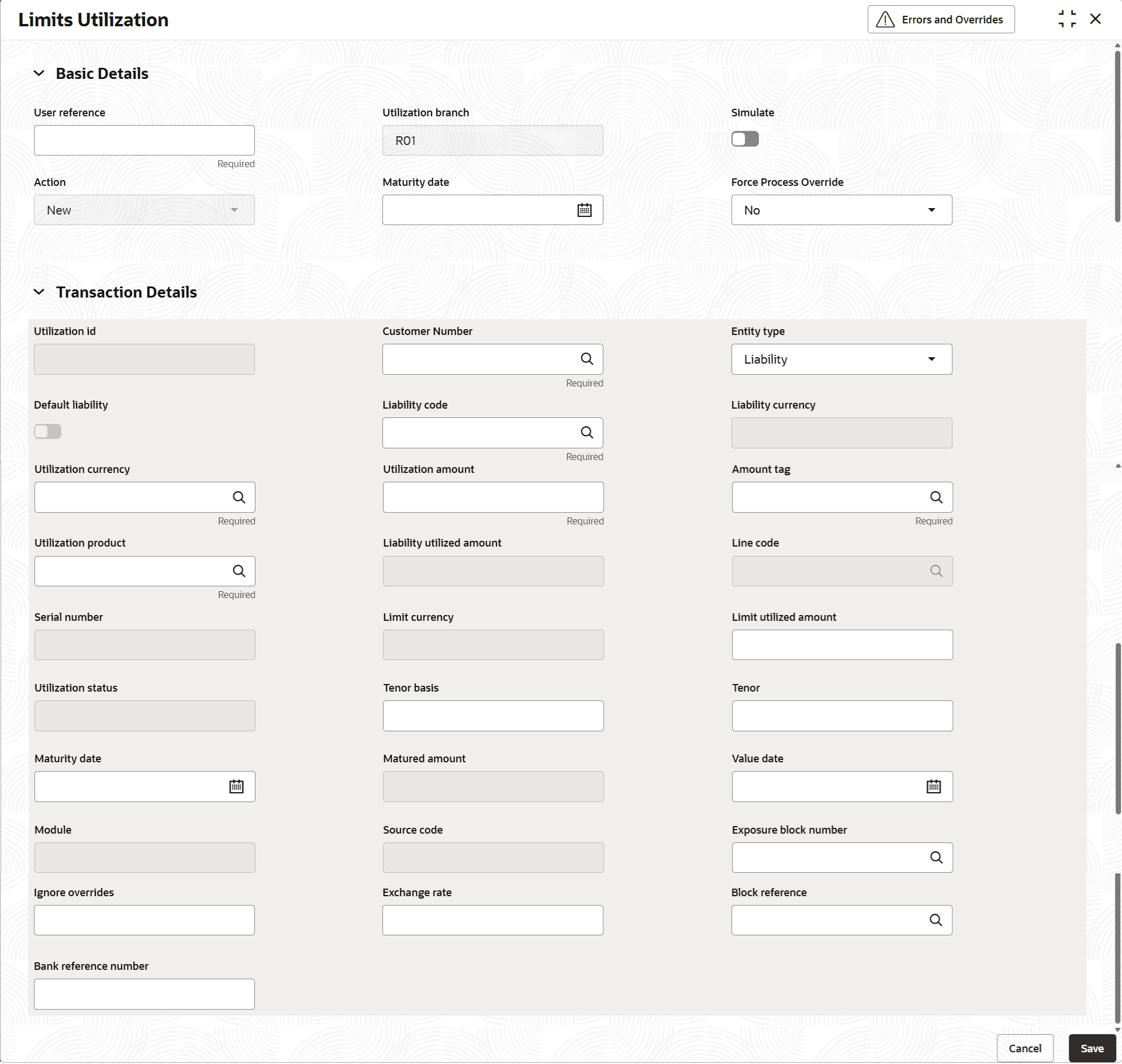
Table 1-108 Reverse
| Event | Blocked Amount | Utilized Amount | Available Amount | Key System Actions |
|---|---|---|---|---|
| Facility Created | 0 | 0 | 25,000 | Create Facility |
| Block (B1) Applied | 10,000 | 0 | 15,000 | Create block of 10,000, reduce available |
| NEW Utilization (vs. block B1) | 0 | 10,000 | 15,000 | Move 10,000 from block to utilization |
| Utilization Reversed (B1) | 10,000 | 0 | 15,000 | Utilization reduced, block reinstated |
Note:
If utilization was not linked to a block (block reference not given), only available amount is impacted and block amount remains unchanged.Table 1-109 E-Reverse
| Event | Blocked Amount | Utilized Amount | Available Amount | Key System Actions |
|---|---|---|---|---|
| Revolving Facility Created | 0 | 0 | 25,000 | Create Facility |
| Block (B1) Applied | 10,000 | 0 | 15,000 | Create block of 10,000, reduce available |
| NEW Utilization (vs. block B1) | 5000 | 5000 | 15,000 | Move 5000 from block to utilization |
| Utilization INCREASE (3000) (vs. block B1) | 2000 | 8000 | 15,000 | Move an additional 3000 from block to utilization. Total Utilization (8000) |
| Utilization DECREASE (1000) (vs. block B1) | 2000 | 7000 | 16,000 | Reduce the utilized amount and increase the available amount by 1000 |
| Utilization ‘INCREASE’ E-Reversed (B1) | 5000 | 4000 | 16,000 | Utilization reduced, block reinstated to extent of that during INCREASE action |
Note:
Using "E-reverse" for a "Decrease" utilization does not affect block or available - only changes the outstanding utilized value.Table 1-110 UNDO
| Event | Blocked Amount | Utilized Amount | Available Amount | Key System Actions |
|---|---|---|---|---|
| Revolving Facility Created | 0 | 0 | 25,000 | Create Facility |
| Block (B1) Applied | 10,000 | 0 | 15,000 | Create block of 10,000, reduce available |
| NEW Utilization (vs. block B1) | 5000 | 5000 | 15,000 | Move 5000 from block to utilization |
| Utilization INCREASE (3000) (vs. block B1) | 2000 | 8000 | 15,000 | Move an additional 3000 from block to utilization. Total Utilization (8000) |
| Utilization UNDO | 5000 | 5000 | 15,000 | Utilization reduced, block reinstated to extent of that during INCREASE action |
Parent topic: Transactions