1.4.1 Application Insight
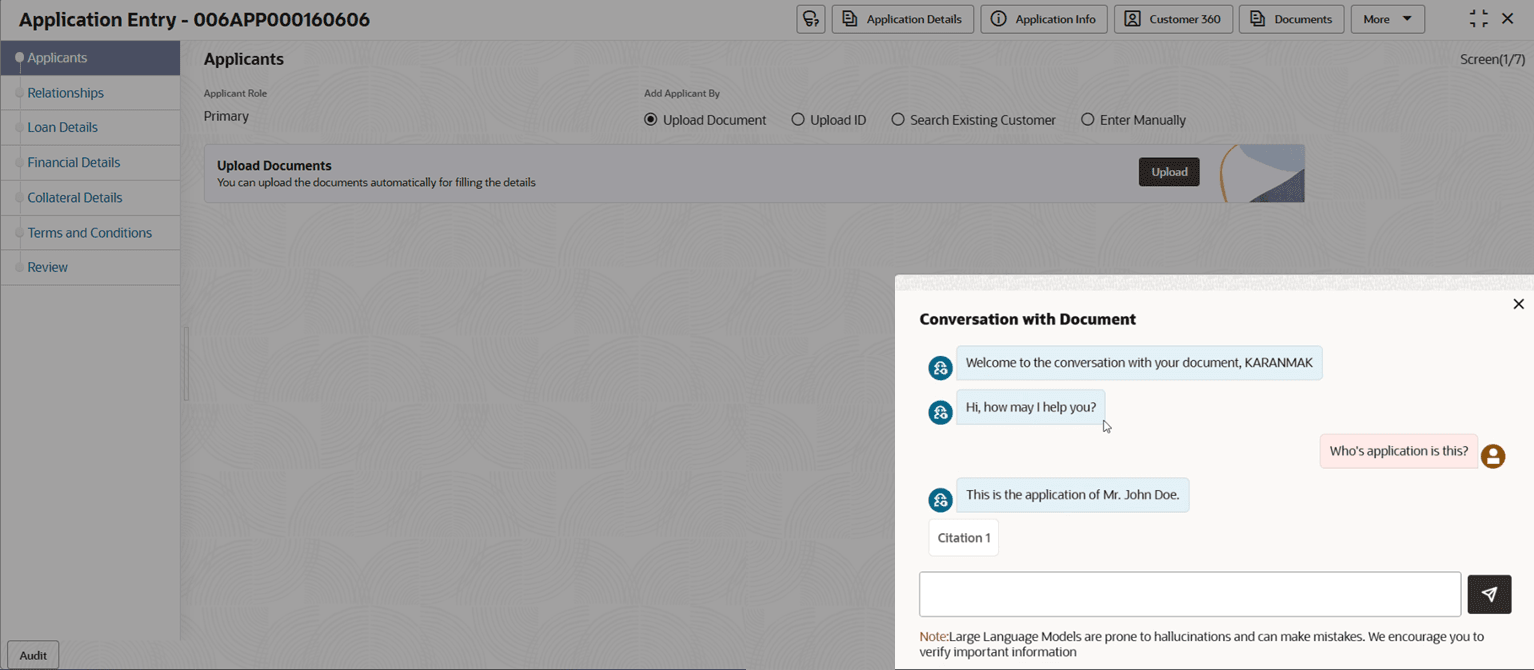
This topic provide systematic instructions to get application insights using chatbot.
- Click the Application Insight on the top of the screen.The Conversations with Documents pop-up screen displays with chatbot.
Note:
The Application Insight icon displays when the Smart Assist for Application Insight feature is enabled in the Origination Preferences screen. - Click
 to close the screen.
Parent topic: Global Actions