1.7.1 Create Reason

This topic describes the systematic instructions to create fact.

Using this screen you can create reason codes based on the various parameters.

  1. On Homescreen, click Retail Origination, and then click Configurations.
  2. Under Configurations, click Reason Codes, and then click Create Reason Codes.

    The Create Reason Code screen displays.
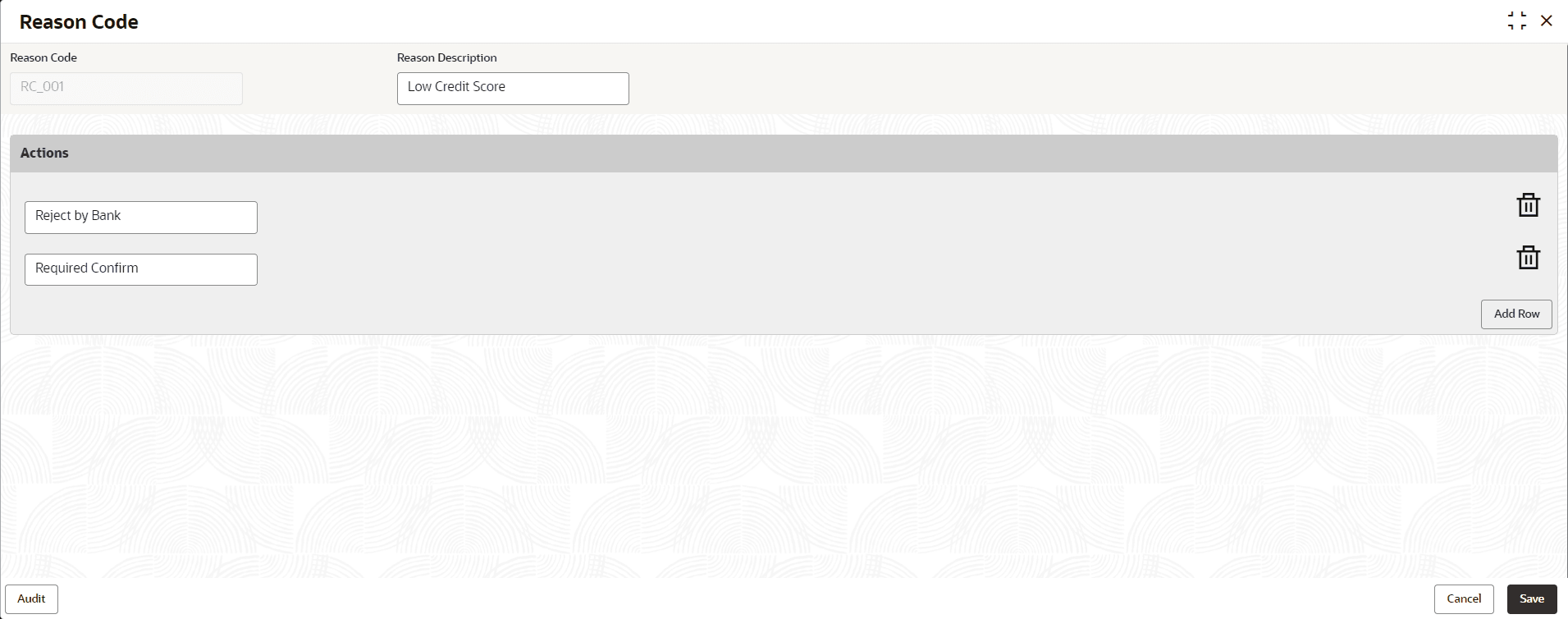
    Figure 1-102 Create Reason Code


  3. Specify the fields on Create Reason screen.

    Note:

    The fields, which mentioned as Required, are mandatory.
    For more information on fields, refer to the field description table.

    Table 1-103 Create Reason Code - Field Describes

    Field Name Description
    Reason Code Specify the reason code.
    Reason Description Specify the reason code description.
    Actions

    In this section user can capture the actions.

    Click Add Row to add list of actions that are applicable for the reason code.

    Save To save the captured details, click Save.
    Cancel Click Cancel to close the Create Reason Code screen.