4.1.3 Maintenance Screen
This topic describes about the various components in the maintenance screen.
Based on the access/permission provided to the logged-in user, the user can access the create screen. The create screen allows the user to create/configure the new records using the fields associated with the selected create screen. These new records can also be saved.
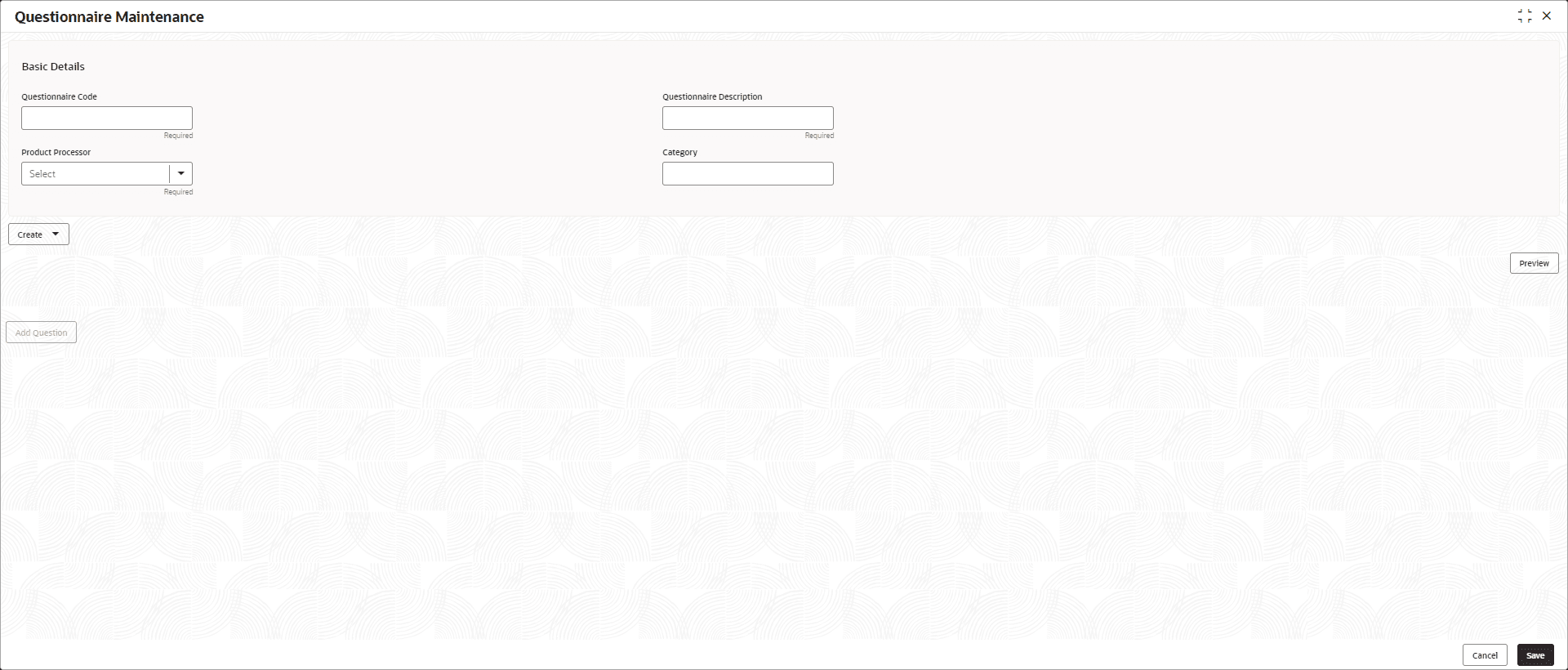
Table 4-3 Callout details
| Call out | Description |
|---|---|
| Fields | Displays the fields associated with the selected maintenance screen. There are several types of fields such as text box, drop-down, and so on, these fields can also be either mandatory or optional fields. For more information, refer to the Mandatory and Optional Fields topic in this manual. |
| Title bar | Displays the name of the screen and couple of common actions such as minimize and remove. For more information, refer to the Minimizing Records and Closing Records topics. |
| Save | Click Save to save the specified details in the maintenance screen. |
| Cancel | Click Cancel to reset the specified details in the maintenance screen. |
Parent topic: Screen Environment