2.1.3 RTGS Outgoing Payment Template

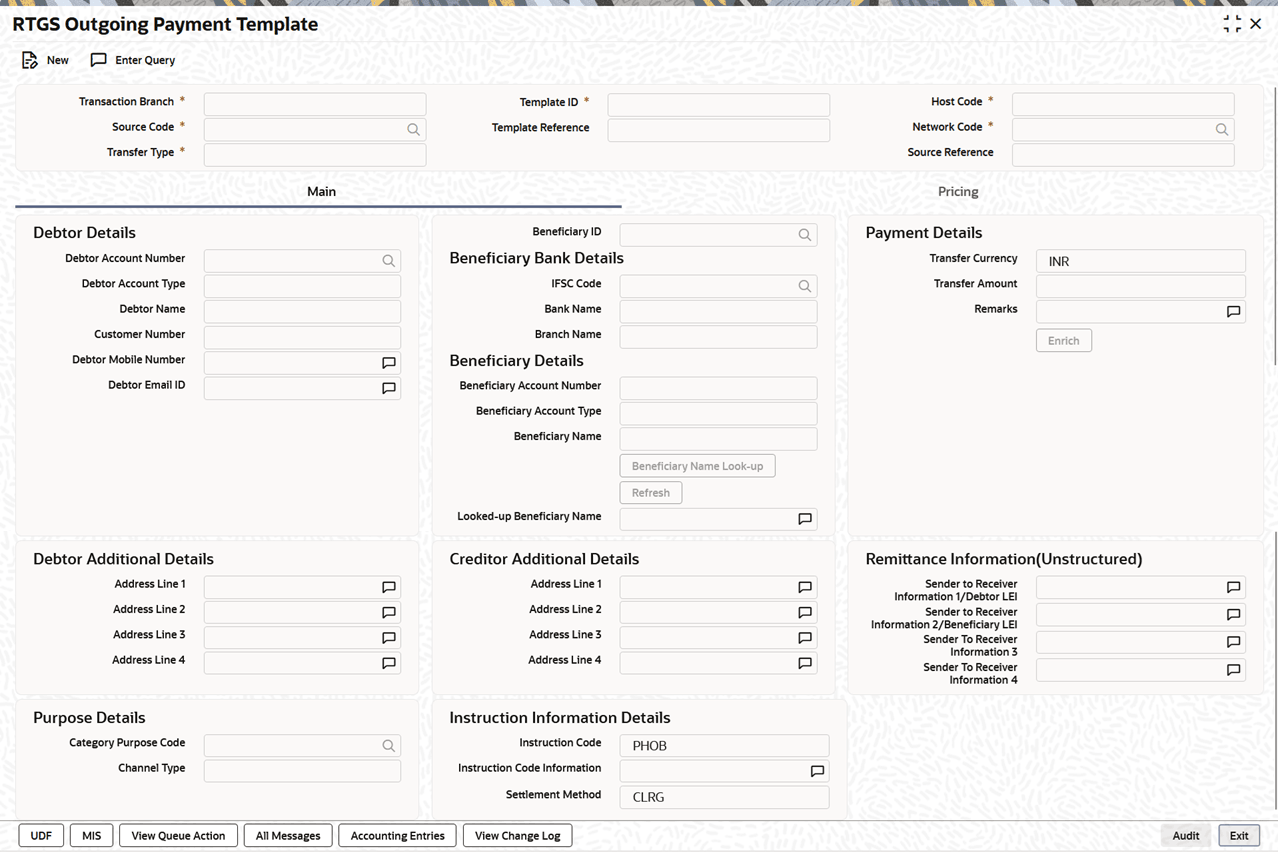
The RTGS Outgoing Payment Template screen allows user to maintain the SI for RTGS Outbound Transactions.

This is used for creating a SI template and linking it to Standing Instruction maintenance.
  1. On Homepage, specify PLDOTSTM in the text box, and click next arrow.
    The RTGS Outgoing Payment Template screen is displayed.

    Figure 2-18 RTGS Outgoing Payment Template


  2. Click New or Enter Query button on this screen.
    The Template Reference field is enabled and opens a List of Values (LOV) screen.
  3. Click New action.
    This allows users to create a new Standing Instruction (SI) template. The template can be created with or without a transfer amount.

    The system derives the Template Type as either Complete or Incomplete:

    • If a non-zero transfer amount is entered, the template is marked as Complete.
    • If the transfer amount is zero or not provided, the template is marked as Incomplete.

    All mandatory validations applicable during enrich or save for India payments are also applied while saving the template.

  4. Click Execute Query to populate the details of the transaction.
    The system displays all the fields in the Main, Pricing, UDF, and MIS tabs based on the selected template reference number.

    Fore more details, refer to India RTGS Outbound Transaction Input screen details. Saved templates are available in the SI Common Summary screen (Function ID: PMSSITMP). For more details on this screen, refer Payments Core User Guide.