25.2.1 Generic Wires ISO Inbound Investigation Response View
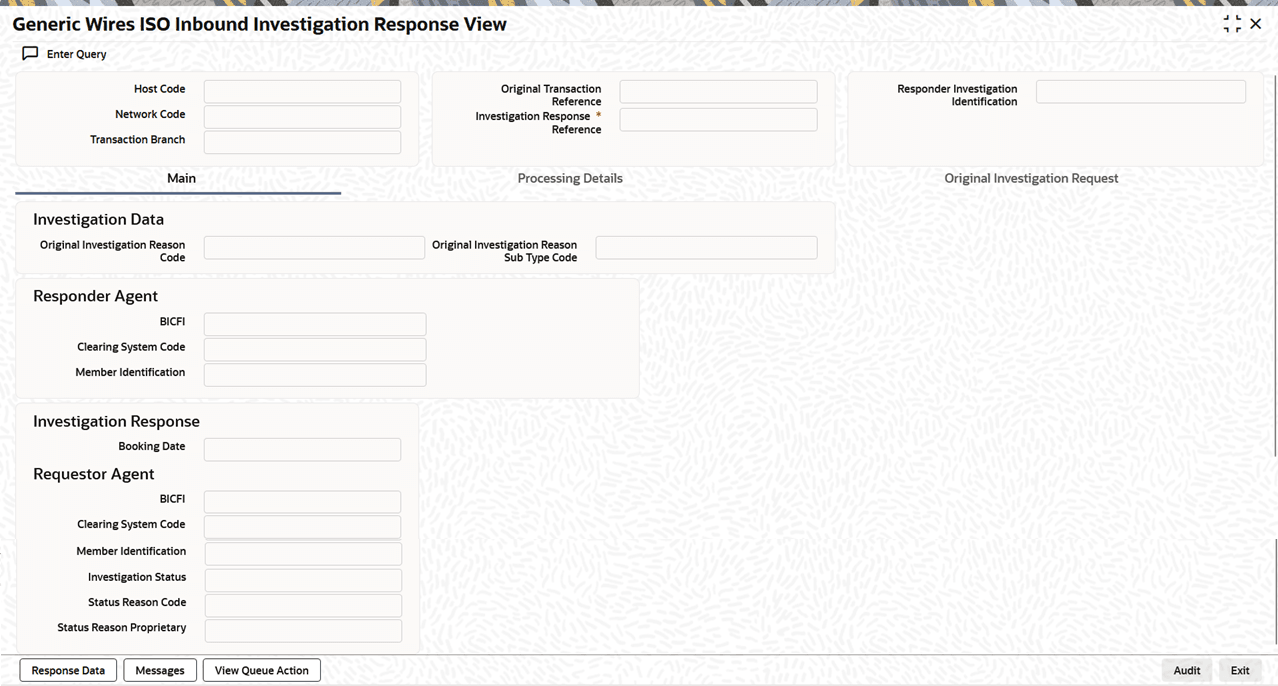
This topic provides the instructions to view Generic Wires ISO Inbound Investigation Response details.
- On Homepage, specify PSDIIRPI in the text box, and click
next arrow.The Generic Wires ISO Inbound Investigation Response View screen is displayed.
Figure 25-22 Generic Wires ISO Inbound Investigation Response View
- Processing Details Tab
This topic explains the Processing Details tab of the Generic Wires ISO Inbound Investigation Response View screen. - Generic Wires ISO Inbound Investigation Response Summary
This topic provides the instructions to view the details of the selected records.
Parent topic: Inbound Transaction