1.8.33.1 External Notification Queue Summary
The External Notification Queue Summary screen enables users to view external notifications and the corresponding communication preferences for various external systems.
- On Homepage, specify PMSEXTNT in the text box, and click
next arrow.External Notification Queue Summary screen is displayed.
Figure 1-167 External Notification Queue Summary
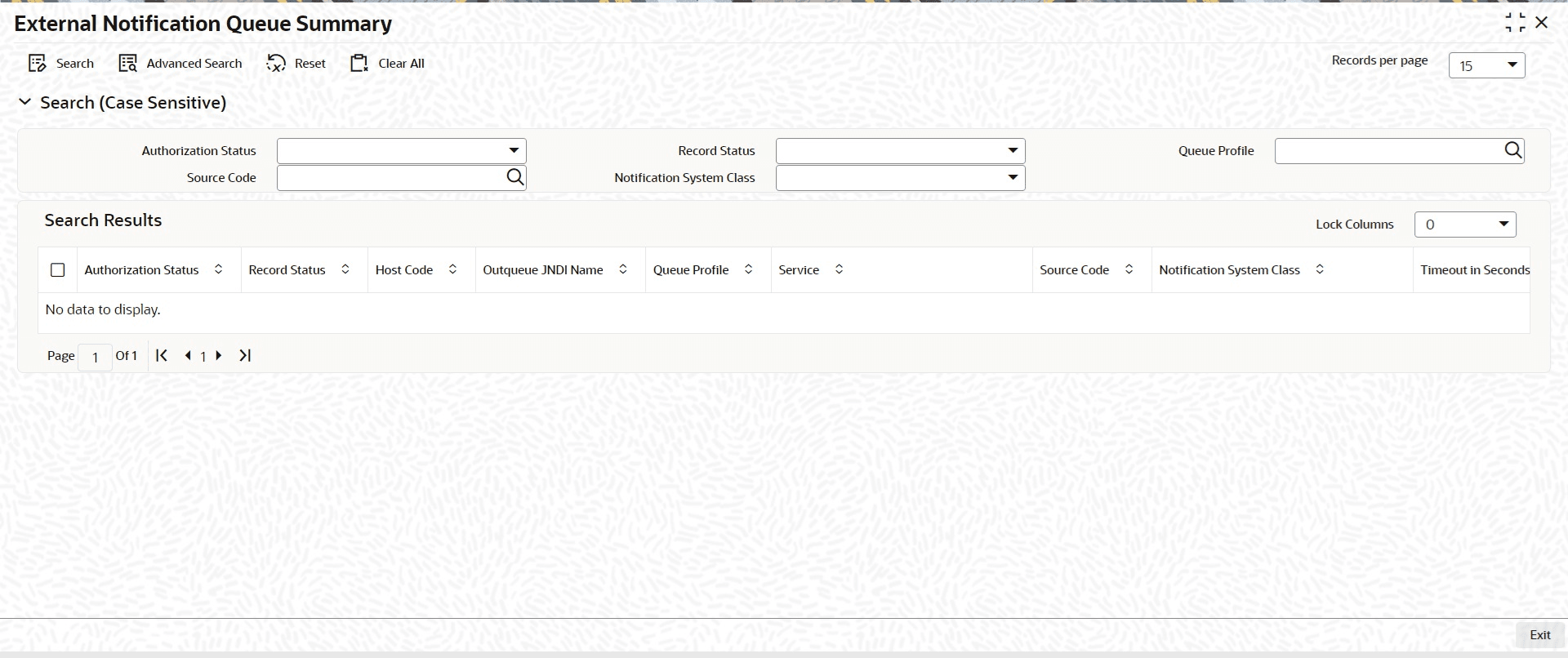
Description of "Figure 1-167 External Notification Queue Summary"
Parent topic: External Notification Queue