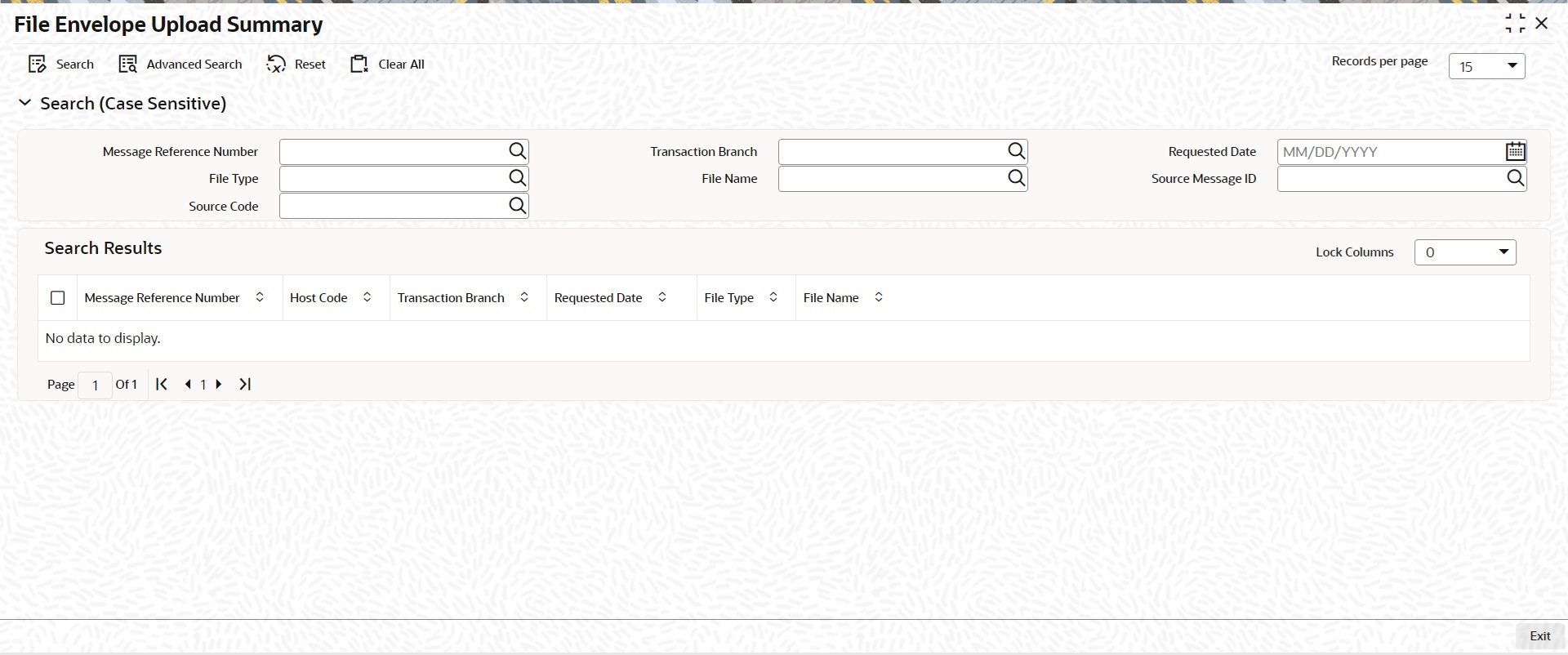
2.1.1 File Envelope Upload Summary On Homepage, specify PMSFLEVP in the text box, and click next arrow.File Envelope Upload Summary screen is displayed. Figure 2-2 File Envelope Upload SummaryDescription of "Figure 2-2 File Envelope Upload Summary" Search using one or more of the following parameters: Message Reference Number Transaction Branch Requested Date File Type File Name Source Message ID Source Code Once you specified the parameters, click the Search button.System displays the records that match the search criteria. File Envelope Upload View SummaryThe File Envelope Upload View Summary screen enables users to view uploaded files. Parent topic: File Envelope