2.9.2.1 Inbound Payee Pre-validation Request

This Initiate Beneficiary Pre-validation screen allows user to view the inward Payee pre-validation requests.

  1. On Homepage, specify PMDBENRQ in the text box, and click next arrow.
    Inbound Payee Pre-validation Request screen is displayed.

    Figure 2-79 Inbound Payee Pre-validation Request
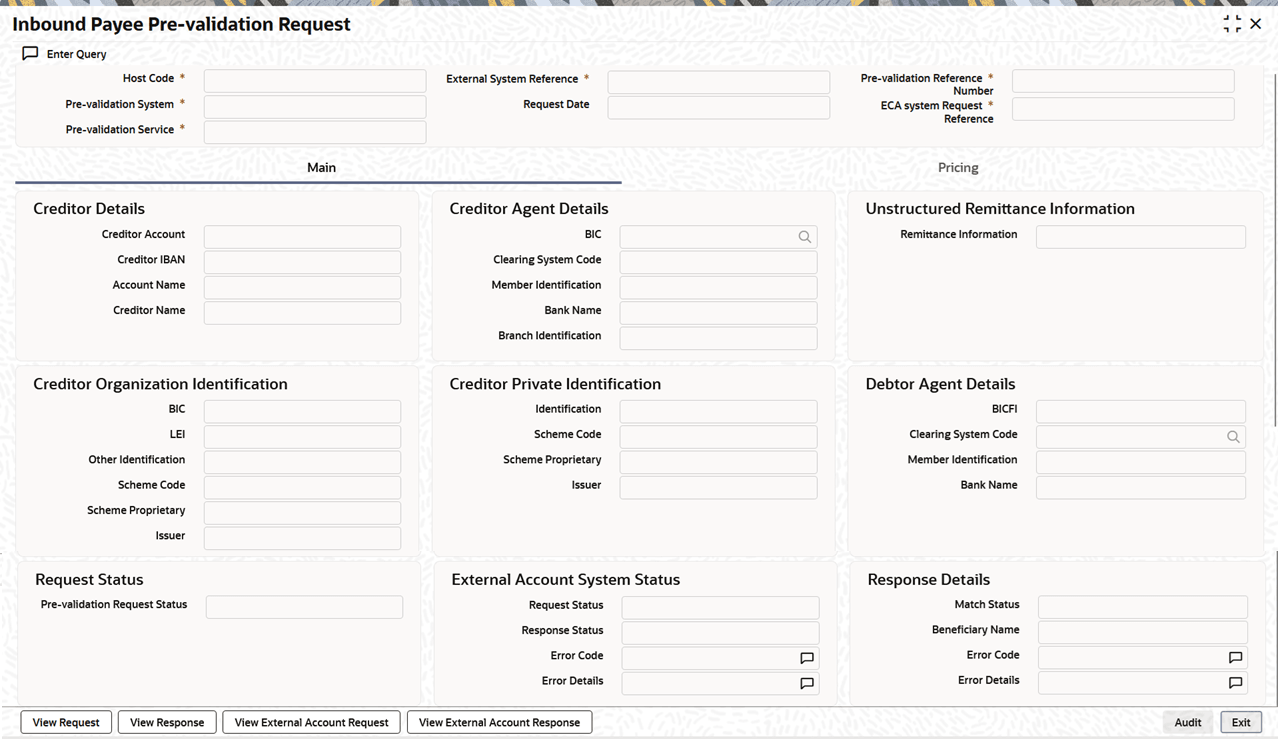


  2. Click the Execute Query to populate the details of the transaction in the Inbound Payee Pre-validation Request screen.
    The system displays all the fields in the below mentioned tabs based on the transaction reference number selected:
    • Main Tab
    • Pricing Tab
    • View Request button
    • View Response button - View request and View Response screens populate the request received from the external pre-validation system and the response sent by the system.
    • View External Account Request
    • View External Account Response - View External Account request and View External Account Response screens populate the request sent to ECA system and the response received from ECA system.