1.20.2 Network to a Pre-validation System Maintenance

This topic explains the Network to a Pre-validation System Maintenance screen.

  1. On Homepage, specify PMDNWVAL in the text box, and click next arrow.
    Network to a Pre-validation System Maintenance screen is displayed.

    Figure 1-355 Network to a Pre-validation System Maintenance
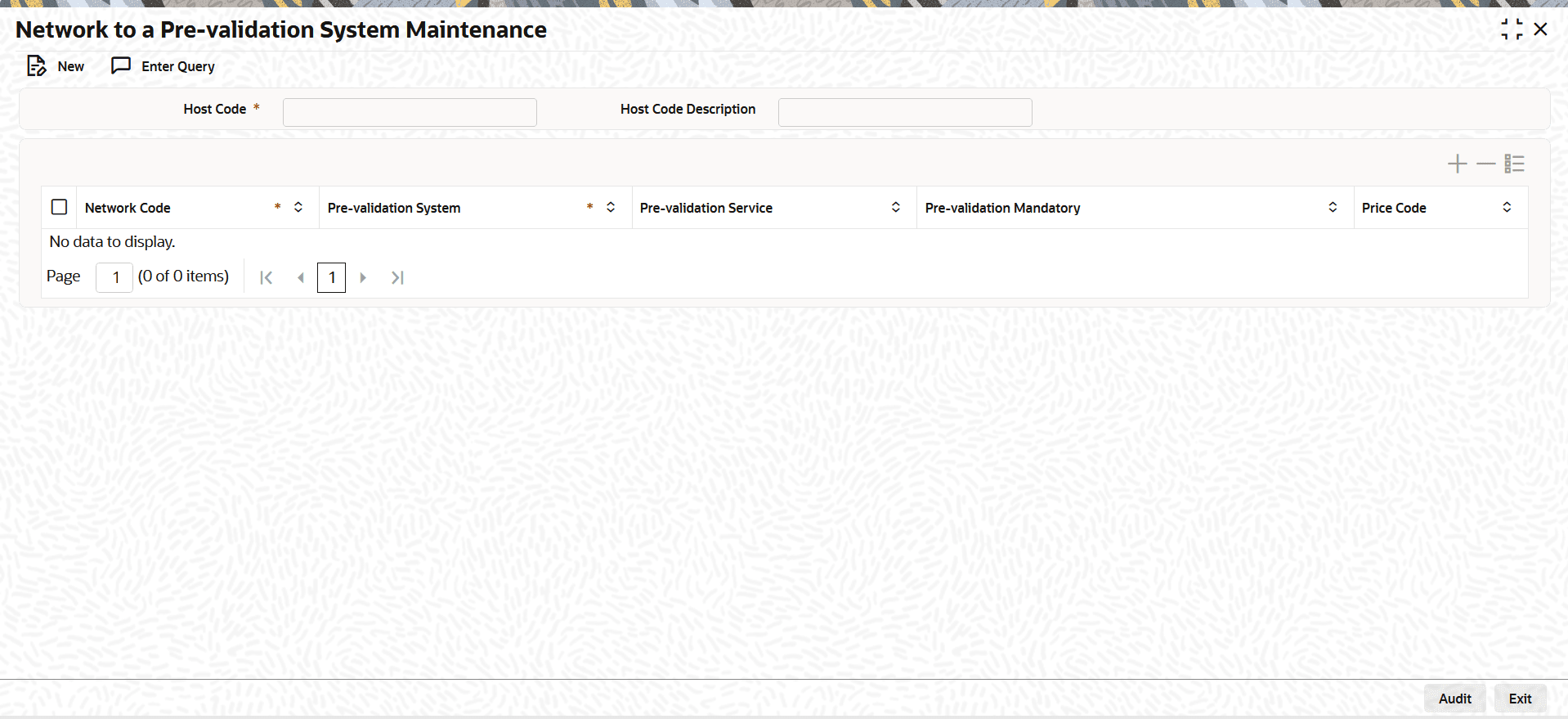


  2. On Network to a Pre-validation System Maintenance screen, click New to specify the fields.

    Table 1-189 Network to a Pre-validation System Maintenance - Field Description

    Field Description
    Host Code System defaults the host code of transaction branch on clicking New.
    Host Code Description System defaults the description of the Host Code displayed.
    Network Code

    Specify the Network Code from the list of values.

    This field lists all the valid Network Codes maintained for India RTGS, NEFT, ACH CT, SCT, and SCT Instant.

    Network Code Description System defaults the description of the selected Network Code.
    Pre-validation System Specify the Pre-validation System from the list of values. This field lists all the valid Prevalidation systems maintained.
    Pre-validation Service Services are defaulted based on the selected pre-validation system and service combination.
    Pre-validation Mandatory
    Select the Pre-validation Mandatory from the following:
    • Yes
    • No (Default)
    Price Code Specify the Price Code from the list of values. This is applicable for SCT and SCT Inst payments only.
    On-us Request Action

    Select the On-us Request Action from the drop-down list.

    The available options are:
    • Pre-validation System (Default)
    • ECA System
    • Reject Request

    If you select Pre-validation System, the request is sent to the external pre-validation system even when the payee account is held with the bank.

    If you select ECA System, the request is sent to the ECA system linked to the payee account. Maintain the account query service URL in External Credit Approval Interface maintenance (PMDINECA) for type Account.

    If you select Reject Request, the system returns a reject response to the channel.