R-Transactions Tab
This topic explains the R-Transactions details of the Cross Border Outbound FI Credit Transfer View screen.
- From the main screen, click the R-Transactions
tab.The R-Transactions tab displays the Payment Return (pacs.004) message received against the outgoing pacs.009 message.
Figure 3-101 Cross Border Outbound FI Credit Transfer View - R-Transactions
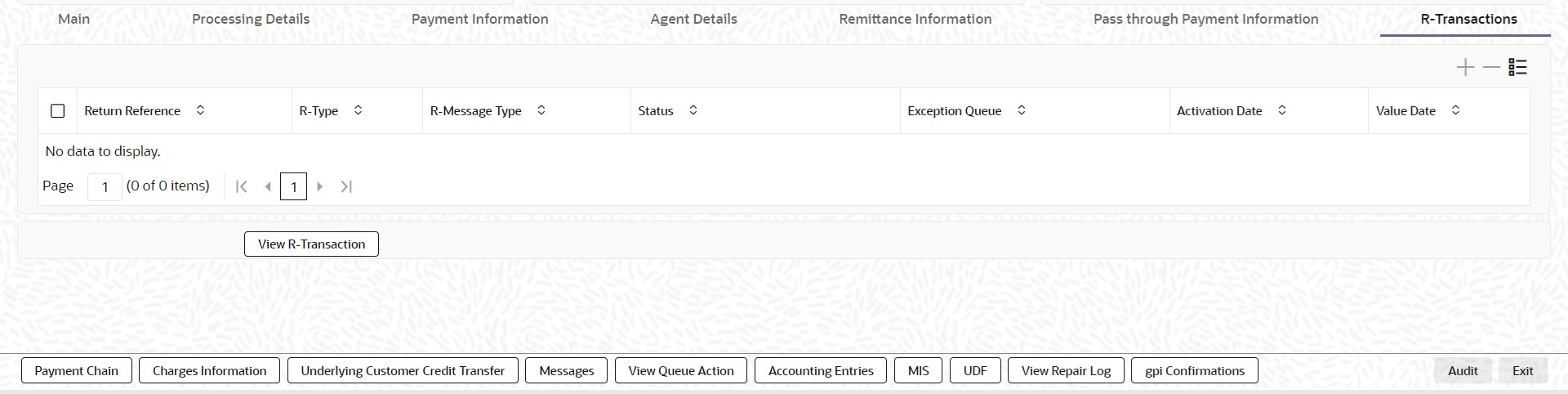
Description of "Figure 3-101 Cross Border Outbound FI Credit Transfer View - R-Transactions"