View Change Log
This topic provides details of the Field Log screen.
- Click the View Change Log button in the screen to view
the modified field values of the selected version number.The Field Log screen is displayed.
Figure 3-117 Cross Border Outbound FI to FI Customer Credit Transfer Template Input Detailed - View Change Log
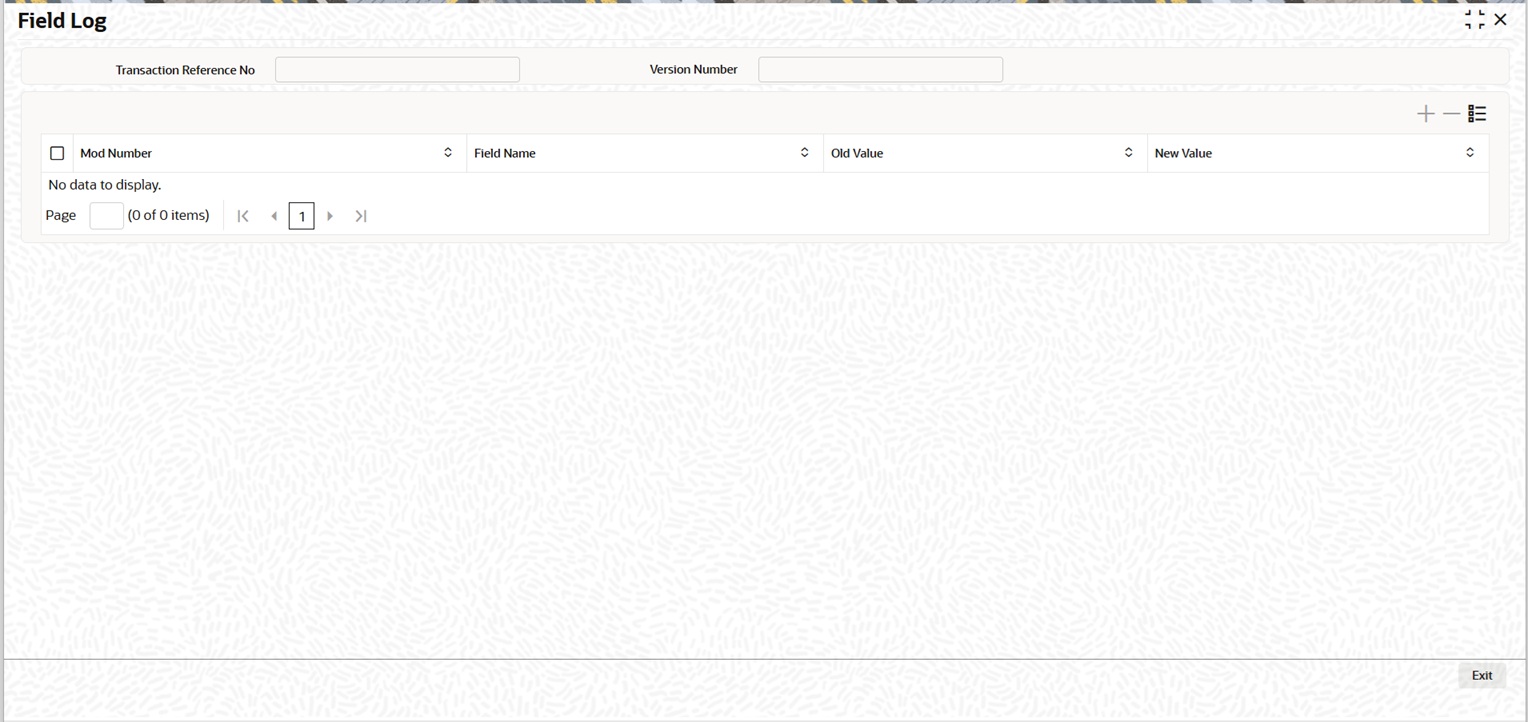
Description of "Figure 3-117 Cross Border Outbound FI to FI Customer Credit Transfer Template Input Detailed - View Change Log" - On the Field Log screen, you can view the following
fields.For more information on fields, refer to the field description table.
Table 3-99 Cross Border Outbound FI to FI Customer Credit Transfer Template Input Detailed - View Change Log
Field Description Transaction Reference Number Displays the Transaction Reference Number. Version Number Displays the version number. Mod Number Displays the modification number. Field Name Displays the field name. Old Value Displays the old value. New Value Displays the new value.