Cross Border Outbound FI to FI Customer Credit Transfer View
This topic provides instructions to view Cross Border Outbound FI to FI Customer Credit Transfer transactions on this screen.
- On Homepage, specify PSDOCBVW in the text box, and click next
arrow.The Cross Border Outbound FI to FI Customer Credit Transfer View screen is displayed.
Figure 3-86 Cross Border Outbound FI to FI Customer Credit Transfer View
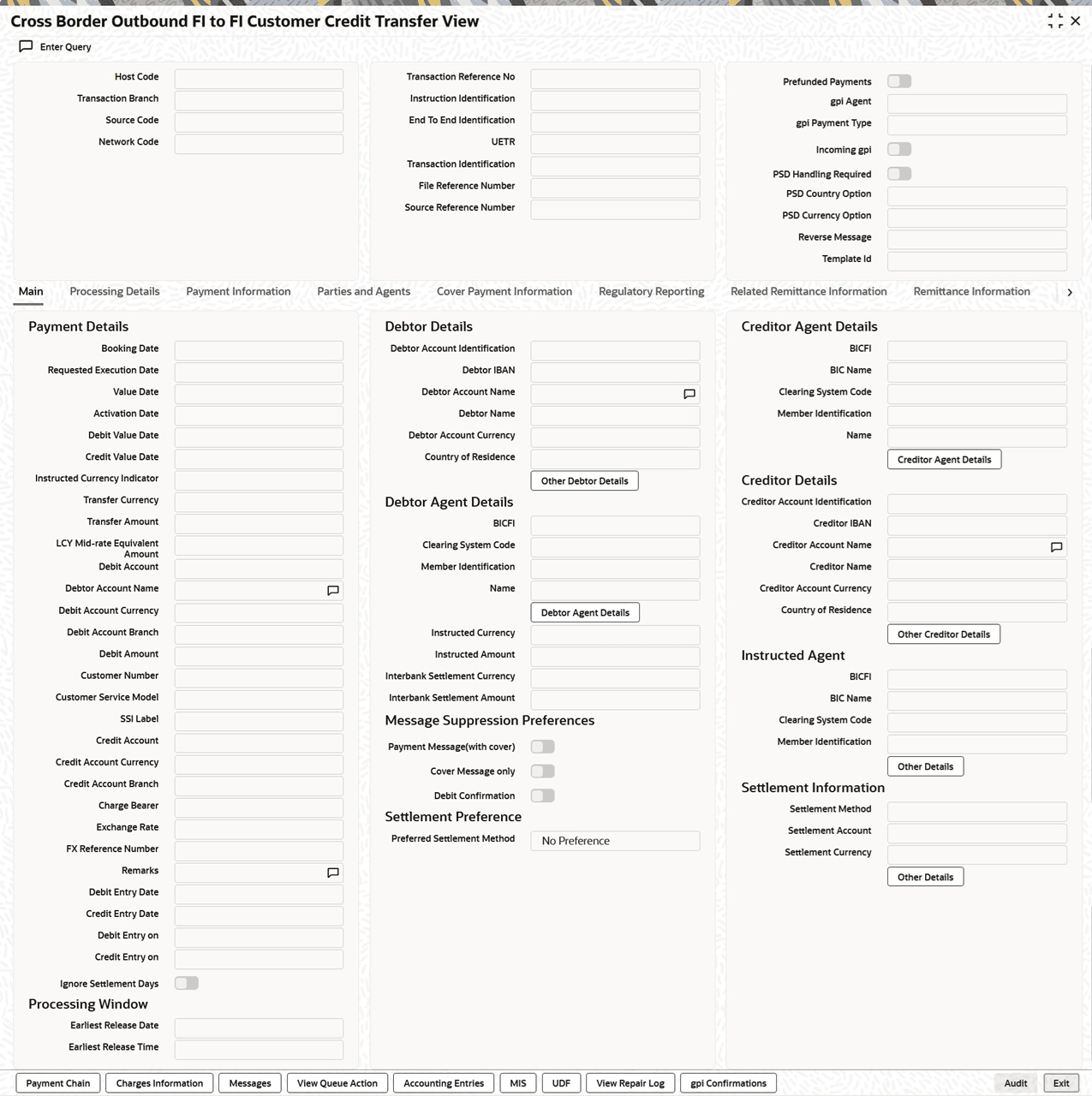
Description of "Figure 3-86 Cross Border Outbound FI to FI Customer Credit Transfer View" - Click the Enter Query button on this screen.The Transaction Reference Number field is enabled for the user to enter the Reference Number.
- Click the Execute Query button to populate the details
of the transaction in the Cross Border Outbound FI to FI Customer
Credit Transfer View screen.
The system displays all the fields in the tabs mentioned below based on the selected transaction reference number.
- Main
- Processing Details
- Payment Information
- Parties and Agents
- Cover Payment Information
- Regulatory Reporting
- Related Remittance Information
- Remittance Information
- Pass through Payment Information
For more details on the Main, Payment Information, Parties and Agents, Cover Payment Information, Regulatory Reporting, Related Remittance Information, Remittance Information and Pass through Payment Information tabs, refer to Cross Border Outbound FI to FI Customer Credit Transfer Input Detailed screen details.
- You can also perform the following actions:
- Payment Chain
- Charge Information
- Messages
- View Queue Action
- Accounting Entries
- MIS
- UDF
- View Repair Log
For more details, refer to Cross Border Outbound FI to FI Customer Credit Transfer Input Detailed screen details.