Process R-Transactions Tab
This topic provided the systematic instructions to process the R-Transactions tab. This tab is displayed in the Generic Wires ISO Inbound FI to FI Payment Cancellation Request View screen.
- From the main screen, select the R-Transactions
tab.The R-Transactions tab is displayed.
Figure 10-12 Generic Wires ISO Inbound FI to FI Payment Cancellation Request View - R-Transactions Tab
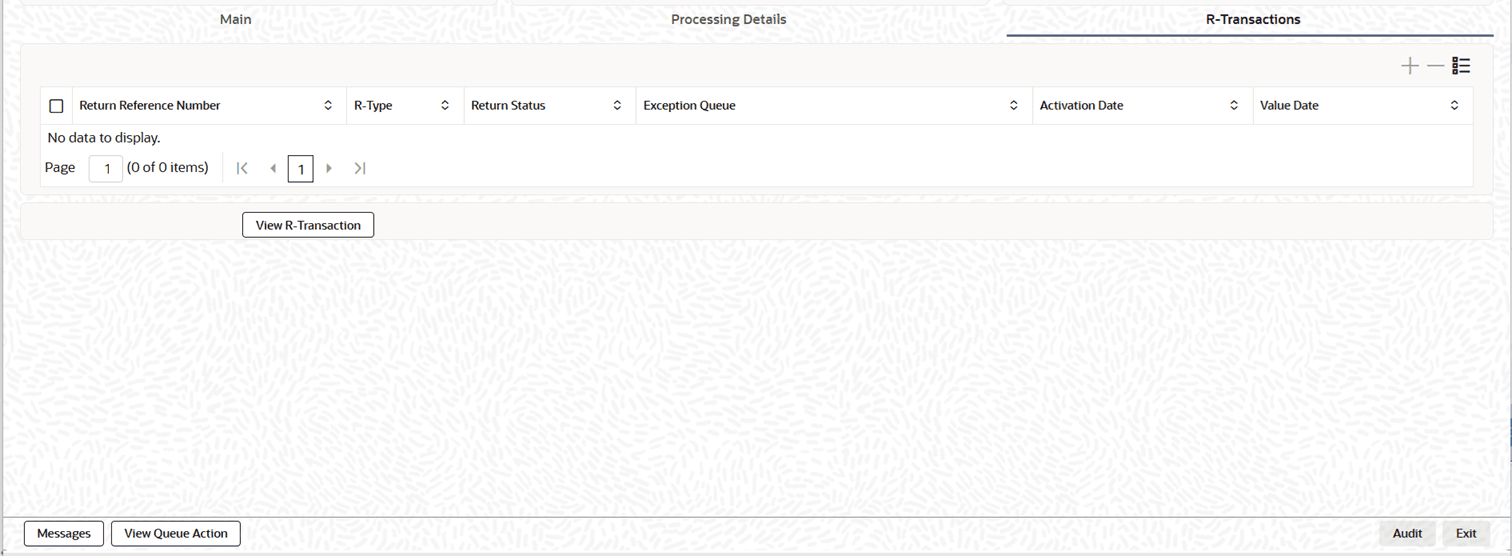
Description of "Figure 10-12 Generic Wires ISO Inbound FI to FI Payment Cancellation Request View - R-Transactions Tab" - In the R-Transactions tab, view the details. For more
information about the fields, refer to field description below:
Table 10-12 Generic Wires ISO Inbound FI to FI Payment Cancellation Request View - R-Transactions Tab - Field Description
Field Description Return Reference Number This section displays the reference number for the return. R-Type Displays the type of R-transaction. Return Status Displays current retrun status. Exception Queue Displays sequence of the exception queue. Activation Date Displays activation date of the R-transaction. Value Date Displays the value date of the R-transaction.