RTGS ISO System Event Notification View
This topic provides instructions to view RTGS ISO System Event Notification on this screen.
The RTGS ISO System Event Notification View screen allows users to view the parsed data of incoming admi.004 message.
- On Homepage, specify PSDIGENV in the text box, and click
Next arrow.RTGS ISO System Event Notification View screen is displayed.
Figure 16-8 RTGS ISO System Event Notification View
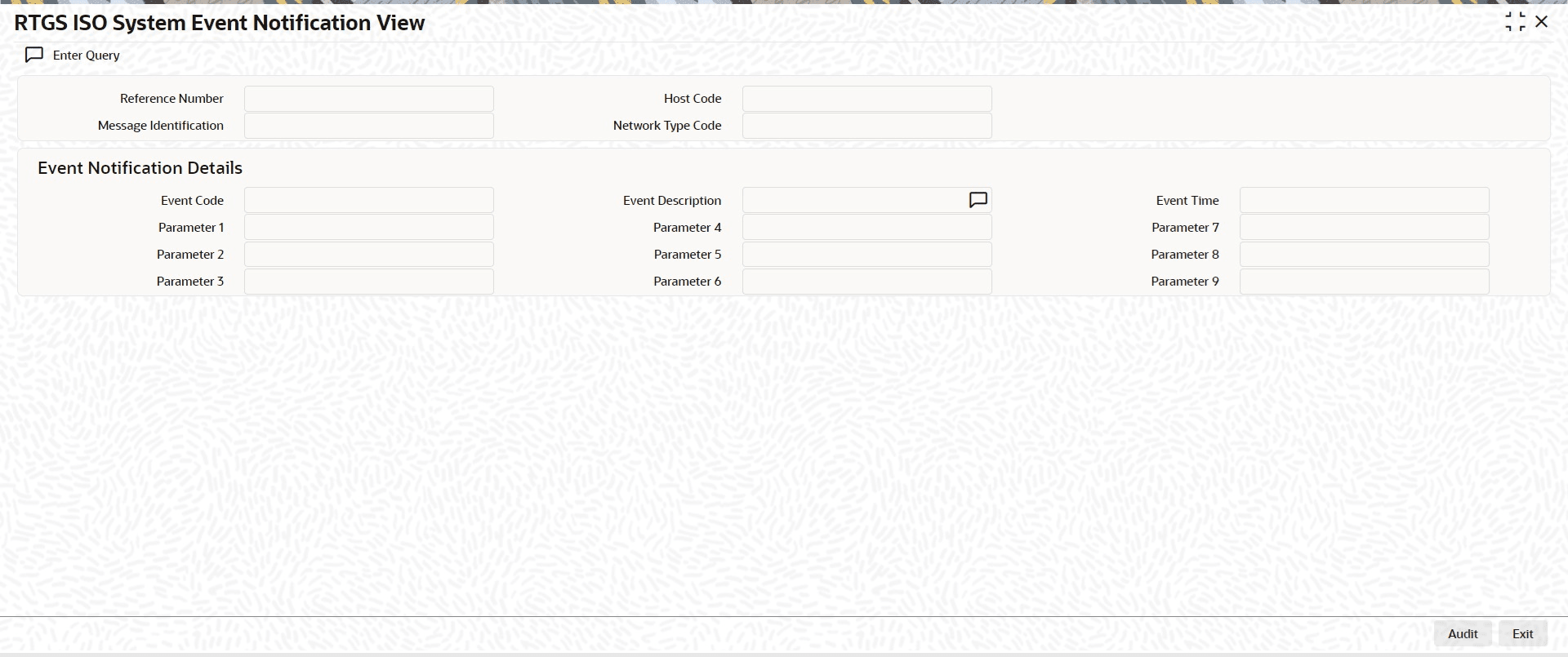
Description of "Figure 16-8 RTGS ISO System Event Notification View" - On RTGS ISO System Event Notification View screen, specify the
fields.For more information about the fields, refer to field description below:
Table 16-5 RTGS ISO System Event Notification View - Field Description
Field Description Reference Number System displays Transaction Reference Number. Host Code System defaults the Host Code of the user’s logged in branch. Message Id System displays Message Identification Received in the header. Network Type Code System displays the Network Type Code of the EU Target 2. Event Notification Details User can view Event details and Parameters received in the incoming message in the following fields:- Event Code
- Parameter 1
- Parameter 2
- Parameter 3
- Event Description
- Parameter 4
- Parameter 5
- Parameter 6
- Event Time
- Parameter 7
- Parameter 8
- Parameter 9