Remittance Information Tab - Other Details Button
This topic explains the Other Details buttons under the Remittance Information tab in the RTGS ISO Inbound FI to FI Customer Credit Transfer Input Detailed screen.
- Click the Other Details button to display the
corresponding sub-screen with the appropriate heading.The Other Details buttons in the Remittance Information tab for Invoicer, Invoicee, Garnishee, and Garnishment Administrator open sub-screens with similar fields. The screen header changes based on the button selected.
Figure 4-127 Remittance Information Tab_Other Details - Postal Address
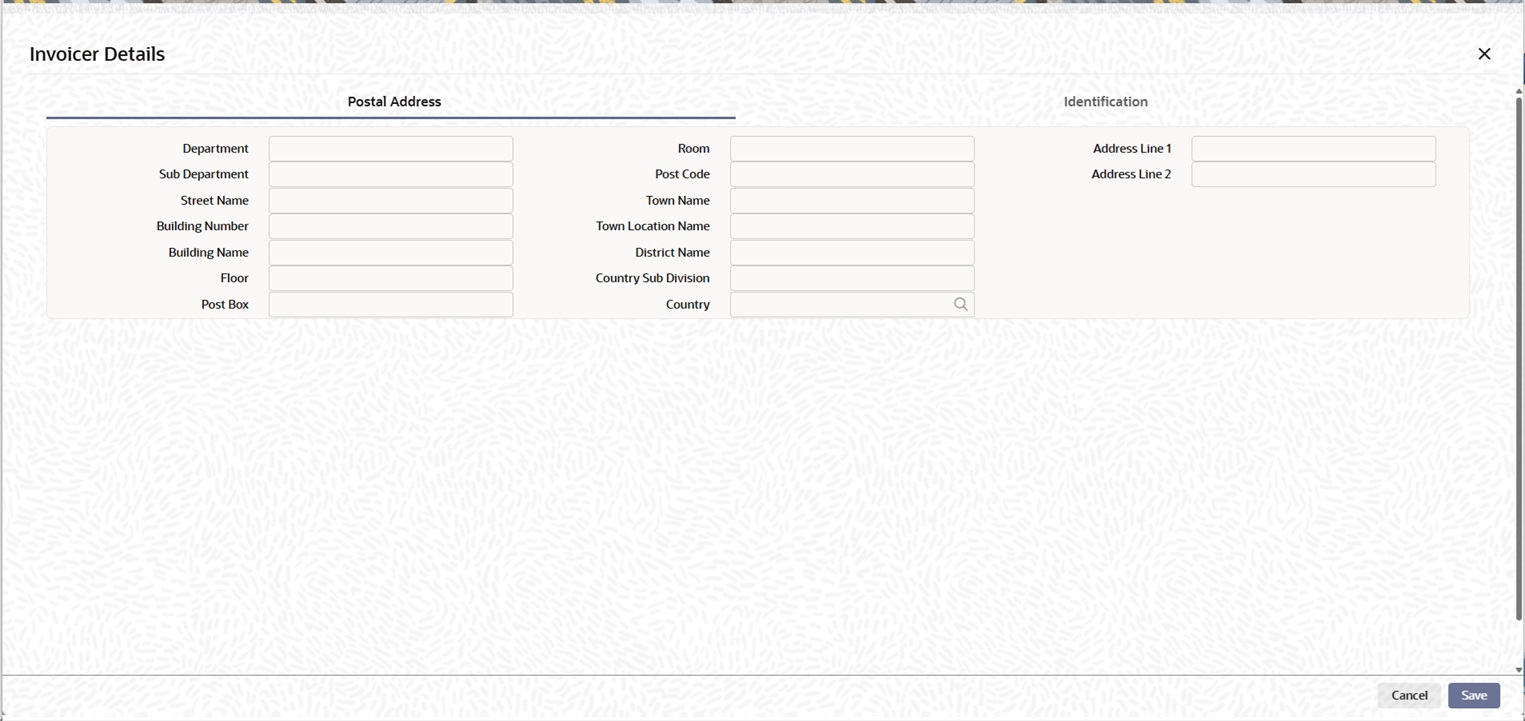
Description of "Figure 4-127 Remittance Information Tab_Other Details - Postal Address"Postal Address
Specify the following fields available for this screen:- Department
- Sub Department
- Street Name
- Building Number
- Building Name
- Floor
- Post Box
- Room
- Post Code
- Town Name
- Town Location Name
- District Name
- Country Sub Division
- Country
- Click on Identification tab, specify the fields.
Figure 4-128 Remittance Information Tab_Other Details - Identification
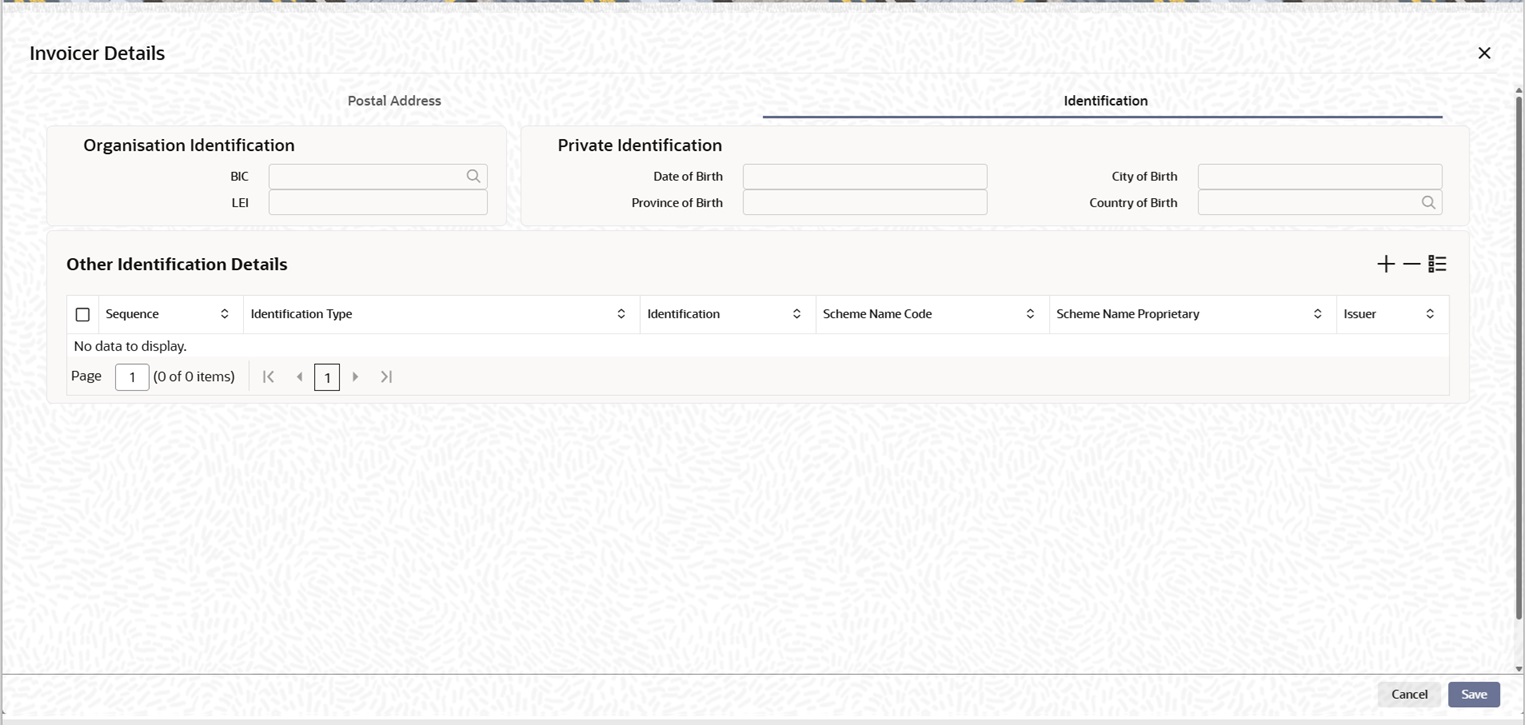
Description of "Figure 4-128 Remittance Information Tab_Other Details - Identification"Specify the following fields for Organisation Identification:- BIC
- LEI
Specify the following fields for Private Identification:- Birth Date
- Province of Birth
- City of Birth
- Country of Birth
Specify the following fields for Other Identification Details:- Sequence
- Identification Type
- Identification
- Scheme Name Code
- Scheme Name Proprietary
- Issuer