Payment Chain
This topic explains the Payment Chain details of the RTGS ISO Outbound FI Credit Transfer Input Detailed screen.
- Click the Payment Chain button in the main screen.The Payment Chain screen is displayed.
Figure 3-189 RTGS ISO Outbound FI Credit Transfer Input Detailed - Payment Chain
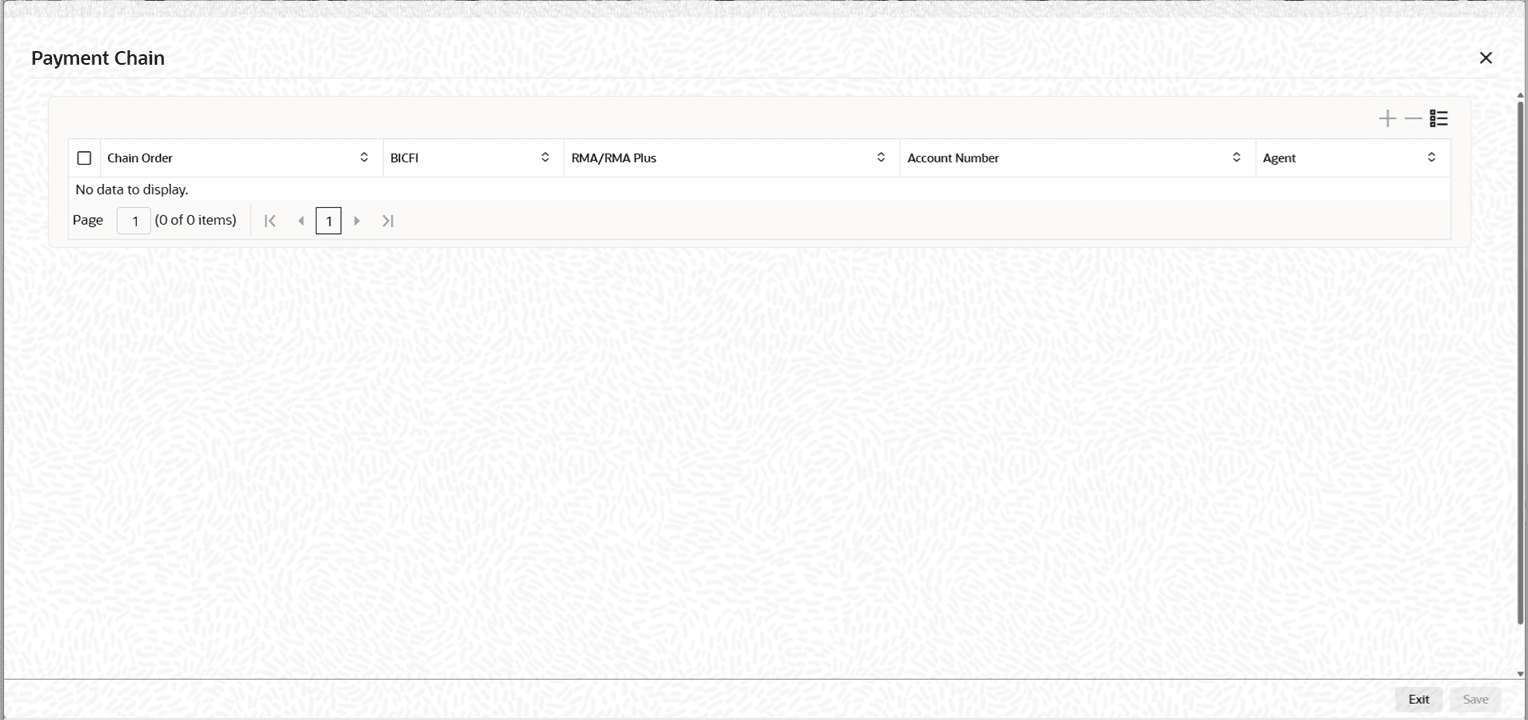
Description of "Figure 3-189 RTGS ISO Outbound FI Credit Transfer Input Detailed - Payment Chain" - On the Payment Chain screen, specify the fields.For more information about the fields, refer to field description table.
Table 3-162 RTGS ISO Outbound FI Credit Transfer Input Detailed_Payment Chain - Field Description
Field Description Chain Order Specify the order of banks/institutions in the payment chain. Swift Bank Identifier Code System displays the Swift Bank Identifier Code of the bank/institution. RMA/RMA Plus System displays if sending bank has RMA/RMA Plus maintenance with the particular bank in the payment chain. Account Number System displays the Nostro (mirror) / Vostro account number associated with the particular bank. Agent System displays the Agent details.