RTGS ISO Outbound Liquidity Credit Transfer View
This topic provides the systematic information to RTGS ISO Outbound Liquidity Credit Transfer View Detailed.
- On Homepage, specify PSDOT2LV in the text box, and click
Next arrow.RTGS ISO Outbound Liquidity Credit Transfer View Detailed screen is displayed.
Figure 14-8 RTGS ISO Outbound Liquidity Credit Transfer View Detailed
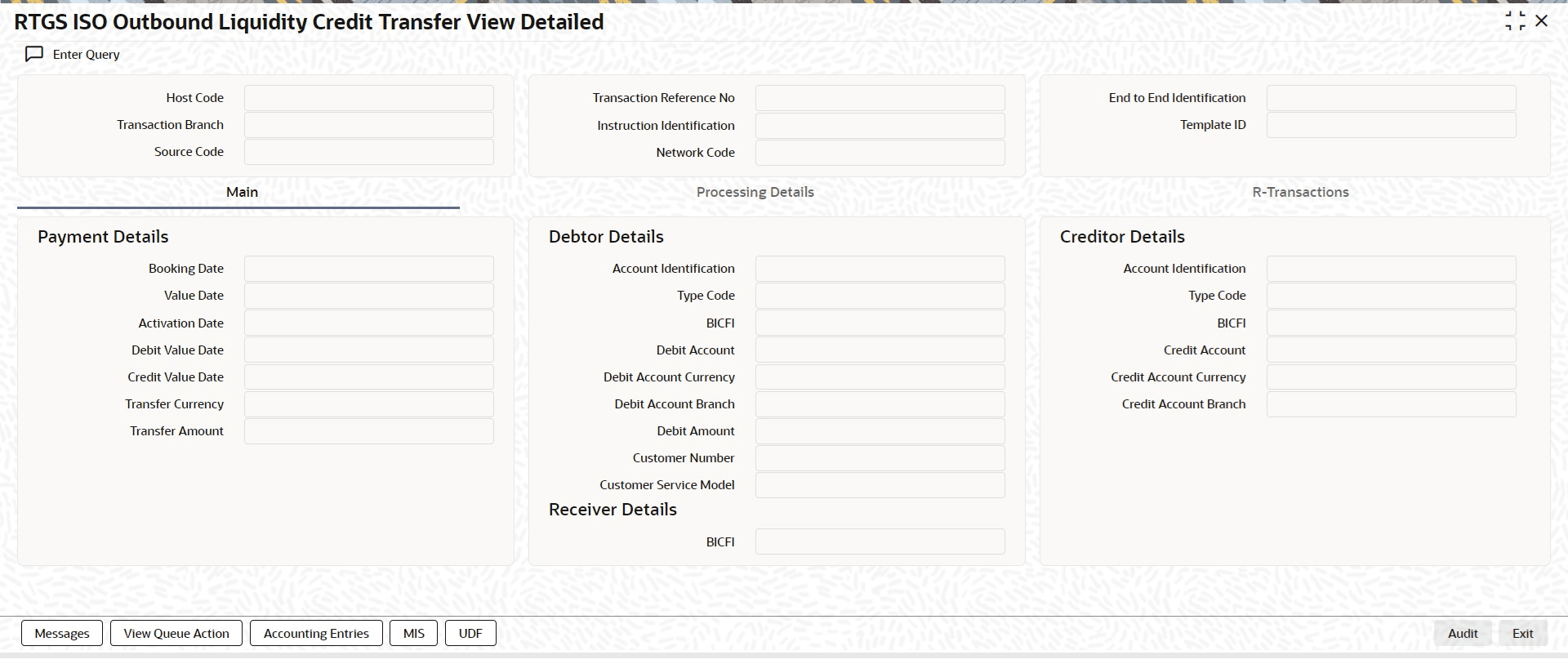
Description of "Figure 14-8 RTGS ISO Outbound Liquidity Credit Transfer View Detailed" - From this screen, click Enter Query button. The Transaction Reference Number field gets enabled, for the user to specify the Reference Number.
- Click Execute Query button to populate the details of the transaction in the RTGS ISO Outbound Liquidity Credit Transfer View Detailed screen. The system displays all the fields in the below mentioned tabs based on the transaction reference number selected:
- Main
- Processing Details
- R-Transactions
- When outbound Liquidity Transfer falls in below exception queues, user can also
invoke RTGS ISO Outbound Liquidity Credit Transfer View
screen on clicking View Transaction button from below
mentioned exception queues:
Table 14-6 Exception Queues to Access RTGS ISO Outbound Liquidity Credit Transfer View
Queue Function ID Queue Description PQSPRQUE Process Exception Queue PQSREPQU Repair Queue PQSOVRQU Business Override Queue PQSAU1QU Authorization Limit 1 Queue PQSAU2QU Authorization Limit 2 Queue PQSSNCKQ Sanctions Check Queue PQSNETCQ Network Cutoff Queue Note:
For details about Queues, refer to Exception Queues User Guide.