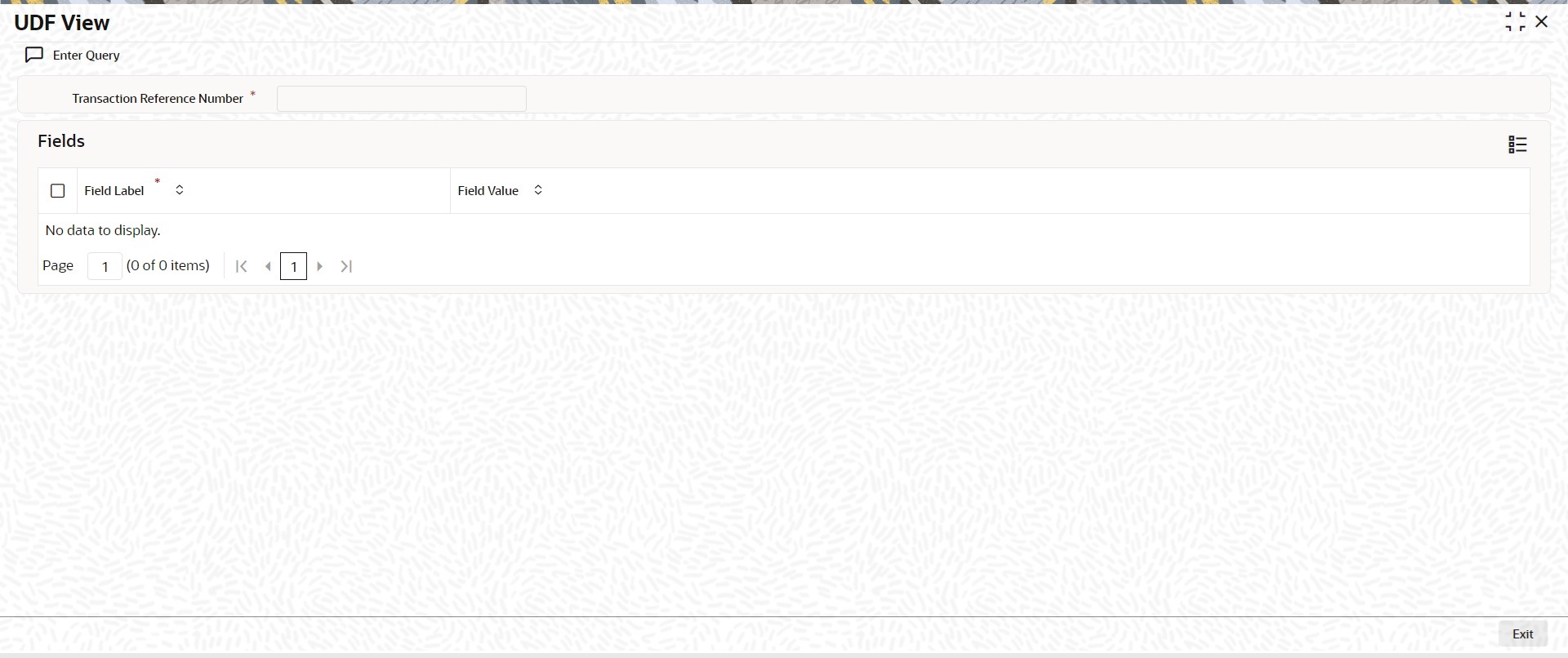
3.1.3.8 Process UDF View
This topic provides the systematic instructions to process the UDF View screen.
- From the main screen or tab, click UDF.The UDF View screen is displayed.
Parent topic: Cross Border Outbound FI Credit Transfer View
Parent topic: Process RTGS ISO Outbound FI Credit Transfer View
Parent topic: Cross Border FI to FI Customer Credit Transfer View
Parent topic: Process Cross Border FI Credit Transfer View
Parent topic: Process RTGS ISO FI to FI Customer Credit Transfer View
Parent topic: Process RTGS ISO FI Credit Transfer View
Parent topic: Process Generic Wires ISO Outbound Payment Return View
Parent topic: Process Generic Wires ISO Inbound Payment Return View
Parent topic: RTGS ISO Outbound Liquidity Credit Transfer View
Parent topic: Process Generic RTGS Inbound Receipt View Detailed