1.2.4.6 Addenda Details
This topic describes addenda details associated with a transaction.
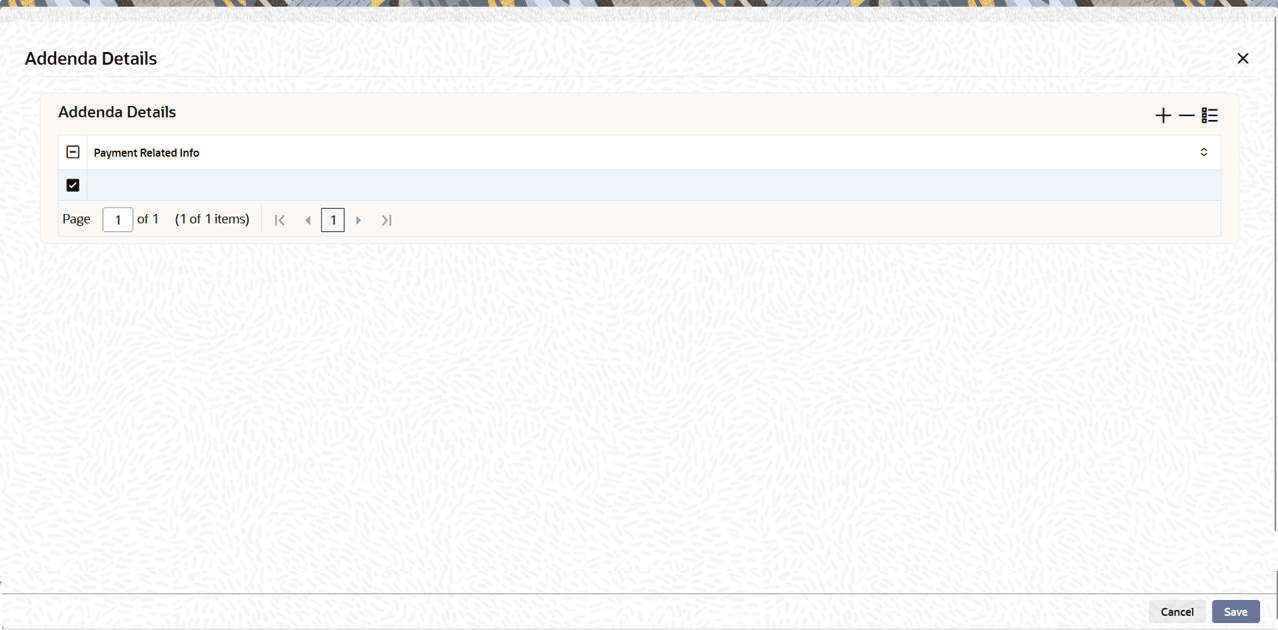
- Click the Addenda Details button in the
Main screen.The Addenda Details sub-screen is displayed.
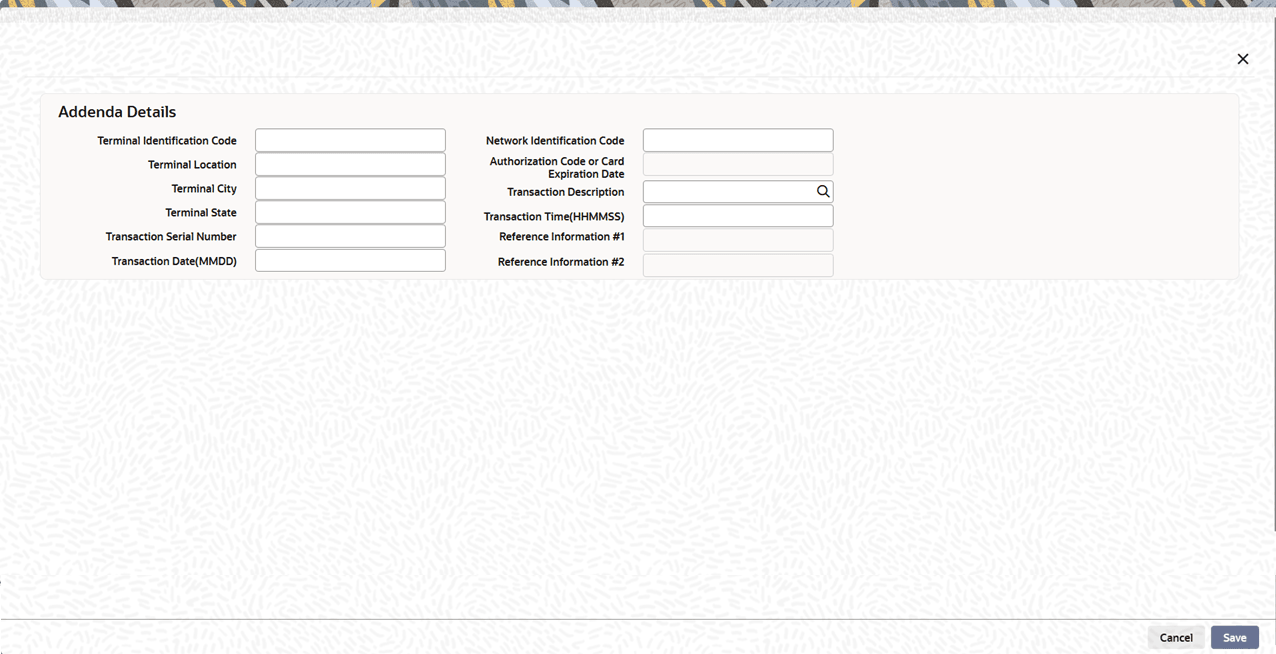
- When the user selects the Standard Entry Class Code
(SEC) as Machine Transfer Entry (MTE), Point of Sale
(POS), or Shared Network Transaction Entry (SHR) in the main
screen, and clicks the Addenda Details button.The system opens particular Addenda Details sub-screen with the fields applicable to the selected SEC code.
Figure 1-55 Addenda Details_SEC codes as MTE POS or SHR
For more information about the fields, refer to field description table.
Table 1-47 Addenda Details (SEC = MTE, POS, or SHR) - Field Description
Field Description Addenda Details This section displays the Addenda Details. Terminal Identification Code System enables this field for MTE, POS, and SHR. Terminal Location System enables this field for MTE, POS, and SHR. Terminal City System enables this field for MTE, POS, and SHR. Terminal State System enables this field for MTE, POS, and SHR. Transaction Serial Number System enables this field for MTE, POS, and SHR. Transaction Date(MMDD) Specify the transaction date in MMDD format. System enables this field for MTE, POS, and SHR. Network Identification Code Specify the Network Identification Code for MTE. System enables this field only for MTE, makes it optional, and disables it for POS and SHR. Authorization Code or Card Expiration Date Specify the Authorization Code or Card Expiration Date for POS and SHR. System enables this field only for POS and SHR, makes it optional, and disables it for MTE. Transaction Description Specify the Transaction Description for MTE. System enables this field only for MTE, makes it mandatory, and disables it for POS and SHR.
The possible descriptions include:- CHK–DEP (Checking Deposit)
- SAV–DEP (Savings Deposit)
- PAYMENT
- CHK–SAV (Transfer: checking to savings)
- SAV–CHK (Transfer: savings to checking)
- CHK–WDL (Checking Withdrawal)
- SAV–WDL (Savings Withdrawal)
- ADVANCE (Credit Card Cash Advance)
Transaction Time(HHMMSS) Specify the time in HHMMSS format. System enables this field only for MTE and disables it for POS and SHR. The user must enter a value for MTE. Reference Information #1 Specify the Reference Information 1 for POS and SHR. System enables this field only for POS and SHR, makes it optional, and disables it for MTE. Reference Information #2 Specify the Reference Information 2 for POS and SHR. System enables this field only for POS and SHR, makes it optional, and disables it for MTE.
Parent topic: Inbound US ACH Credit Transaction Input
Parent topic: Inbound US ACH Debit Transaction Input