1.1.5.1 Payment Preferences Tab
This topic explains the Payment Preferences tab of the US ACH Debit Preferences screen.
Navigate to the main screen US ACH Debit Preferences.
- Select the Payment Preferences tab in the main
screen.The Payment Preferences details are displayed.
Figure 1-9 US ACH Debit Preferences_Payment Preferences Tab
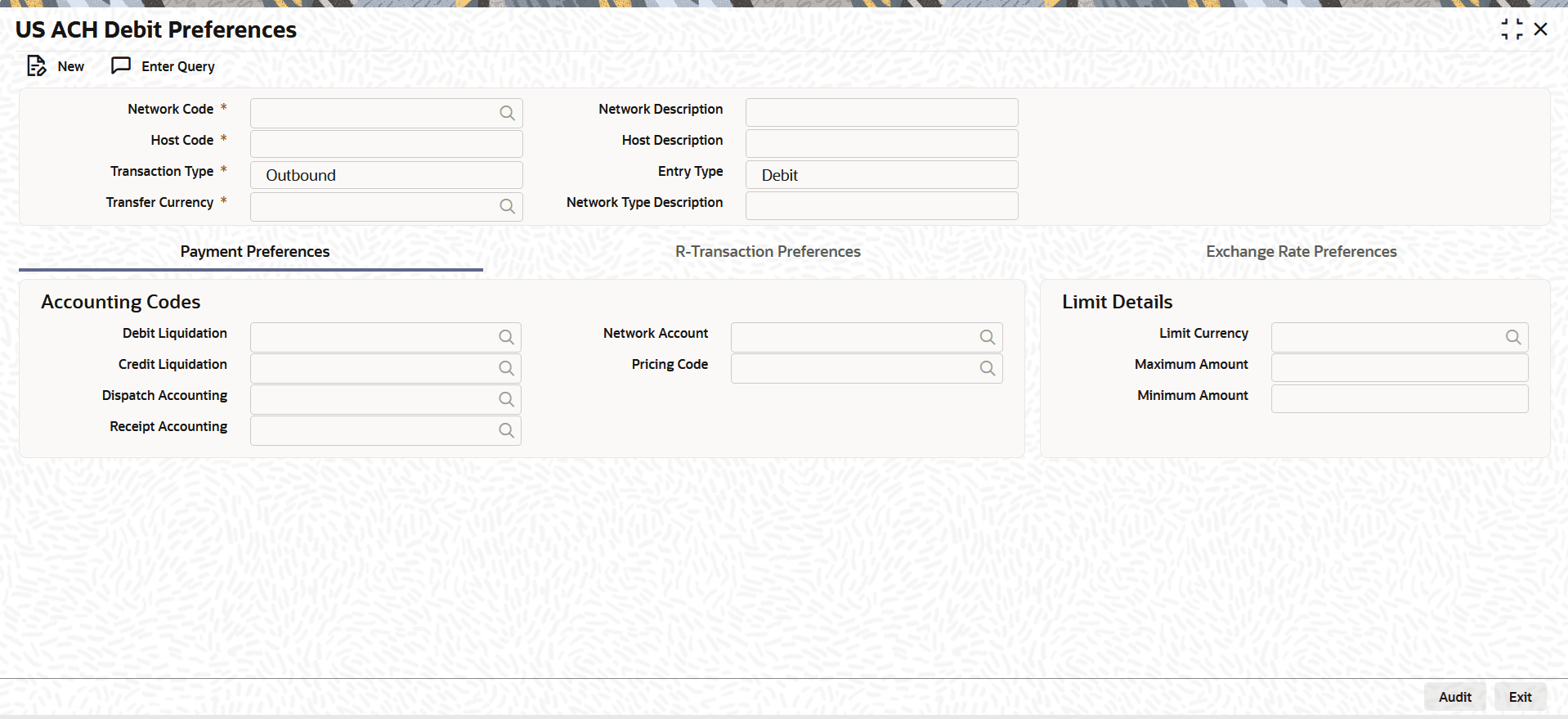
- On Payment Preferences tab, specify the fields.For more information about the fields, refer to field description table.
Table 1-12 US ACH Debit Preferences_Payment Preference Tab - Field Description
Field Description Accounting Codes This section displays the Accounting Codes details. Debit Liquidation Specify the template for Debit Liquidation from the list of available accounting templates. You can select the template from the option list. The list displays all the accounting templates maintained in the system. Credit Liquidation Specify the template for Credit Liquidation. Dispatch Accounting Specify the template for Dispatch Accounting. Receipt Accounting Specify the template for Receipt Accounting. Network Account Select the network account from the list of values. Pricing Code Select the Pricing Code from the list of values. Limit Details This section displays the Limit Details for this setup. Limit Currency Select the limit currency from the list of values. Maximum Amount Enter the maximum allowed amount. Minimum Amount Enter the minimum allowed amount.
From this tab, navigate to R-Transaction
Preferences or the Exchange Rate Preferences
tab.
Parent topic: US ACH Debit Preferences
