1.4.2.2 View ACH Ack

This topic allows users to view the Ack file as received.

  1. From the main screen, click the View ACH Ack button or specify PNDACKVU in the text box, and click next arrow.
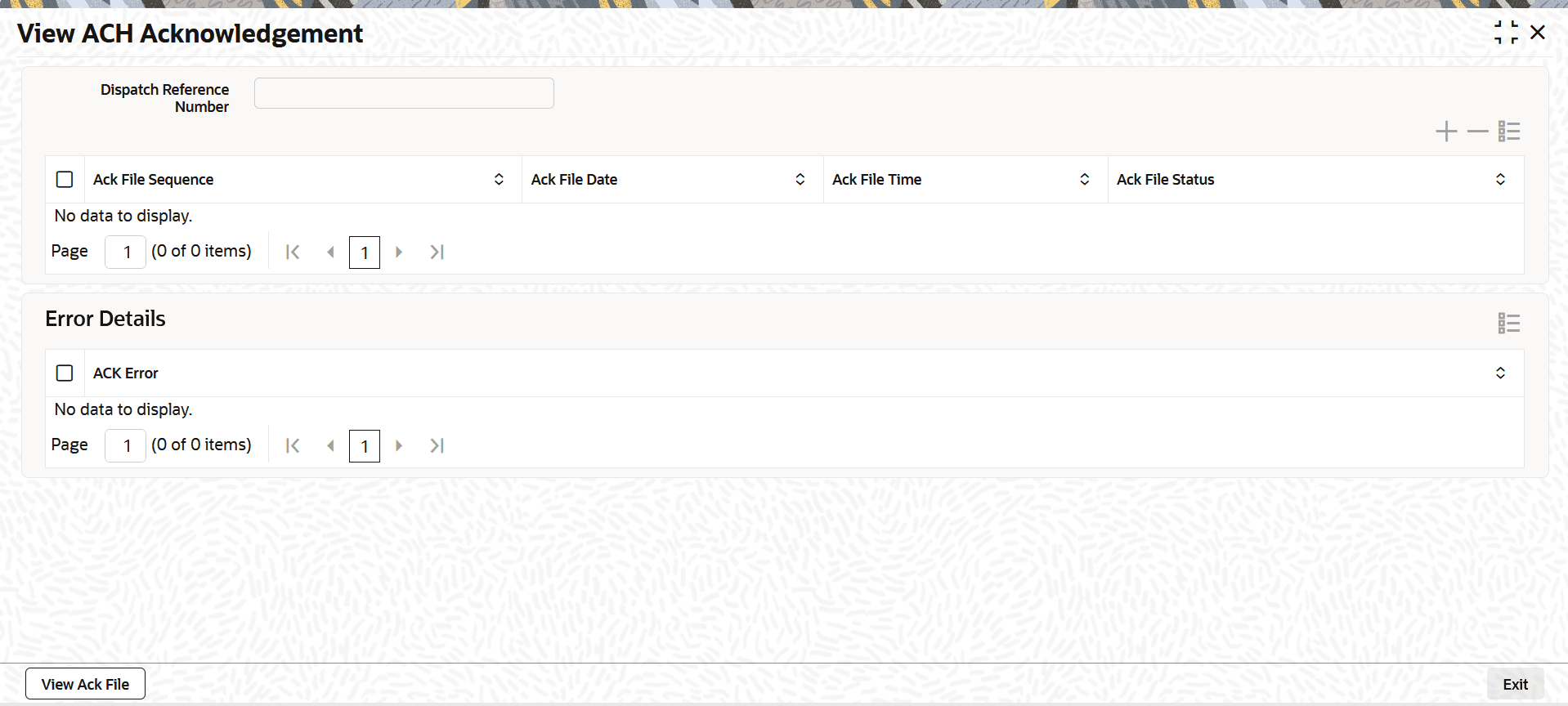
    The View ACH Acknowledgement sub-screen is displayed.

    Figure 1-132 US ACH Dispatch File Log Summary_View ACH Ack


  2. On the View ACH Acknowledgement screen, user can view a sequential list of all acknowledgements (Acks) received for a Dispatch File.
    For more information on fields, refer to the field description table.

    Table 1-99 View ACH Acknowledgement - Field Description

    Field Description
    Dispatch Reference Number Displays the Dispatch Reference Number.
    Ack File Sequence Displays the Ack File Sequence.
    Ack File Date Displays the Ack File Date .
    Ack File Time Displays the Ack File Time.
    Ack File Status Displays the Ack File Status.
    Error Details Displays the Error Details.
    ACK Error Displays the ACK Error.
    View Ack File Click the View Ack File button to view the Ack as received from ACH operator.
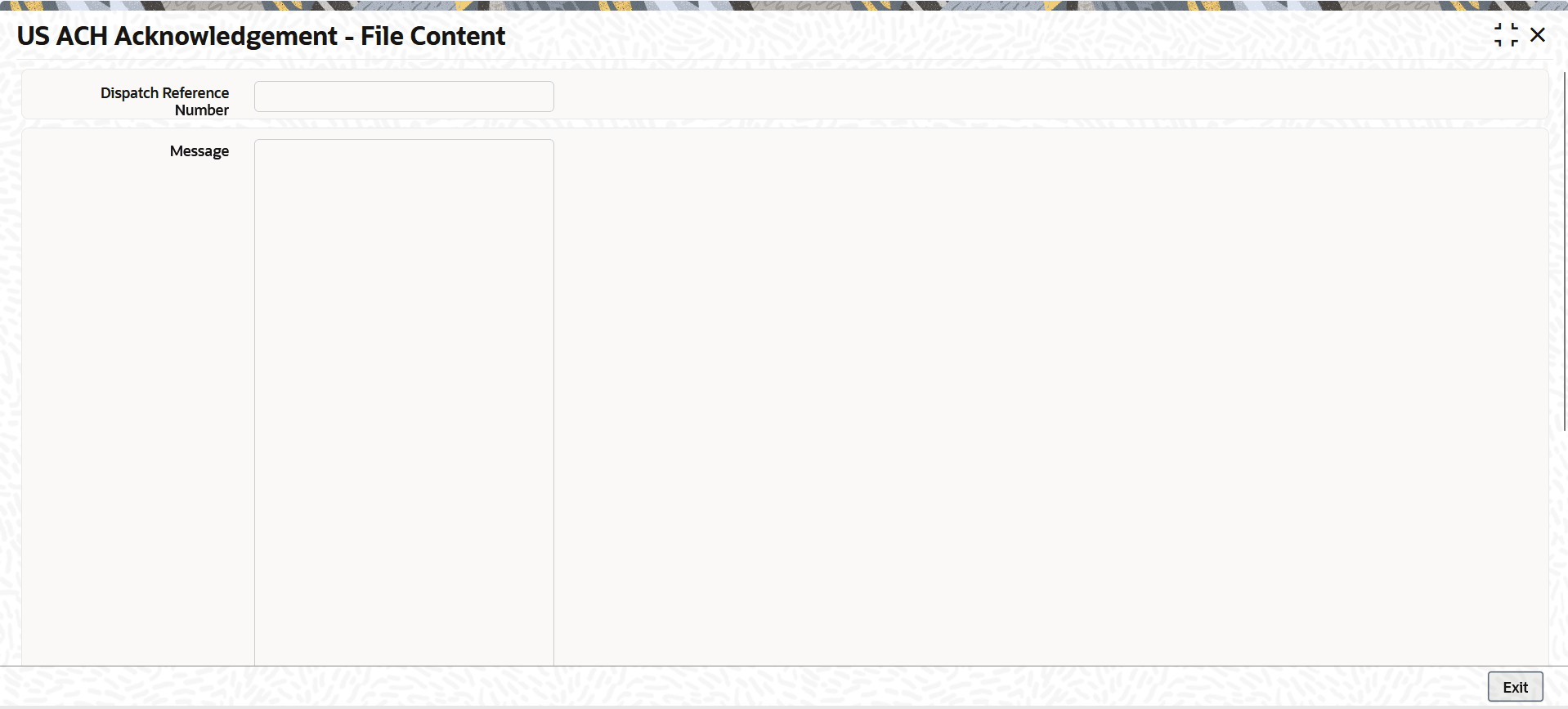
  3. Click the View Ack File button to view the acknowledgement (Ack) file as received from the ACH operator.
    The View ACH Acknowledgement - File Content screen is displayed.

    Figure 1-133 View ACH Acknowledgement_View Ack File Button