1.1.13 US ACH Sanctions Screening Preferences Detailed

Use the US ACH Sanctions Screening Preferences Detailed to specify which transactional SEC codes require sanctions screening.

If US ACH Sanctions Screening Preferences (PNDSCPRF) is maintained, sanctions screening is performed only for transactions whose SEC code is included in the maintained list; otherwise, screening is skipped. If no preferences are defined, the system treats all SEC codes as sanctions-check applicable. Non-transactional SEC codes are not available for selection in the SEC Code field.

  1. On Homepage, specify PNDSCPRF in the text box, and click next arrow.
    The US ACH Sanctions Screening Preferences Detailed screen is displayed.

    Figure 1-25 US ACH Sanctions Screening Preferences Detailed
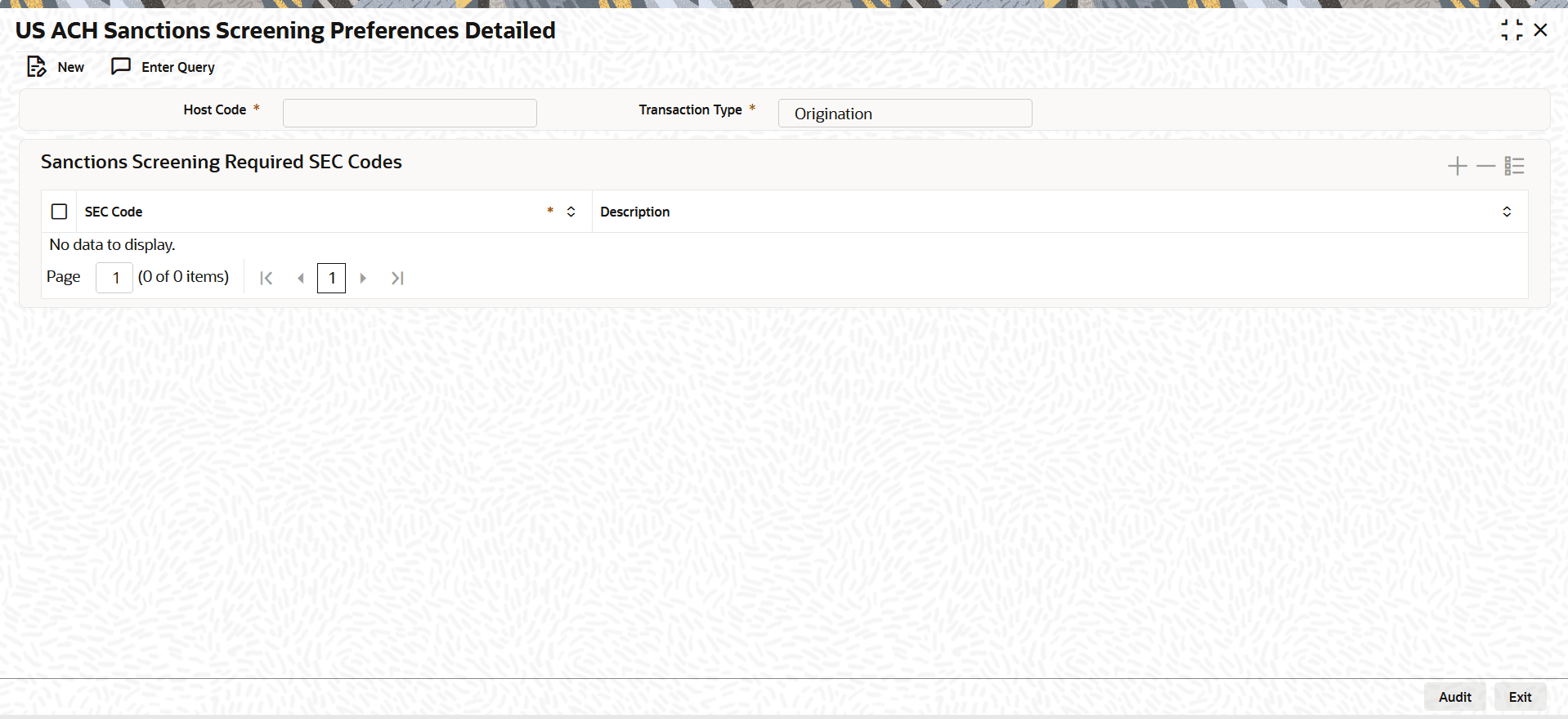


  2. On US ACH Sanctions Screening Preferences Detailed screen, click New to specify the fields.
    For more information about the fields, refer to field description table.

    Table 1-22 US ACH Sanctions Screening Preferences Detailed - Field Description

    Field Description
    Host Code System defaults the Host Code of transaction branch when the user clicks the New button.
    Transaction Type
    Select the Transaction Type from the drop-down list. The available options are:
    • Origination
    • Receipts
    Sanctions Screening Required SEC Codes This section displays the Sanctions Screening Required SEC Codes.
    SEC Code

    Specify the SEC Code from the list of values.

    Description System defaults the description of the SEC Code.

    Note:

    If available, the ACH SC Preferences configuration is used as an additional filter to determine whether to initiate sanctions screening.