1.2.2.9 Addenda Details
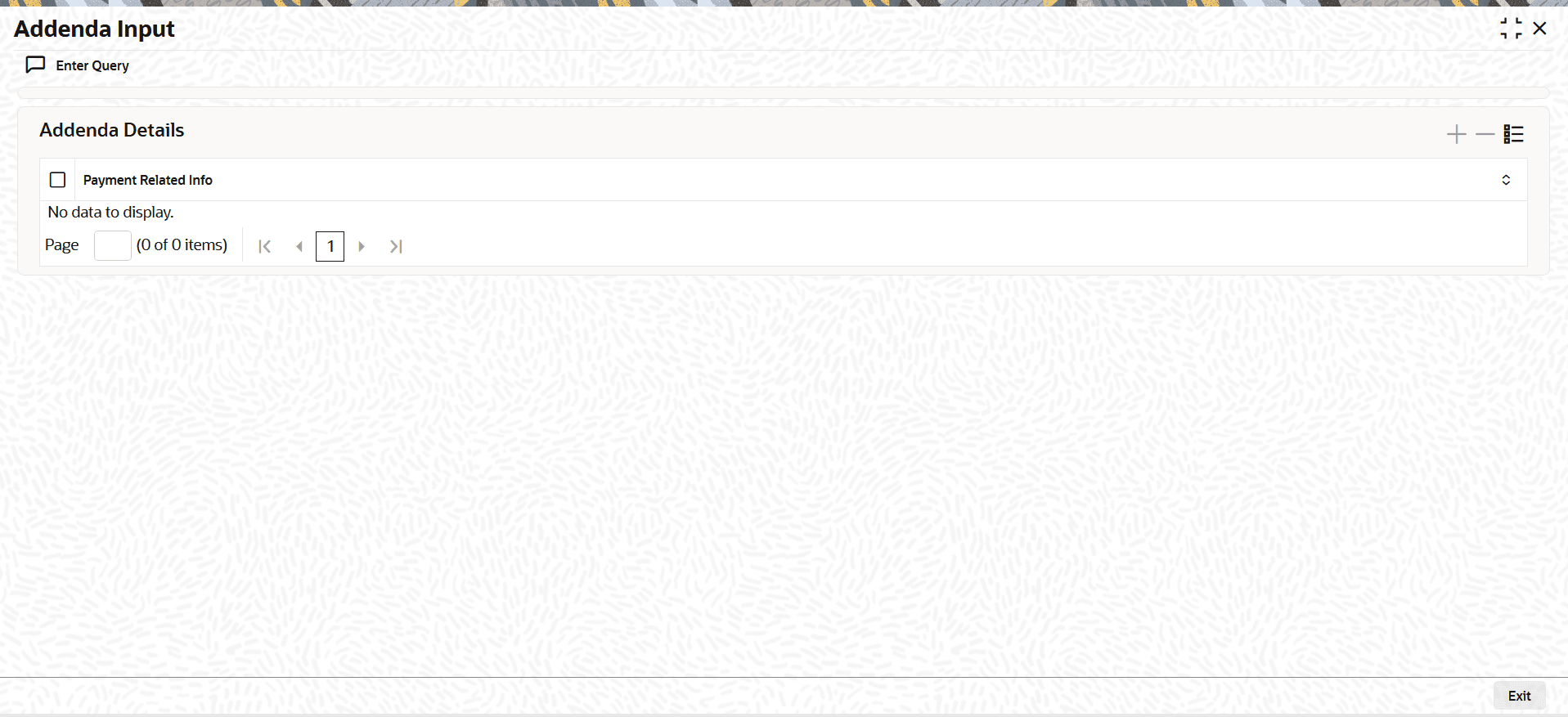
This topic describes addenda details, including payment-related information associated with a transaction.
- Click the Addenda Details button in the
Main screen.The Addenda Input sub-screen is displayed.
Parent topic: View Outbound US ACH Credit Transaction
Parent topic: View Outbound US ACH Debit Transaction
Parent topic: US ACH Outbound Reversal View