3.3 Event Failure Inquiry
This topic describes the systematic procedures for Event failure inquiry.
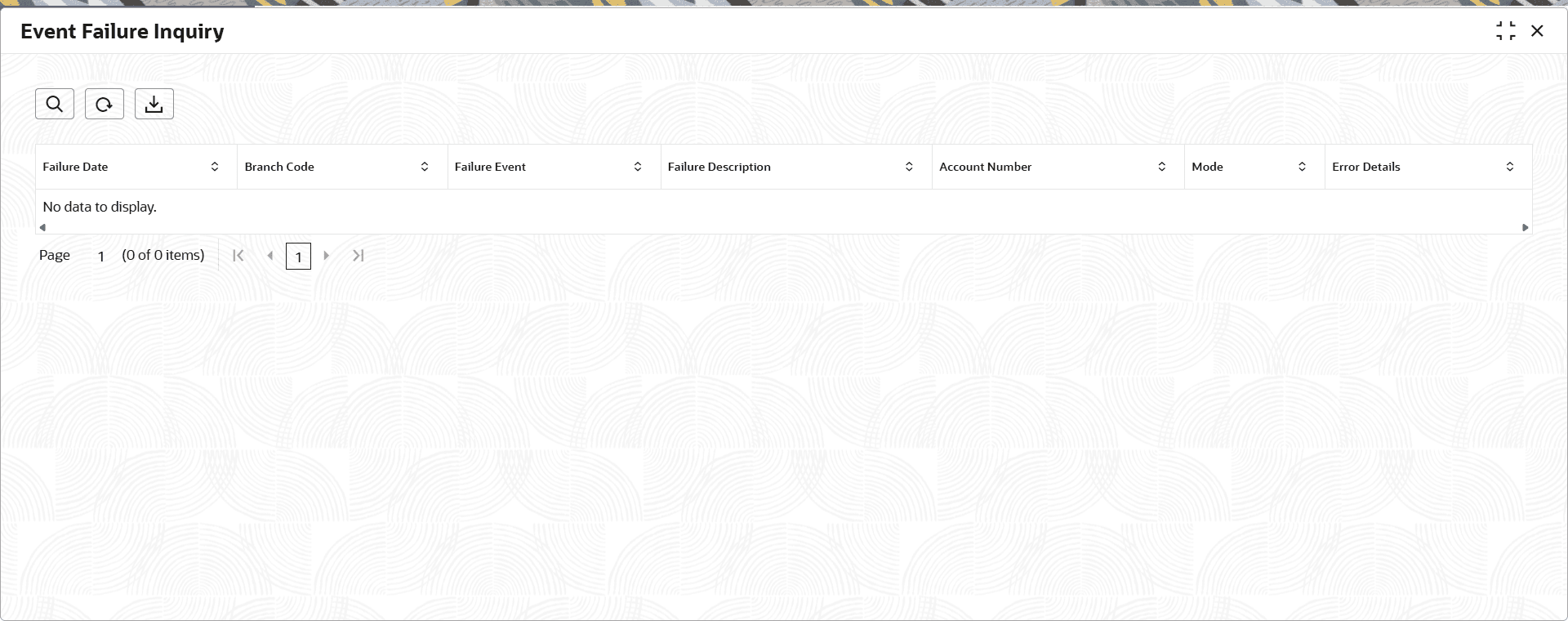
The Event Failure Inquiry screen helps users view and investigate account-level failures that occur during batch processing and Online Processing. User can download to export all failure inquiry records in CSV format. It helps user to monitor failures, analyze issues, and take necessary recovery actions.
- Under Loan Services, click Event Failure Inquiry.The Event Failure Inquiry screen is displayed.
Table 3-7 Event Failure Inquiry - Field Description
Field Description Failure Date The Processing Date on which account processing failed. Branch Code The Branch Code of the Account. Failure Event A specific processing event that failed during batch execution. Failure Description A brief explanation of the reason or nature of a failure that occurred during processing. Account Number An Account Number which is failed. Mode Displays the run mode of the failed transaction. The possible options are:
- Batch
- Online
Error Details The details about why a particular account or batch record failed during processing. - Click on
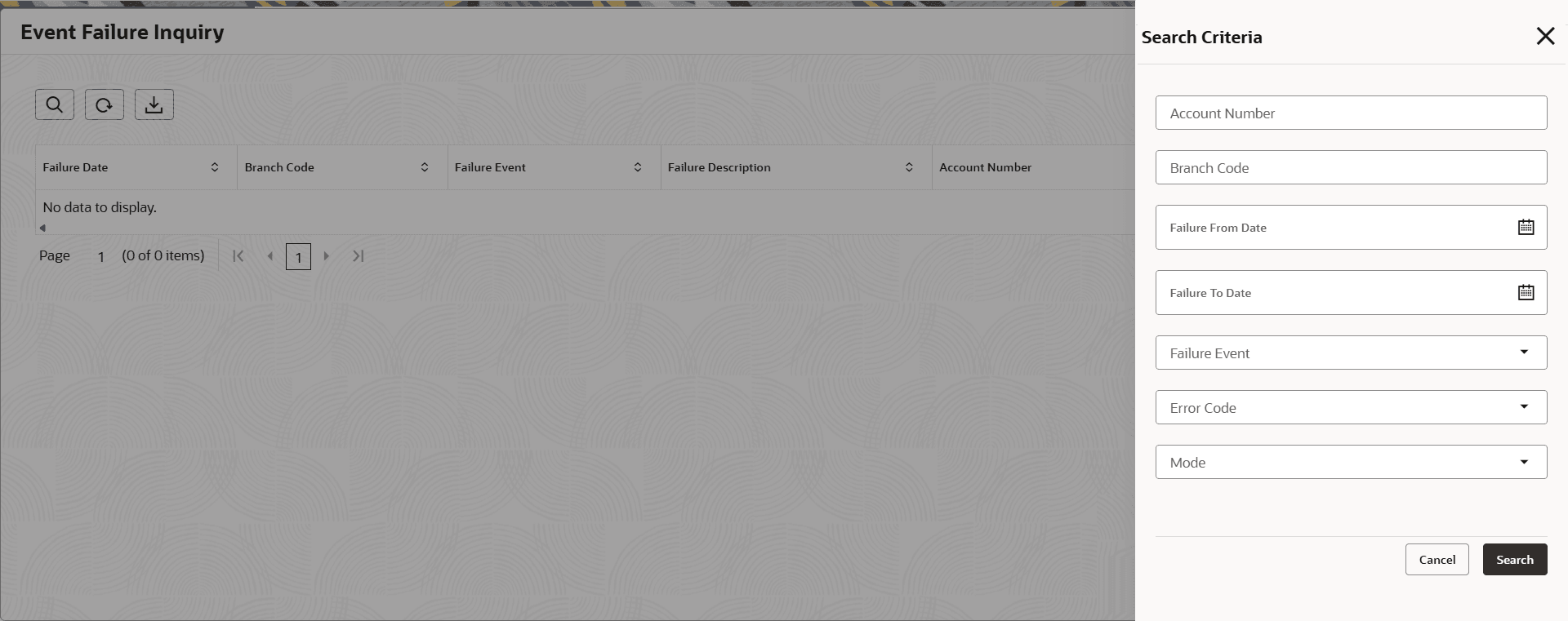
 icon the Search Criteria overlay screen is displayed.
- Enter search criteria and click Search.
Based on the search, the details related to event failure are displayed.
- View the required failed events details. For more information on fields, refer to field description table below:
For more information on fields, refer to the field description table.Figure 3-7 Event Failure Inquiry - Search Criteria
Table 3-8 Event Failure Inquiry - Search Criteria - Field Description
Field Description Account Number An Account Number which is failed. Branch Code The Branch Code of the Account. Failure Start Date Select or specify the start date from which the user needs to view the failed events. Failure End Date Select or specify the end date till which the user needs to view the failed events. Failure Event Select for the specific option to view the failed events from the drop-down list. Error Code Select the error code which to be searched from the drop-down list. Mode Select the run mode of the failed transaction from the drop-down list. The possible options are:
- Batch
- Online
- Enter search criteria and click Search.
- Click
 icon to export all failure inquiry records in CSV format.
Note:
Customize the download by selecting the columns for failure inquiry records user want to export. - Click
 icon to refresh the details displayed on the screen.
Parent topic: Operation