3.9.2.2 View Recon Rule Decision

This topic describes the systematic instruction to view, modify, delete, or authorize the reconciliation rule decision.

  1. On Home screen, click Receivables And Payables. Under Receivables And Payables, click Maintenance.
  2. Under Maintenance, click Reconciliation. Under Reconciliation, click Recon Rule Decision.
  3. Under Recon Rule Decision, click View Recon Rule Decision.
    The View Recon Rule Decision screen displays.
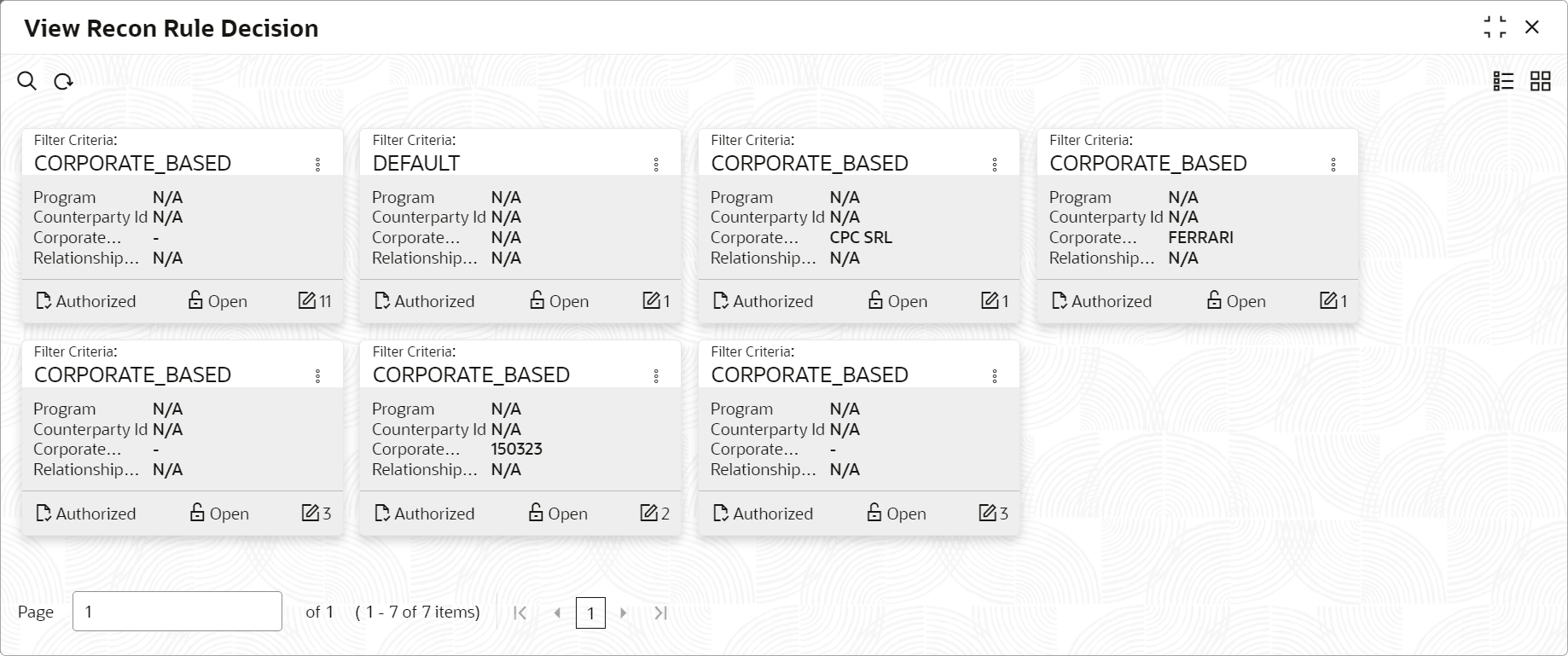
    Figure 3-60 View Recon Rule Decision


  4. Filter the records in the View screen:
    1. Click Search icon to view the filters. The user can filter the records by Corporate, Counterparty Id, Relationship Code, Program, Authorization Status, and Record Status.
    2. Select the required filter criteria and click Search button to filter the records.
    3. Click Reset to reset the filter criteria.
  5. Click Refresh icon to refresh the records.
  6. Click Options icon and then, select any of the following options: