3.5 Incoming Message Browser
This topic provides the systematic instructions to incoming message browser.
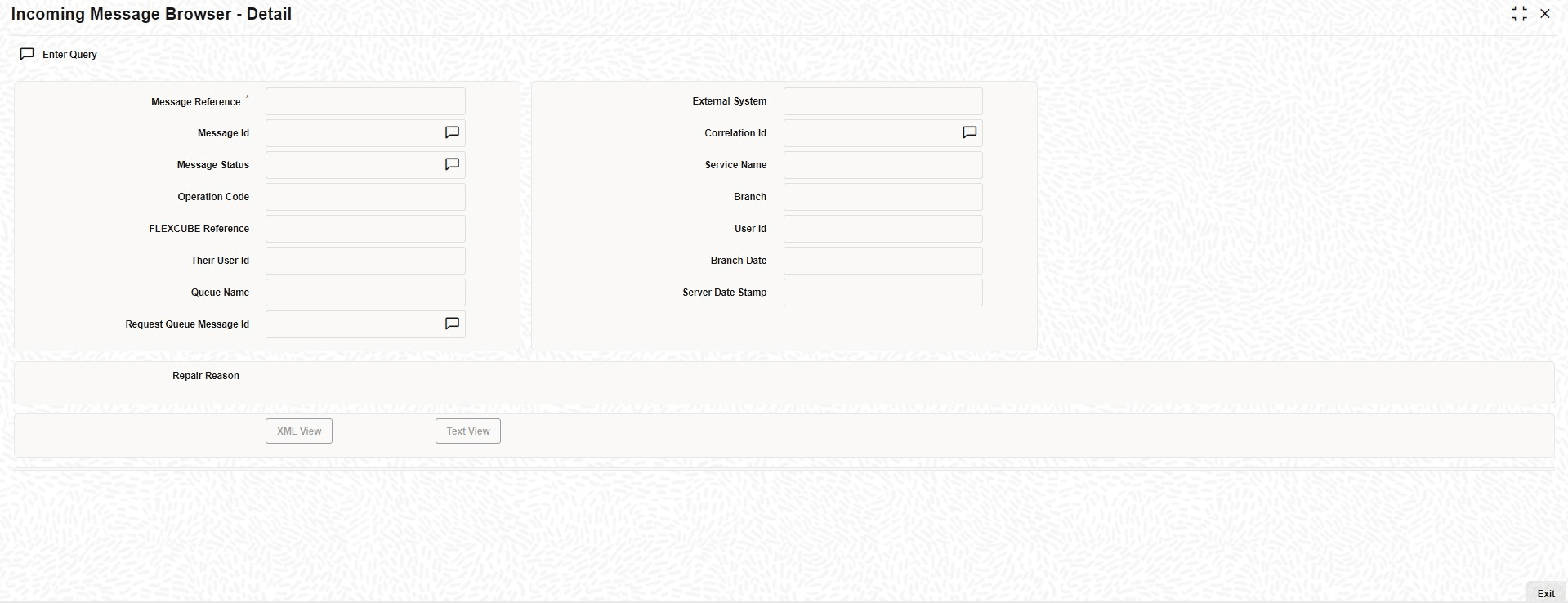
The messages received from the external system are displayed in the Incoming
Message Browser screen.
Specify the User ID and Password, and login to Homepage.
- On the Homepage, type GWDINBRW in the text box, and click the next arrow.The Incoming Message Browser - Detail
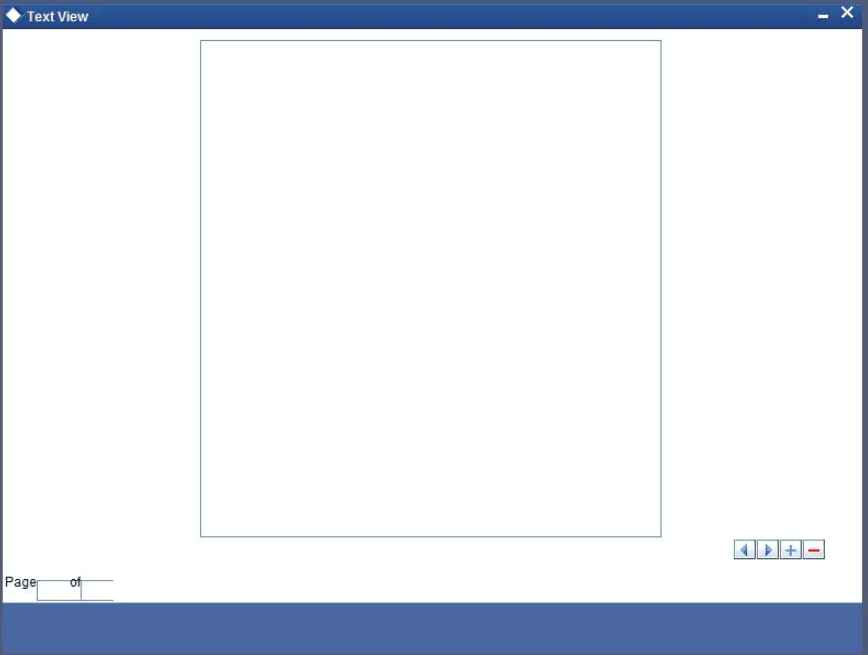
In the Incoming Message Browser screen, user can view the details of the messages received from the external systems. User can also view the messages in the XML format or the Text format. - Click the Text View button to view the incoming messages in text format.
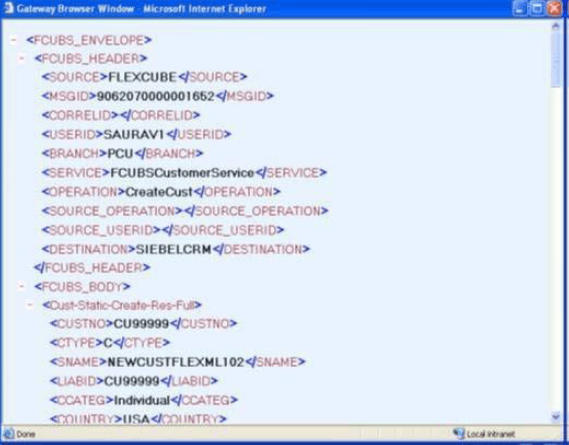
- Click the XML View button to view the Gateway Browser Window screen that displays the messages in XML format.
- View Incoming Message Details
This topic provides the systematic instructions to view incoming message details.
Parent topic: External System Maintenance