1.1 Logging into Oracle Banking Trade Finance
The Login window appears when OBTF is accessed. To get started, log in using the appropriate User ID and Password. The User ID is defined in the user profile created by the system administrator.
When the system is accessed, the Login screen appears.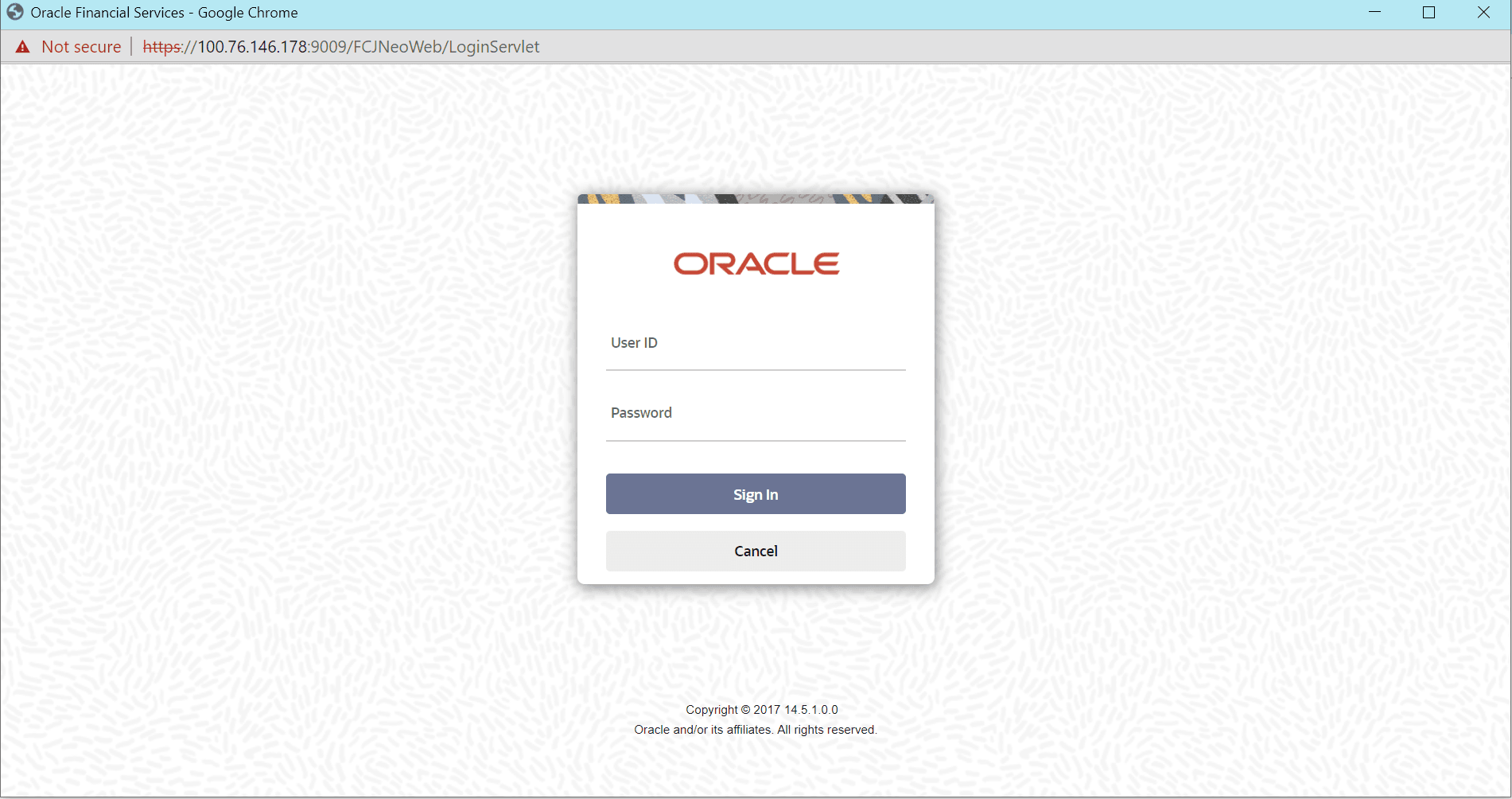
Description of the illustration 2.1_login.png
To login to Oracle Banking Trade Finance, specify the following details:
User ID
Specify the User ID. Log into Oracle Banking Trade Finance using the user ID provided by the system administrator. This field is not case-sensitive.
Password
Specify the Password for the User ID specified in the above field. This field is case sensitive.
Once above details are specified, click Sign In.
If the correct user ID and password are specified, the system logs in and displays the Home tab of the Application Browser screen. If either the user ID or password is incorrect, the system displays the appropriate error message.
While creating the user profile, if the Force Password Change option is selected, the system enforces a password change on first login. If the option is not selected, the same password can continue to be used.
- The number of successive invalid login attempts reaches the maximum defined for your user ID.
- The cumulative number of invalid login attempts reaches the maximum defined for your user ID.
If the user ID is disabled for any of the above reasons, the system displays a message indicating that the user profile is disabled. Users designated as Control Clerks can enable the profile for use again. To exit the system, click Exit.
Parent topic: Getting Started with Oracle Banking Trade Finance