1.3 The Application Browser
After login to the application, the system displays the browser, also referred to as
‘Landing Page’ of the application Browser.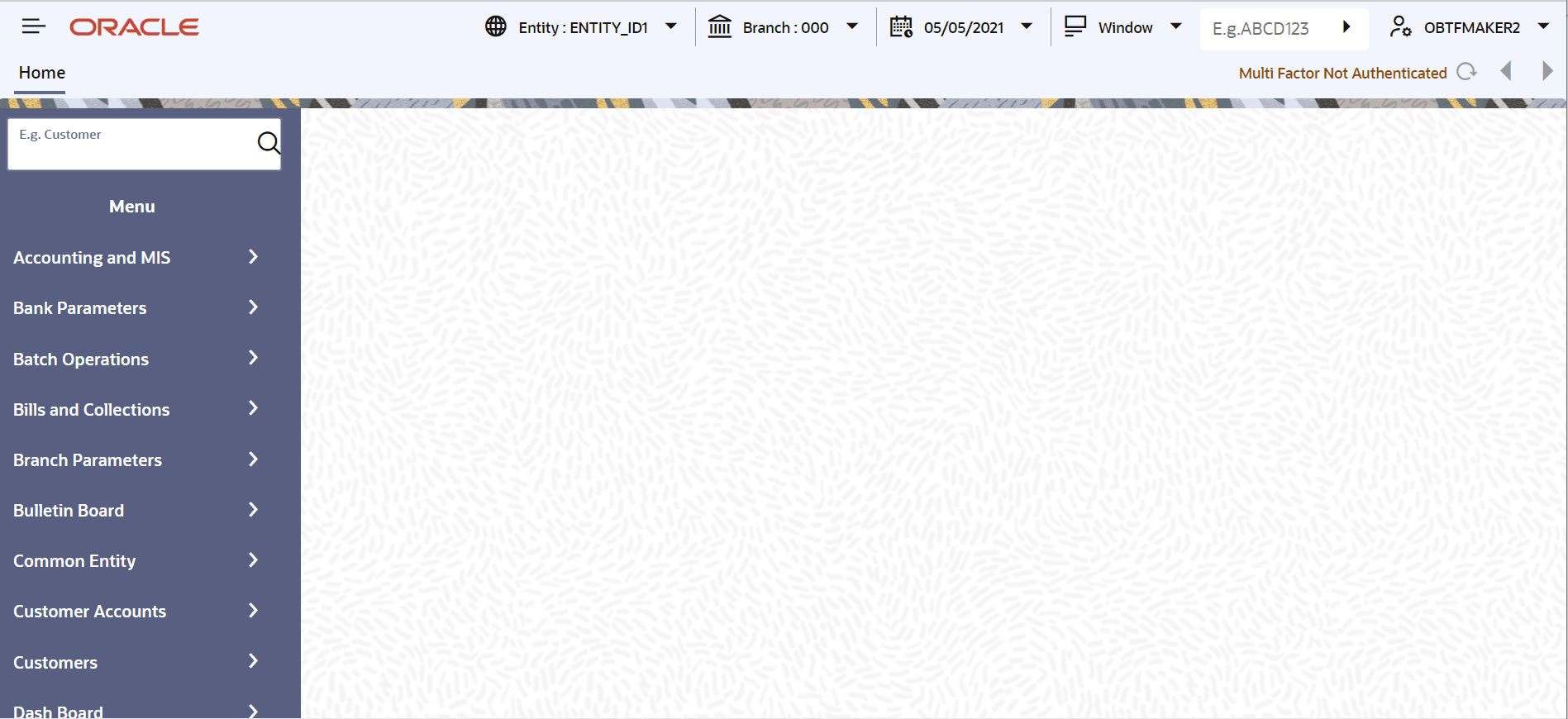
Description of the illustration 2.3_application-browser.png
The Landing page is divided into 3 sections:
- Application Toolbar - Tabs and Menu actions
- Left hand side pane - Menu and search criteria based on the tabs selected in toolbar. User can minimize or maximize this pane by clicking and , respectively.
- Right hand side pane - Records matching the search criteria specified in the left hand side pane.
The following tabs are available for selection in the Toolbar
of the landing page:
- Home - Select to view Menu on the left hand side window and Dashboard on the right hand side. After login into the system, the Home tab is displayed by default.
- Interactions - Select to view alerts, reminders and conversations that requires attention.
- Preferences - Select to view the user details and dashboards.
- Menu Options
Parent topic: Getting Started with Oracle Banking Trade Finance